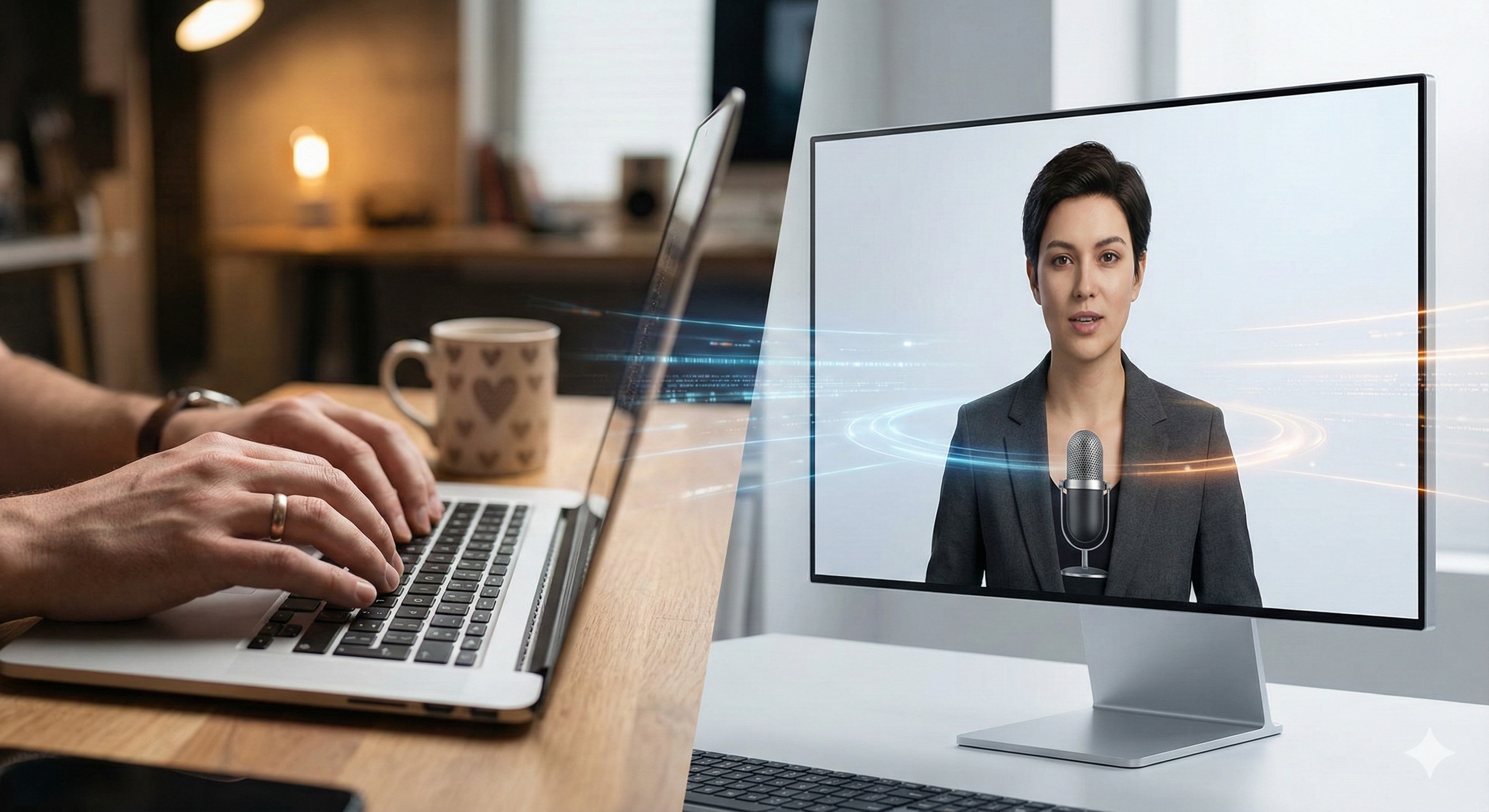
How to Scale Personal Branding with AI Avatars: A Practical Workflow
The Ultimate AI Video Tech Stack 2026: Clone Yourself in 4 Steps
Video is the most powerful medium for building trust and selling products online in 2026. Yet for many writers, solopreneurs, and introverted creators, the friction of getting on camera stops the storytelling process before it even starts.
The lighting is never right, the microphone echoes, you stumble over your words, or there simply is not enough time in your day to record five takes of a 60-second update.
This is where the new wave of AI video tools shifts from a fun novelty to an absolute business utility. We are not talking about robotic, uncanny-valley figures anymore. By combining specialized AI tools, you can now produce high-quality, face-to-camera content without ever putting on makeup or hitting the record button.
Here is the practical, step-by-step workflow for building a video production engine that runs on your script, not your schedule.
At a Glance: The "Digital Twin" Workflow
| Step | The Goal | The Recommended AI Tool |
|---|---|---|
| 1. The Script | Structure the narrative and hook | Sudowrite |
| 2. The Voice | Generate raw emotional audio | ElevenLabs |
| 3. The Visuals | Clone your face and lip-sync | Synthesia |
| 4. The Edit | Add B-roll, music, and captions | InVideo AI |
Step 1: The Script (The Foundation)
No amount of high-tech 4K rendering will save a boring story. Before you open a video generation tool, your narrative needs to be tight.
AI writing assistants work best here not to write the final draft for you, but to structure your messy thoughts into a proven video format.
Read our full Sudowrite review here
The strategy. Do not ask your AI to simply "write a script." Ask it for a specific framework. Feed your rough notes into Sudowrite and prompt: "Convert this blog post into a fast-paced 60-second TikTok script. Include a 3-second visual hook, a clear value proposition, and a call-to-action at the end."
Sudowrite's Rewrite feature is also underrated for this use case — paste a clunky paragraph and ask it to make the text "more conversational" or "more punchy." The result reads like something you actually said out loud, which makes the avatar's delivery feel natural.
👉 Structure your script with Sudowrite
Step 2: The Voice (ElevenLabs)
Audio quality is arguably more important than video quality. If the voice sounds robotic or unnatural, the viewer swipes away immediately. While video generators have built-in voices, pairing your visuals with a specialized audio engine dramatically elevates the production value.
Read our full ElevenLabs review here
ElevenLabs is the undisputed standard for emotive AI speech in 2026. It captures natural breaths, subtle pauses, and human inflection better than any competing tool. You can also clone your own voice with a 1-minute audio sample — meaning the final video sounds like you, even if you never recorded it.
The pro workflow. Generate your audio in ElevenLabs, download the high-quality MP3, and upload it directly into your video generator. This hybrid approach consistently outperforms all-in-one platforms on realism.
Murf AI is worth mentioning as an alternative for corporate explainer content where precise control over pitch and timing matters more than raw emotional warmth.
👉 Generate your voiceover with ElevenLabs
Step 3: The Visuals (Synthesia)
Once your script and audio are ready, the visual element comes into play. For 2026, Synthesia is our recommended platform for AI avatar video generation — enterprise-grade photorealism, a growing library of stock avatars, and strong support for creators who want custom Digital Twins.
Read our full Synthesia review here
Unlike earlier AI avatars that looked like stiff video game characters, Synthesia allows you to either use one of their 230+ pre-built avatars or create a custom avatar from a short video recording of yourself. The lip-sync accuracy when paired with an ElevenLabs audio file is excellent.
Why this matters. It creates brand consistency. You can maintain a recognizable presenter across every video you publish — weekly news updates, deep-dive tutorials, product walkthroughs — without stepping in front of a camera. Your audience builds a personal connection with your face, even though the footage was generated from a text box.
The workflow.
- Export your ElevenLabs MP3
- Upload it to Synthesia and select your avatar
- Synthesia automatically maps lip movements to your audio file
- Export in 1080p, ready for the editing step
👉 Try Synthesia free and create your first AI avatar video
Step 4: The Assembly (InVideo AI)
A stationary talking-head video — even a highly realistic AI one — gets boring after 15 seconds. To keep viewer retention high on YouTube and TikTok, the visual story needs to move.
Read our full InVideo AI review here
InVideo AI acts as your final editing suite. Import the raw avatar footage from Synthesia, then use InVideo to overlay cinematic B-roll, animated text captions, and background music. InVideo's AI features can even listen to your ElevenLabs audio track and automatically suggest relevant stock clips to layer over your avatar at key moments.
This turns a static AI monologue into a dynamic, engaging narrative.
👉 Edit your video with InVideo AI
The Boring Truth: Cost Stacking and the Soul Factor
These tools are powerful, but they require management. Go in with realistic expectations.
The soul factor. Even the best AI avatars in 2026 struggle with high-energy extreme emotions — uncontrollable laughter, raw anger, or chaotic energy. They work best for educational, calm, narrative, and professional content. If your brand relies on wild, unpredictable energy, you still need a real camera.
Cost stacking. Running a premium stack of Sudowrite (script), ElevenLabs (voice), Synthesia (video), and InVideo (editing) adds up. You are looking at roughly $80 to $130 per month in subscriptions. It is a real business investment, not a free shortcut. Compared to hiring a freelance presenter and renting a studio, it is still a fraction of the cost.
Transparency wins. Audiences value honesty. Consider telling your audience you use AI — frame it as "meet my AI presenter" rather than trying to hide it. It builds trust and makes the technology a part of your brand story rather than a liability.
Frequently Asked Questions
Does a custom AI avatar look exactly like me? The output is only as good as the input. Record your training video in a dark room with a blurry webcam and your clone will be dark and blurry. Film in good lighting with a decent camera and the result is indistinguishable from reality on a smartphone screen.
Is it difficult to sync ElevenLabs audio with Synthesia? Not at all. When you upload your ElevenLabs MP3 into Synthesia, the software automatically maps the avatar's lip movements to match the syllables of the audio file. No manual syncing needed.
Can I monetize these videos on YouTube? Yes. YouTube allows AI-generated content in its Partner Program as long as the underlying script provides original value and does not violate spam or repetitive content policies.
The Verdict: Decouple Your Time from Your Output
The goal of this tech stack is not to replace you as a creator. The goal is to decouple your physical time from your content output.
By combining Sudowrite for scripting, ElevenLabs for audio, Synthesia for visuals, and InVideo for editing, you can maintain a daily, high-quality video presence across every platform — while only "filming" once to create your avatar.
Do not buy everything at once. Start with the voice. Create a free ElevenLabs account, generate a 60-second voiceover from your next script, and hear what your content sounds like before spending anything on video.
Transparency note: This site is reader-supported. If you click our link and make a purchase, we may earn a commission at no extra cost to you. We only recommend tools we have genuinely reviewed.
Start with ElevenLabs — generate your first AI voiceover free →
Listings related to How to Scale Personal Branding with AI Avatars: A Practical Workflow

Elevenlabs
Is ElevenLabs the most realistic AI voice generator on the market? We tested its voice cloning and long-form storytelling features to see if it lives up to the hype.
Heygen
Turn your scripts into professional videos instantly. HeyGen removes the need for cameras by using realistic AI avatars. Perfect for writers and creators.

InVideo
Create & edit AI videos, AI Avatars, UGC product ads and much more!

Murf.ai
Realistic AI Voiceovers for Creators Who Don’t Want to Record Themselves