Keeping Your Story Straight: A Guide to AI World-Building and Consistency
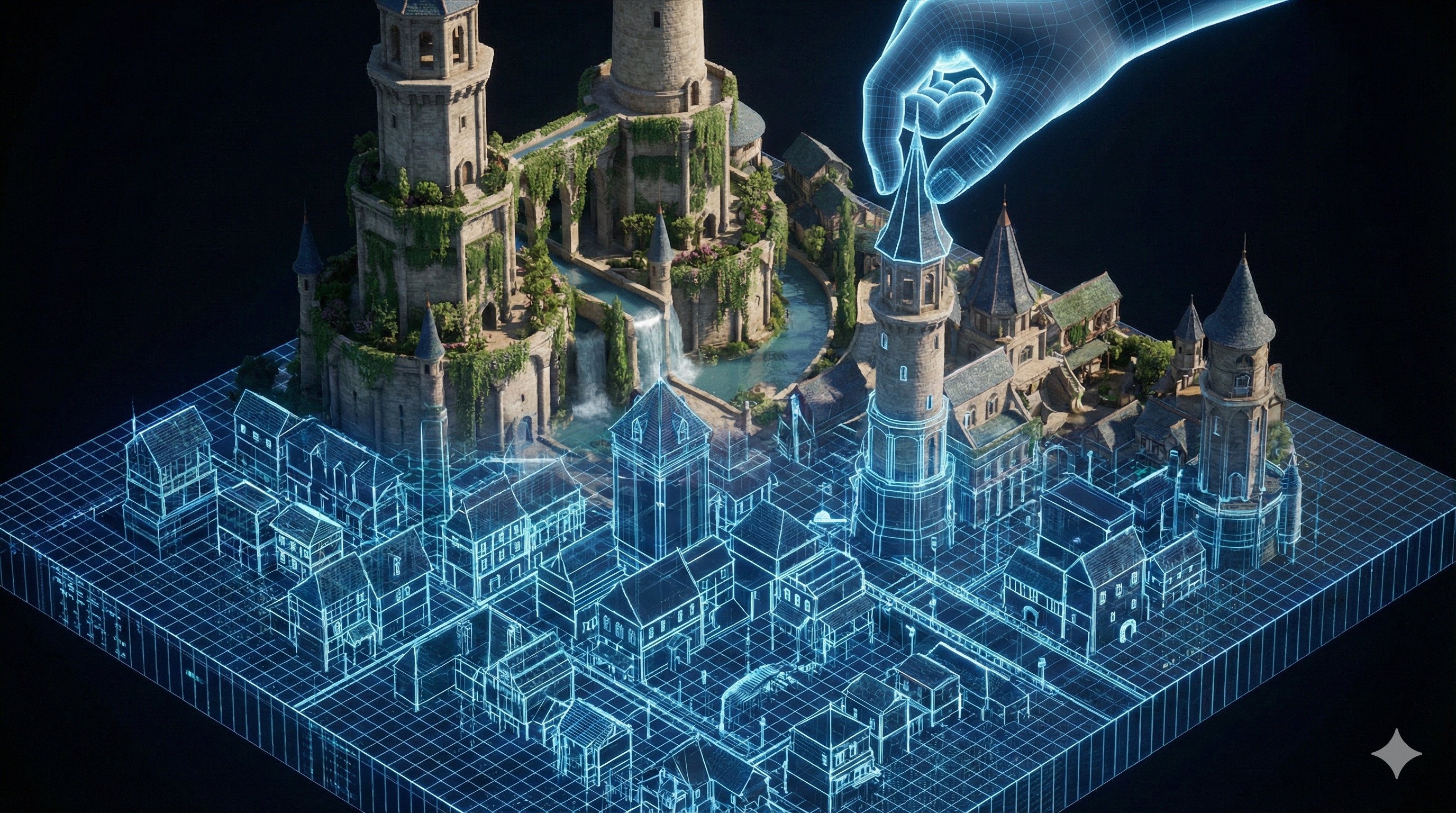
Keeping Your AI Story Straight: The Ultimate Guide to World-Building in 2026
If you have ever tried to write a full-length, 80,000-word novel using AI, you have almost certainly slammed head-first into "The Amnesia Problem."
In Chapter 1, your protagonist has piercing blue eyes and carries an ancient, rusted sword. By Chapter 4, the AI is absolutely convinced they have brown eyes and are wielding a laser pistol.
While Large Language Models (LLMs) are incredible at generating beautiful prose in 2026, they are notoriously bad at remembering context over long distances. For a marketer writing a short email, this amnesia doesn't matter. But for a storyteller building a complex universe, it breaks the immersion immediately and creates hours of frustrating editing work.
The solution is not to write longer, more complicated prompts. The solution is structured data management, commonly known as a "Series Bible." Here is exactly how professional indie authors use AI tools not just to write, but to remember.
The Two Types of AI Memory
To manage a complex story, you need to understand that AI writing tools function using two different types of memory:
- Context Window (Short-Term Memory): This is the immediate memory of the AI. Depending on the model, it can "read back" anywhere from 2,000 to 100,000 words. However, as your manuscript grows, the AI eventually forgets the beginning of the book.
- External Memory (The "Bible"): This is where specialized storytelling tools completely destroy generalist chatbots like ChatGPT. Premium tools allow you to store permanent data (character traits, magic rules, locations) that gets secretly "injected" into the AI’s attention only when it is relevant to the current scene.
Here is the exact workflow for setting this up correctly so your AI never hallucinates a laser pistol again.
Step 1: Centralize Your Truth (The Architect Phase)
Before you generate a single paragraph of prose, you need a source of truth. Do not rely on your chat history to hold these facts. You need a dedicated planning tool.
Read our full, deep-dive Plottr Review here
The Tool: Plottr If you are building a complex world, Plottr is the absolute industry standard for visual book planning. Before you even touch an AI writer, you should build your world here.
- The Character Bible: Create a profile for every character. Document their eye color, their specific speech patterns (e.g., "speaks with a slight stutter when lying"), and their motivations.
- The Setting Bible: Map out your locations so you know exactly how long it takes to travel from the Main City to the Dark Forest.
Why it matters: Plottr acts as your master blueprint. When the AI gets confused later on, you don't have to guess what the truth is; you just check your Plottr file.
Step 2: Feed the Engine (The Drafting Phase)
Once your world is built in Plottr, you need to transfer that knowledge into an AI that actually writes the book.
Read our full, deep-dive Sudowrite Review here
The Tool: Sudowrite (The Story Bible) Sudowrite is arguably the most robust drafting tool for fiction writers on the market today. Its core feature is the Story Bible.
- The Brain Dump: You take the high-level concept you built in Plottr and paste it into Sudowrite's "Brain Dump."
- Characters & Style: You copy your character sheets from Plottr into Sudowrite's dedicated character boxes. If you don't specifically tell Sudowrite that a character has a limp, the AI will write them sprinting up a flight of stairs.
- The Magic: Sudowrite constantly references this Story Bible in the background. When you ask it to write Chapter 12, it knows the rules of your world without you having to re-prompt it.
The Alternative: NovelAI (The Lorebook) If you write highly complex, rules-heavy Sci-Fi or LitRPG (and don't mind a steeper learning curve), NovelAI is incredibly powerful. It uses a Lorebook with "Trigger Keys."
- How it works: You assign a key (e.g., "MainCity"). When you type "MainCity" in your manuscript, the AI instantly checks the Lorebook and secretly loads the description of the city into its active memory. It saves processing power and ensures hyper-accurate world-building.
Step 3: Update as You Go (Dynamic World-Building)
The most common mistake amateur writers make is creating a static Series Bible at the start of the book and never touching it again.
Stories evolve. Maybe in Chapter 6, you decide on a whim that your magic system requires a rare blue gemstone to function.
- The Action: Stop writing immediately.
- The Habit: Go straight to your Sudowrite Story Bible (and your master Plottr file). Add the strict rule about the blue gemstone.
- The Result: When you reach Chapter 20 and the gemstone becomes the focal point of the climax, the AI will remember exactly how it works because it is referencing your updated permanent data, not just trying to guess based on the previous paragraph.
The Boring Truth: "Show, Don't Tell" Applies to AI Prompts
Here is the "boring truth" about AI memory: The AI is only as smart as the data you feed into its Bible.
When populating your world-building entries in Plottr or Sudowrite, avoid lazy, abstract adjectives.
- Bad Input: "The city is scary and dark." (The AI will write generic, boring prose).
- Better Input: "The city is covered in perpetual, choking smog; the neon streetlights flicker constantly, and the cracked cobblestones are slick with motor oil."
When you feed the AI concrete, sensory imagery in your world-building notes, it outputs highly immersive, concrete imagery in your actual manuscript.
Frequently Asked Questions (FAQ)
Can I just use a Google Doc as my Series Bible? Yes, but it is incredibly slow. If you use a Google Doc alongside ChatGPT, you have to manually copy and paste the relevant character details into the chat prompt every single time you generate a new scene. Tools like Sudowrite automate this entirely.
How many characters can Sudowrite's Story Bible remember? Sudowrite's character box has a generous word count limit, allowing you to store detailed descriptions for dozens of main and supporting characters simultaneously.
Is Plottr an AI writing tool? No. Plottr is a visual outlining and organizational software. It does not write the prose for you; it helps you build the structural framework so that when you do use an AI writer, the AI stays on track.
Final Verdict: The Tool Serves the Architect
AI is a powerful engine, but you are the navigator. The quality of your story's continuity depends entirely on how disciplined you are with your world-building data.
If you are writing a quick, standalone 500-word short story, you can wing it with a general chatbot. But if you are building a franchise, a trilogy, or a full-length novel in 2026, you need a system that actually respects your lore.
Build Your System Today:
- 👉 Map the World: Start by visually outlining your characters and locations with Plottr.
- 👉 Write the Book: Transfer those notes into Sudowrite's Story Bible to generate prose that never forgets your plot.
Transparency Note: The Story & Script AI Directory is reader-supported. We may earn a commission if you purchase through our links.
Listings related to Keeping Your Story Straight: A Guide to AI World-Building and Consistency

NovelAI
Discover NovelAI — an AI-powered platform for writers and creators who want high-quality anime art, long-form fiction, worldbuilding, and character development tools.
Sudowrite
Boost your storytelling and scriptwriting with Sudowrite AI — brainstorm ideas, refine dialogue, and structure plots with ease.

Writesonic
Writesonic combines AI storytelling with SEO and research-backed recommendations, helping creators produce structured content that performs in search and engages audiences.

Jasper AI
Jasper AI helps creators draft blogs, scripts, and social content faster. Ideal for solopreneurs, marketers, and small teams.