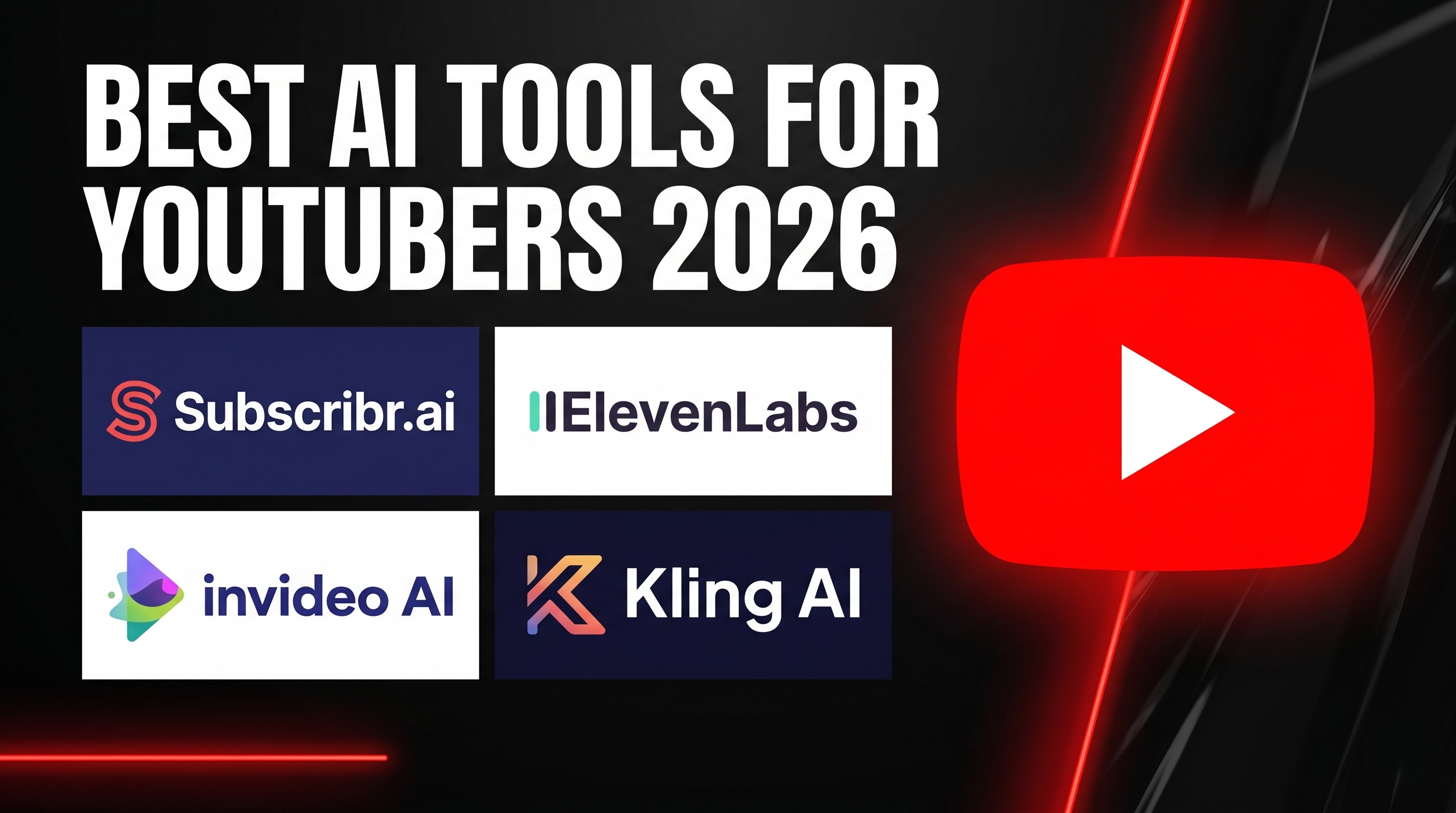
The 7 Best AI Tools for YouTubers in 2026 (Tested by Stage of Production)
Growing a YouTube channel in 2026 is harder than ever — and easier than ever, depending on which tools you use.
The algorithm has never been more demanding. Retention graphs punish weak hooks. Viewers skip anything that sounds robotic. And the creators posting daily aren't working harder than you — they have built smarter production pipelines.
The good news: AI has transformed every stage of YouTube production. Script research that used to take four hours now takes twelve minutes. Voiceovers that used to require a recording booth now sound better than most professional studios. Video editing that used to require Premiere Pro skills now happens in a browser with a text prompt.
But there are dozens of tools fighting for your subscription fee, and most reviews just list them without telling you what actually matters: which tool solves which problem, and at what stage of production.
This guide does exactly that. We have tested every tool on this list for real YouTube workflows and organised them by production stage so you know exactly what to buy and when.
At a Glance: The Complete YouTuber's AI Stack
| Production Stage | The Problem | The Best Tool |
|---|---|---|
| Research & Scripting | Finding viral topics and writing retention-heavy scripts | Subscribr.ai |
| Voiceover | Generating human-sounding narration without a microphone | ElevenLabs |
| AI Avatar | Creating a digital presenter without going on camera | Synthesia |
| Video Generation | Turning a script into a full video automatically | InVideo AI |
| Cinematic B-roll | Generating custom footage stock libraries don't have | Kling AI |
| Editing & Cleanup | Removing filler words and repurposing long-form content | Descript |
| Corporate Voiceover | Professional narration synced to a video timeline | Murf AI |
1. Subscribr.ai — The Script That Actually Keeps People Watching
Best for: Research-heavy channels, faceless creators, documentary and educational niches
The single biggest mistake YouTubers make is treating scripting as an afterthought. You can have a $3,000 camera and a professional editor — if your script loses the viewer at second eight, the algorithm buries the video.
Most AI writers (including ChatGPT) write scripts that sound like Wikipedia articles. They are technically accurate but structurally boring. Subscribr.ai is built differently. It was designed specifically for YouTube retention, meaning it understands that a script needs a pattern interrupt every 45 seconds, that the hook must pose a question the viewer cannot leave unanswered, and that the payoff needs to land before the viewer's thumb moves.
What makes it different:
The research agents are the real differentiator. Before writing a single word, Subscribr pulls data from YouTube transcripts, web sources, and news to fact-check and contextualise your script. You are not just generating text — you are generating informed, source-backed content that holds up to scrutiny.
The "Outlier" feature is particularly powerful. It scans your niche and identifies videos that dramatically outperformed a channel's average. You can then analyse why those videos worked and apply the same structural triggers to your own content.
Pricing: Free trial available (no credit card required). Pro plans tiered by script volume — significantly cheaper than hiring a human scriptwriter at $50–200 per script.
Read our full Subscribr.ai review here
Transparency note: This site is reader-supported. If you click our link and make a purchase, we may earn a commission at no extra cost to you.
Start your free Subscribr.ai trial and write your next viral script →
2. ElevenLabs — The Voice That Doesn't Sound Like AI
Best for: Faceless channels, audiobook creators, any channel where narration quality matters
Audio quality is more important than video quality. Viewers will tolerate a slightly blurry shot — they will not tolerate a robotic, emotionless voice for ten minutes.
ElevenLabs is the undisputed standard for AI voiceover in 2026. It does not just read words — it understands context. An exclamation mark actually produces excitement. A tense scene sounds tense. The breathing, the pauses, the micro-inflections are indistinguishable from a human voice actor on a smartphone speaker.
What makes it different:
Voice cloning. With a one-minute audio sample, ElevenLabs clones your exact voice — your cadence, your tone, your delivery. From that point, you never have to record again. Type your script, export the MP3, done.
The Speech-to-Speech feature is equally powerful for creators who do record: you can record in a noisy room, in your car, on your phone — and ElevenLabs transforms the audio quality into studio-grade output with your own emotional delivery intact.
Pricing: Generous free tier to start. Paid plans are character-based — proofread carefully before generating to avoid burning credits on mistakes.
Read our full ElevenLabs review here
Transparency note: This site is reader-supported. If you click our link and make a purchase, we may earn a commission at no extra cost to you.
Try ElevenLabs free and generate your first AI voiceover →
3. Synthesia — A Human Face Without a Camera
Best for: Creators with camera anxiety, educators, corporate and explainer channels
Not every successful YouTube channel needs a human on camera — but the channels that do have a face consistently outperform faceless channels in subscriber retention and trust. Audiences connect with people, not slides.
Synthesia gives you a presenter without the camera setup. You either choose from 230+ pre-built professional avatars, or you record a two-minute video of yourself once and Synthesia creates a Digital Twin. From that day forward, you type your script and your avatar delivers it — micro-expressions, natural blinking, fluid movements included.
What makes it different:
The enterprise-grade quality is accessible to solo creators. Lip-sync accuracy when paired with an ElevenLabs audio file is excellent. Multi-language translation is built in — one English video can become Spanish, French, and Japanese versions in minutes, each with matching lip movements.
Pricing: Free tier available for testing. Paid plans unlock higher resolution, more avatar credits, and custom Digital Twin creation. Verify current pricing on the Synthesia website.
Read our full Synthesia review here
Transparency note: This site is reader-supported. If you click our link and make a purchase, we may earn a commission at no extra cost to you.
Try Synthesia free and create your first AI avatar video →
4. InVideo AI — From Script to Finished Video in Minutes
Best for: Faceless channels, high-volume content creators, bloggers repurposing written content
InVideo AI solves the problem that stops most new YouTubers before they ever publish: blank timeline anxiety. Opening Premiere Pro when you have never edited before is genuinely intimidating. InVideo removes that barrier entirely.
You paste your script — or type a topic — and InVideo generates a complete video. It selects stock footage from iStock and Storyblocks that matches your narrative beats, applies a human-sounding voiceover, adds animated captions, and syncs background music. What used to take a full day of editing happens in minutes.
What makes it different:
The "Edit by Command" feature. Instead of learning a timeline editor, you type natural language instructions: "Replace scene three with a rainy street at night" or "Make the intro faster." The AI executes the edit. For writers who think in words rather than timelines, this is the most natural video editing experience available.
Pricing: Paid plans based on AI generation minutes. Be aware that editing and re-generating also costs minutes — perfectionist creators can burn through credits faster than expected. Plan your scripts carefully before generating.
Read our full InVideo AI review here
Transparency note: This site is reader-supported. If you click our link and make a purchase, we may earn a commission at no extra cost to you.
Start creating with InVideo AI today →
5. Kling AI — When Stock Footage Is Not Enough
Best for: Cinematic channels, music video creators, any channel needing custom visual B-roll
Stock footage has a ceiling. If you run a channel about ancient civilisations, a channel about deep-sea creatures, or a channel that needs a specific mood that no stock library has captured — you hit that ceiling fast.
Kling AI generates custom video footage from a text prompt or an image. You describe the shot you need — "a lone astronaut walking across a red Martian desert at golden hour, wide angle, cinematic, dust particles in the air" — and Kling renders it. The physics engine and motion quality in 2026 are genuinely cinematic.
What makes it different:
Image-to-video generation. Take a still image — your book cover, a character design, a product shot — and animate it into a moving video clip. For creators who have visual assets but need motion, this is a game-changer.
The pro workflow that top creators use: generate the hook and the most visually striking moments in Kling AI, then fill the rest of the video with InVideo's stock footage. One tool for impact, one tool for efficiency.
Pricing: Available via Impact.com affiliate program. Credit-based model — verify current plans on the Kling AI website.
Read our full Kling AI review here
Transparency note: This site is reader-supported. If you click our link and make a purchase, we may earn a commission at no extra cost to you.
Try Kling AI and generate your first cinematic shot →
6. Descript — Edit Your Video Like a Word Document
Best for: Talking-head YouTubers, podcasters, anyone who records themselves speaking
If you record yourself on camera or behind a microphone, Descript is the most significant productivity tool on this list. It transcribes your recording into text, and from that point you edit the video by editing the document.
Delete a sentence in the text? That clip is cut from the video. Drag a paragraph to the top? Your footage rearranges itself to match. Find all the "ums" and "uhs"? One click removes every filler word from the entire recording.
What makes it different:
Studio Sound. One click transforms a recording made in a bedroom, a car, or a noisy office into audio that sounds like a professional recording booth. For creators who cannot afford acoustic treatment or a quality microphone setup, this single feature justifies the subscription.
Eye Contact Correction is equally powerful — if you read your script from a monitor slightly off-axis, Descript corrects the gaze in post so your finished video looks like you held direct eye contact throughout.
Pricing: Free tier includes 1 hour of transcription. Creator plan (~$24/month) is the sweet spot for YouTubers — 4K exports, 30 hours of transcription, and generous AI credit allowance.
Read our full Descript review here
Transparency note: This site is reader-supported. If you click our link and make a purchase, we may earn a commission at no extra cost to you.
Start editing video like a document with Descript →
7. Murf AI — Professional Voiceover Synced to Your Timeline
Best for: Educators, corporate YouTubers, explainer video creators, Canva users
Where ElevenLabs is optimised for raw emotional realism, Murf AI is optimised for workflow efficiency. It is a complete voiceover studio in the browser — you see a timeline, you upload your video, and you sync voiceover blocks to specific scenes without leaving the platform.
For channels where clarity and authority matter more than dramatic emotional range — finance explainers, tutorial channels, corporate training videos — Murf delivers consistently professional results with significantly less credit anxiety than character-based tools.
What makes it different:
The Canva integration. If you build slides or graphics in Canva, Murf generates voiceover directly onto your presentation without exporting and reimporting files. For educators and explainer creators, this alone saves hours of production time per video.
Pricing: Available via PartnerStack. Plans tiered by generation volume — more forgiving for editors who need to iterate, since you can re-generate a single sentence without burning through your full monthly quota.
Read our full Murf AI review here
Transparency note: This site is reader-supported. If you click our link and make a purchase, we may earn a commission at no extra cost to you.
Try Murf AI and produce your first professional voiceover →
The Recommended Stack by Creator Type
Not every YouTuber needs every tool. Here is what we actually recommend based on your channel type:
Faceless documentary or educational channel: Subscribr.ai (script) + ElevenLabs (voice) + InVideo AI (video) = a complete production pipeline for under $80/month
On-camera talking head or podcaster: Subscribr.ai (script) + Descript (editing) = faster production without changing how you record
Cinematic or storytelling channel: Subscribr.ai (script) + ElevenLabs (voice) + Kling AI (custom B-roll) + InVideo AI (assembly) = the highest-quality faceless stack available
Corporate or educator channel: Synthesia (avatar) + Murf AI (voiceover) = polished, professional video without any camera equipment
Frequently Asked Questions
Do I need all of these tools? No. Start with one tool that solves your biggest current bottleneck. If your scripts are weak, start with Subscribr.ai. If your voiceover sounds robotic, start with ElevenLabs. Add tools as your channel grows and your production needs expand.
Can I monetize AI-generated YouTube videos? Yes. YouTube allows AI-generated content in its Partner Programme as long as the underlying script provides original, valuable content and does not violate spam or repetitive content policies. Channels built entirely on low-effort AI content risk demonetisation — the quality and originality of your script matters.
Which tool should an absolute beginner start with? Subscribr.ai or InVideo AI — both have low learning curves and produce immediate, visible results. Write your first proper script in Subscribr, then generate your first video in InVideo. You will have a publishable video within a few hours of starting.
Are there free trials available? Yes — every tool on this list offers either a free tier or a free trial. We recommend testing before committing to any paid plan.
The Bottom Line
The best AI tools for YouTubers in 2026 are not the ones with the most features — they are the ones that remove the specific friction point that is stopping you from publishing consistently.
Pick the stage of production where you are most stuck. Start there. Build the rest of the stack around it as your channel grows.
Transparency note: This site is reader-supported. If you click our link and make a purchase, we may earn a commission at no extra cost to you. We only recommend tools we have genuinely reviewed.
Start with Subscribr.ai — write your first viral YouTube script today →
Listings related to The 7 Best AI Tools for YouTubers in 2026 (Tested by Stage of Production)

Elevenlabs
Is ElevenLabs the most realistic AI voice generator on the market? We tested its voice cloning and long-form storytelling features to see if it lives up to the hype.

Descript
Descript makes editing video and audio as easy as editing text. Record, transcribe, edit, and publish in one tool. Try for free, with powerful upgrades for creators & teams.

InVideo
Create & edit AI videos, AI Avatars, UGC product ads and much more!

Kling AI
Create professional videos and images with Kling AI's state-of-the-art generative AI platform. Our tools support video generation, image creation, and advanced editing capabilities for content creators.

Synthesia
Create AI generated videos from text with the most advanced AI avatars and voiceovers in 140+ languages. Try our free AI video generator now!