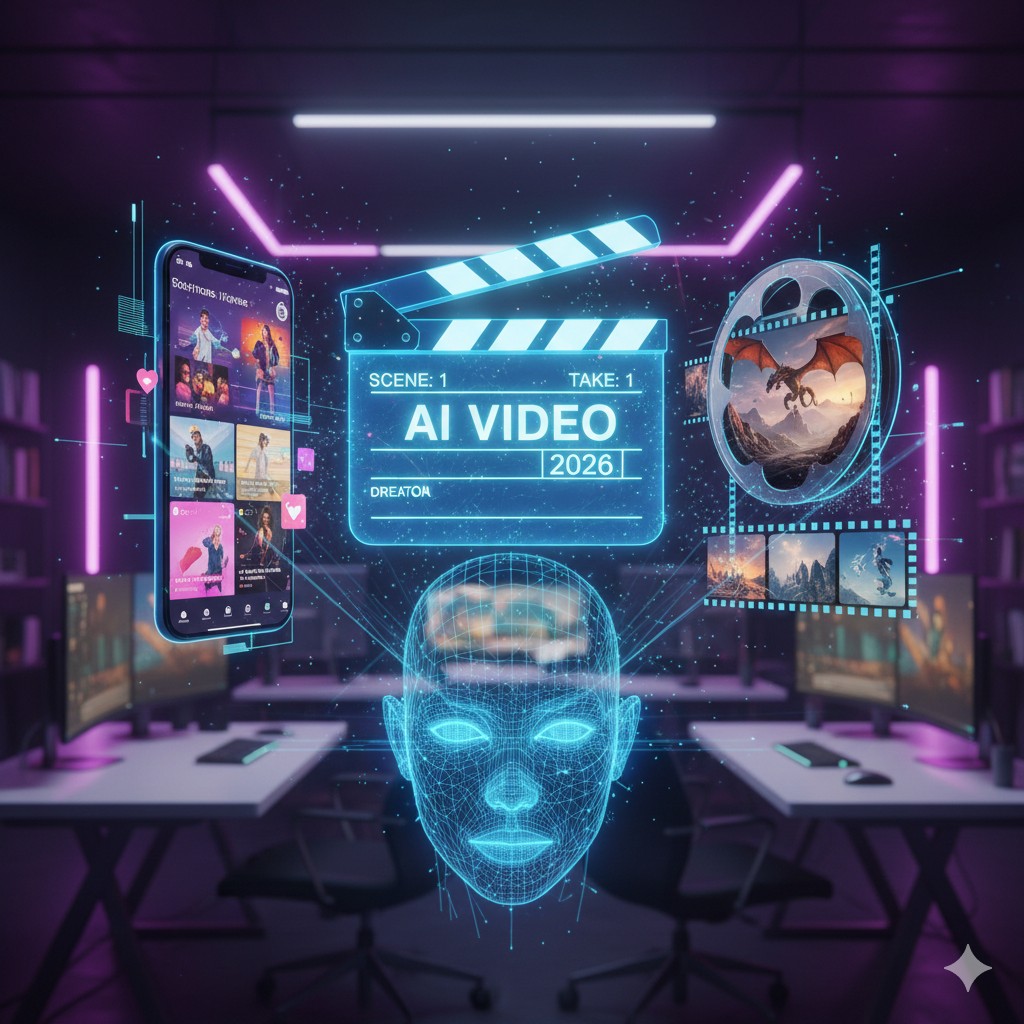
The Best AI Video Generators for Authors (2026): Trailers, TikToks & Avatars
Best AI Video Generators for Authors in 2026: BookTok Made Easy
"I'm a writer. I deal in words, not video files. I am definitely not a YouTuber."
If you are an author in 2026, you have probably said this exact phrase. But the harsh reality of modern publishing is that BookTok sells books. Instagram Reels sell books. YouTube Shorts sell books. If you aren't producing vertical video content, your novel is practically invisible to the algorithms that drive book sales today.
Here is the good news: You no longer need to buy a $1,000 camera, set up a ring light, learn complex editing software, or even show your face. You just need the right AI.
We have tested the top AI video generation tools on the market to find the absolute best options specifically for authors. Whether you want to create a cinematic Hollywood-style book trailer, or just feed the TikTok algorithm with daily quotes, here is your ultimate video toolkit.
At a Glance: The Author's Video Toolkit
| AI Tool | Best For | Visual Style | Primary Feature |
|---|---|---|---|
| InVideo AI | Daily Social Media | Stock Footage & Text | Type a prompt, get a full TikTok |
| Kling AI | Book Trailers | Cinematic / Fantasy | Generates video from pure text |
| HeyGen | Personal Brand | Realistic Avatar | Clone yourself to speak on camera |
| Synthesia | Non-Fiction & Courses | Corporate / Studio | Premium avatars for teaching |
1. InVideo AI: The Social Media Workhorse
Read our full InVideo AI Review here
If your goal is to post on TikTok or Instagram Reels every single day to build an audience, but you only have 15 minutes a day to do it, InVideo AI is your best friend.
It is a complete prompt-to-video engine. You don't edit a timeline — you just give the AI instructions. You can type: "Create a 45-second vertical video about the psychological thriller novel 'The Silent Patient'. Use suspenseful background music, dark rainy visuals, and a raspy female voiceover reading this quote..."
In minutes, InVideo pulls premium stock footage, generates the voiceover, syncs the captions, and gives you a ready-to-post MP4 file.
The Pros: Extremely fast workflow. It handles the script, the voice, and the visuals all at once. Perfect for churning out high-volume marketing content.
The Cons: Because it relies on a stock footage library, it can sometimes struggle to find the perfect clip if your book features highly specific fantasy creatures or alien worlds.
Transparency note: This site is reader-supported. If you click our link and make a purchase, we may earn a commission at no extra cost to you.
Try InVideo AI and create your first author video today →
2. Kling AI: The Cinematic World-Builder
Read our full Kling AI Review here
If you write Fantasy, Sci-Fi, or Historical Fiction, stock footage won't cut it. You need to show your readers a world that doesn't actually exist. This is where Kling AI steps in as the heavy hitter.
Unlike InVideo, Kling AI generates completely new video pixels from scratch based on your text prompts. You can describe a "cyberpunk detective walking through a neon-lit alleyway in the rain" or a "massive red dragon breathing fire over a crumbling gothic castle," and Kling AI will generate a hyper-realistic, high-definition video clip of exactly that.
The Pros: Unbelievable visual quality. It allows indie authors to create visually stunning, Hollywood-level cinematic book trailers for pennies on the dollar.
The Cons: It only generates short clips — usually 5 to 10 seconds. You will need to generate multiple clips and stitch them together in a free editor like CapCut to make a full trailer.
Transparency note: This site is reader-supported. If you click our link and make a purchase, we may earn a commission at no extra cost to you.
Try Kling AI and generate your first cinematic book trailer clip →
3. HeyGen: The Personal Brand Builder
Read our full HeyGen Review here
Readers love connecting with the author. They want to know the person behind the pages. But forcing yourself to put on makeup, set up a camera, and do 15 takes just to record a 30-second newsletter update is exhausting.
HeyGen solves this by creating a photorealistic Digital Twin of you. You record yourself reading a script once — about 2 minutes — to train the AI. From that day forward, you simply type your script into the HeyGen dashboard, and your AI avatar will speak the words perfectly in your exact voice, with your natural facial expressions and micro-movements.
The Pros: The lip-syncing and realism of their Avatar IV engine are excellent. You can generate an update video quickly, and the AI makes you look perfectly put together.
The Cons: Requires a well-lit, high-quality initial recording to create a convincing clone. If your training video has bad audio, your clone will have bad audio.
4. Synthesia: The Educator
Read our full Synthesia Review here
If you write non-fiction, business books, or self-help — or if you create companion video courses to sell alongside your books — Synthesia is the enterprise gold standard.
Instead of cloning yourself, Synthesia provides over 230 highly professional, diverse AI avatars that can speak your script in over 120 languages. It is less about viral TikToks and more about polished, trustworthy presentations.
The Pros: Incredibly reliable, strict brand safety, and deep integrations with presentation software. Perfect for turning a chapter of your non-fiction book into a premium video lesson.
The Cons: The avatars can feel slightly more formal than HeyGen's creator-focused models, giving it a corporate vibe that suits educational content more than social media.
Transparency note: This site is reader-supported. If you click our link and make a purchase, we may earn a commission at no extra cost to you.
Try Synthesia free and create your first AI avatar video →
The Boring Truth: AI Video Isn't Magic
As impressive as these tools are in 2026, you need to set the right expectations.
AI video generation is a co-pilot, not an autopilot. If you type a lazy, one-sentence prompt into Kling AI, you will get a weird, distorted video. If you don't proofread your script before generating, your avatar will mispronounce words and you will have to pay credits to generate it again.
To get the most out of these tools, you still need to apply your skills as a writer. Be highly descriptive with your prompts and ruthless with your script editing.
Frequently Asked Questions
Do I need a powerful, expensive computer to use these tools? No. InVideo, Kling AI, HeyGen, and Synthesia are all cloud-based platforms. The heavy rendering happens on their servers, meaning you can generate these videos on a basic laptop or even an iPad.
Can I use these videos for YouTube or TikTok monetization? Yes. On paid subscription tiers for these tools, you are granted commercial rights to the videos you generate, meaning you can use them for ads or monetized social media channels.
Which tool is the easiest for an absolute beginner? InVideo AI is by far the easiest. Because it handles the script, the voice, and the visuals all from a single text prompt, the learning curve is practically zero.
The Verdict: Which One Should You Pick?
Don't buy all of them. Choose the one that fits your specific marketing strategy.
Transparency note: This site is reader-supported. If you click our link and make a purchase, we may earn a commission at no extra cost to you. We only recommend tools we have genuinely reviewed.
For the Viral Marketer: Get InVideo AI. The fastest way to turn your book quotes and themes into daily TikTok content.
For the Storyteller: Get Kling AI. If you need to bring your fantasy or sci-fi world to life visually for a book trailer, this is your cinematic engine.
For the Personal Brand Builder: Try HeyGen. If you want to talk directly to your readers using an AI clone of yourself without a camera, HeyGen is the most accessible Digital Twin tool available.
For the Educator: Get Synthesia. If you produce video courses or non-fiction companion content, Synthesia's reliability and 120+ language support make it the strongest long-term platform.
Listings related to The Best AI Video Generators for Authors (2026): Trailers, TikToks & Avatars
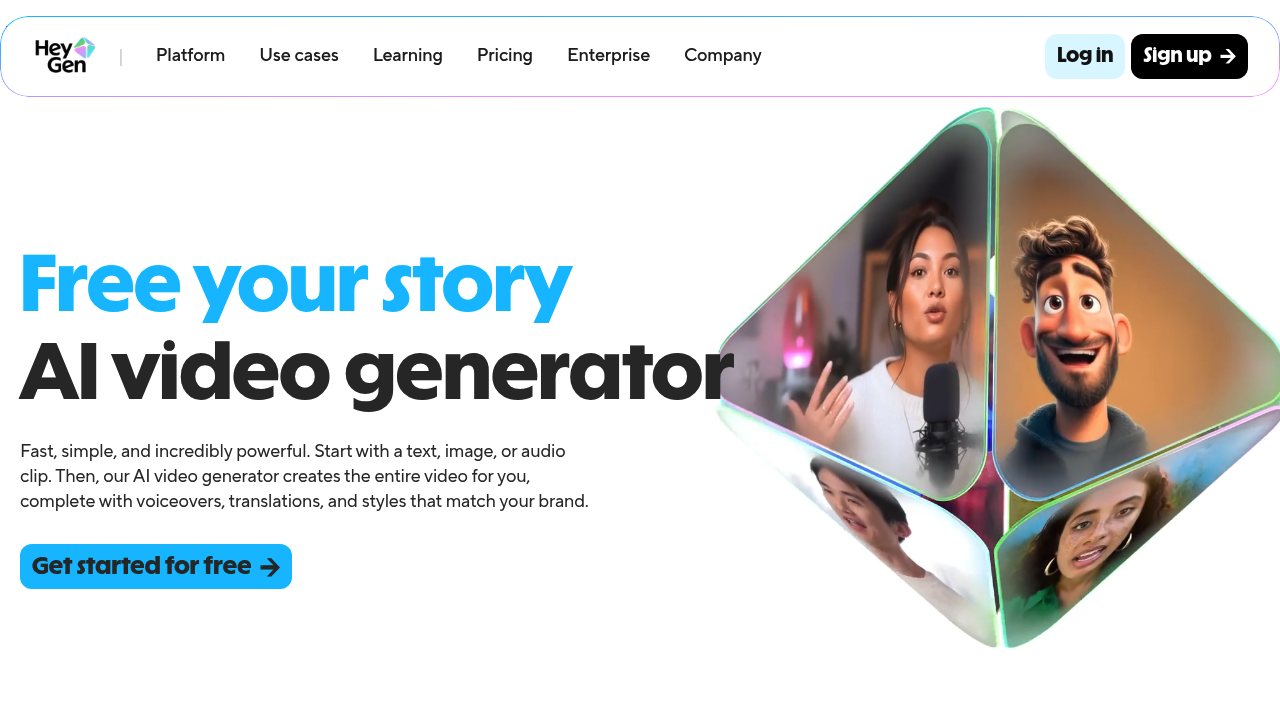
Heygen
Turn your scripts into professional videos instantly. HeyGen removes the need for cameras by using realistic AI avatars. Perfect for writers and creators.

InVideo
Create & edit AI videos, AI Avatars, UGC product ads and much more!
Kling AI
Create professional videos and images with Kling AI's state-of-the-art generative AI platform. Our tools support video generation, image creation, and advanced editing capabilities for content creators.

Synthesia
Create AI generated videos from text with the most advanced AI avatars and voiceovers in 140+ languages. Try our free AI video generator now!