From Blank Page to Beats: How to Use Sudowrite to Outline Your Novel
From Blank Page to Beats: How to Use Sudowrite to Outline Your Novel
Every writer knows the feeling. You have a spark of an idea—a character, a setting, maybe a twist ending—but staring at the blinking cursor to turn that spark into a full outline feels like climbing a mountain without a map.
The "sagging middle" isn't just a problem in finished drafts; it’s a problem in the planning phase too. You know where you start, and you know where you want to end, but the thirty chapters in between remain a foggy mess.
This is where AI tools often get misunderstood. Many assume AI is there to write the prose for you. But experienced storytellers find that tools like Sudowrite shine brightest not as replacements, but as collaborative partners. Think of it less like a ghostwriter and more like a tireless brainstorming companion who never gets tired of asking, "What if?"
Here is a practical workflow for taking a vague idea and turning it into a solid, chapter-by-chapter outline using Sudowrite.
Why Sudowrite is Different from ChatGPT
Before diving into the "how-to," it is important to understand the tool. While general chatbots like ChatGPT or Claude are great at answering questions, they often lose the thread of long narratives.
Sudowrite is built specifically for fiction writers. It manages "context windows" (the amount of text the AI remembers) differently, allowing it to keep track of character arcs and plot points over a longer horizon. For the outlining process, its dedicated Story Engine feature provides a structured container that guides you from a high-level concept down to specific scene beats.
Step 1: The Brainstorm (Breaking the Ice)
The first hurdle is simply getting enough material to work with. You might have a protagonist but no villain, or a setting but no conflict.
Inside Sudowrite, the Brainstorm feature allows you to generate lists based on specific prompts. Instead of asking for a "story idea," you can ask for:
"10 potential inciting incidents for a sci-fi mystery set on Mars."
"5 flaws that would make a detective character unlikable but effective."
"Sensory details for a Victorian London marketplace."
Pro Tip: Don't accept the first result. Use the AI to generate volume, then cherry-pick the 10% of ideas that actually resonate with your creative vision. This keeps the story yours.
Step 2: Building the Foundation in Story Engine
Once you have your loose collection of ideas, navigate to the Story Engine. This is where the heavy lifting happens.
You aren't writing chapters yet; you are building the skeleton. You will be asked to fill in fields for:
Genre: Be specific (e.g., "Grimdark Fantasy" rather than just "Fantasy").
Style: You can paste a sample of your own writing here so the AI understands your voice.
Synopsis: This is key. Dump your brain here. It doesn’t have to be pretty. Input everything you know about the story so far.
If your synopsis is thin, Story Engine can help expand it. It looks for gaps in the narrative logic and suggests bridges to connect your beginning to your ending.
Step 3: Generating Characters
A plot is only as good as the people moving through it. In the Characters section of the Story Engine, you can define your cast.
This is often where writers find the most value in AI. You can describe a character’s role (e.g., "The Mentor"), and Sudowrite can suggest backstories, physical traits, or internal motivations that you hadn't considered.
Strategy Note: Keep these descriptions updated. If you decide in Chapter 3 that your protagonist has a fear of heights, add it to their character card here. The AI references these cards when helping you outline future scenes.
Step 4: From Synopsis to Chapter Beats
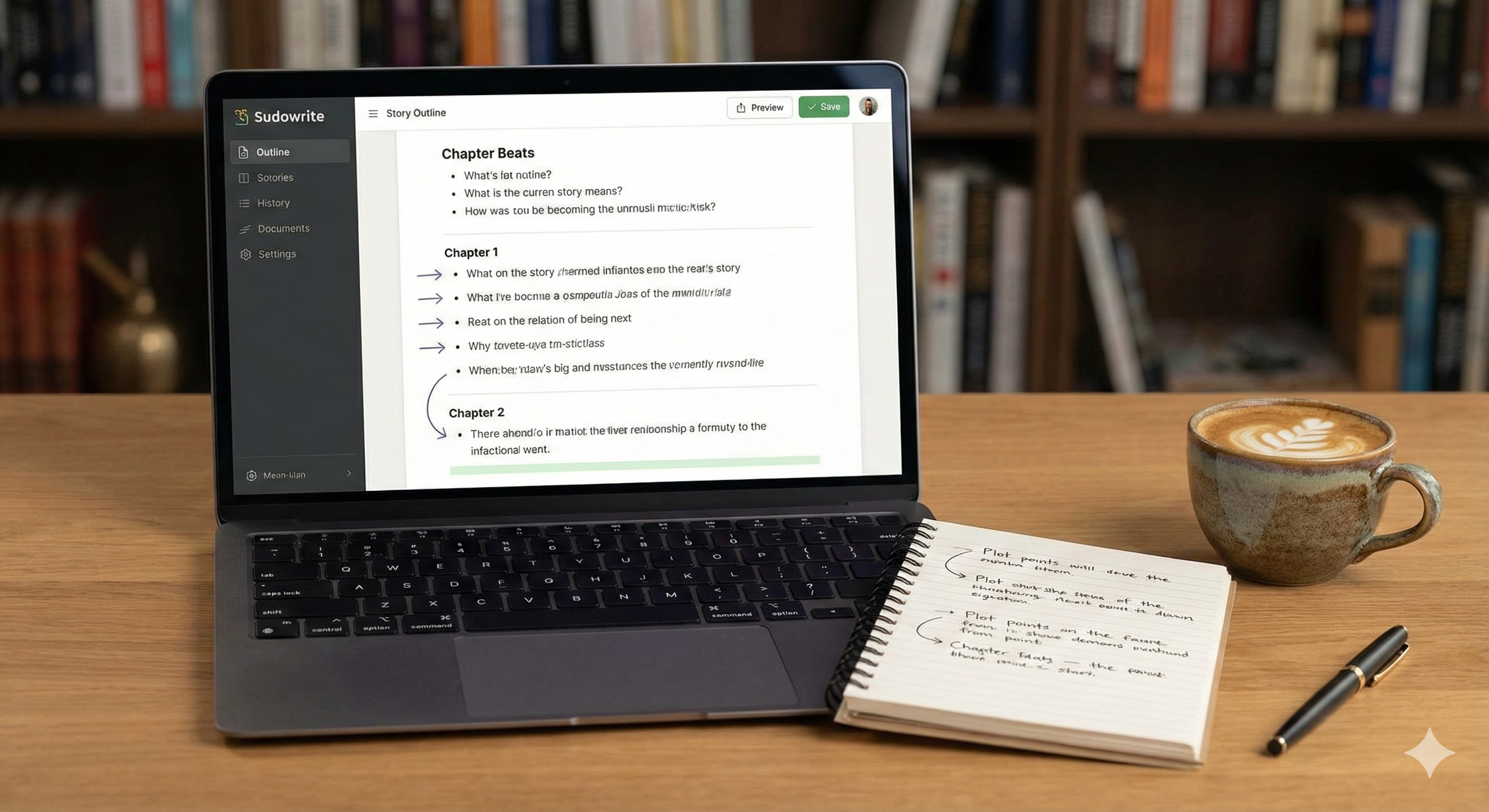
This is the "magic trick" for plotters. Once your synopsis and characters are set, you can ask Sudowrite to generate Chapter Beats.
Beats are the bullet points of action that occur within a chapter. Instead of staring at "Chapter 1" and wondering what happens, the tool breaks it down:
Character A enters the coffee shop.
Character A notices something strange about the barista.
Conflict arises when the order is wrong.
Character A discovers the hidden message in the cup.
You can generate beats for 10 or 20 chapters at a time. Suddenly, that foggy middle section of your book has a roadmap.
The Golden Rule: Be the Director, Not the Spectator
It is easy to get carried away and let the tool generate endless text, but that rarely results in a good novel. The most successful users of AI tools treat themselves as the Director.
Review every beat: Does this make sense for my character?
Edit ruthlessly: If the AI suggests a cliché trope, delete it and write your own beat.
Iterate: If the outline veers off course in Chapter 5, stop. Update the synopsis and character cards to reflect the new direction, then regenerate the outline for Chapter 6 onwards.
Conclusion
Outlining doesn't have to be a solitary struggle. By using tools like Sudowrite to handle the structural heavy lifting, you free up your mental energy for the creative parts—the dialogue, the subtext, and the emotional core of the story.
The goal isn't to have the computer write the book for you. The goal is to get to the fun part of writing faster, with a roadmap that keeps you on track.
If you are currently staring at a blank page, it might be time to bring in a brainstorming partner.