From Script to Storyboard: Using AI to Plan Your Social Video Content in 2026
From Script to Storyboard: Using AI to Plan Your Social Video Content in 2026
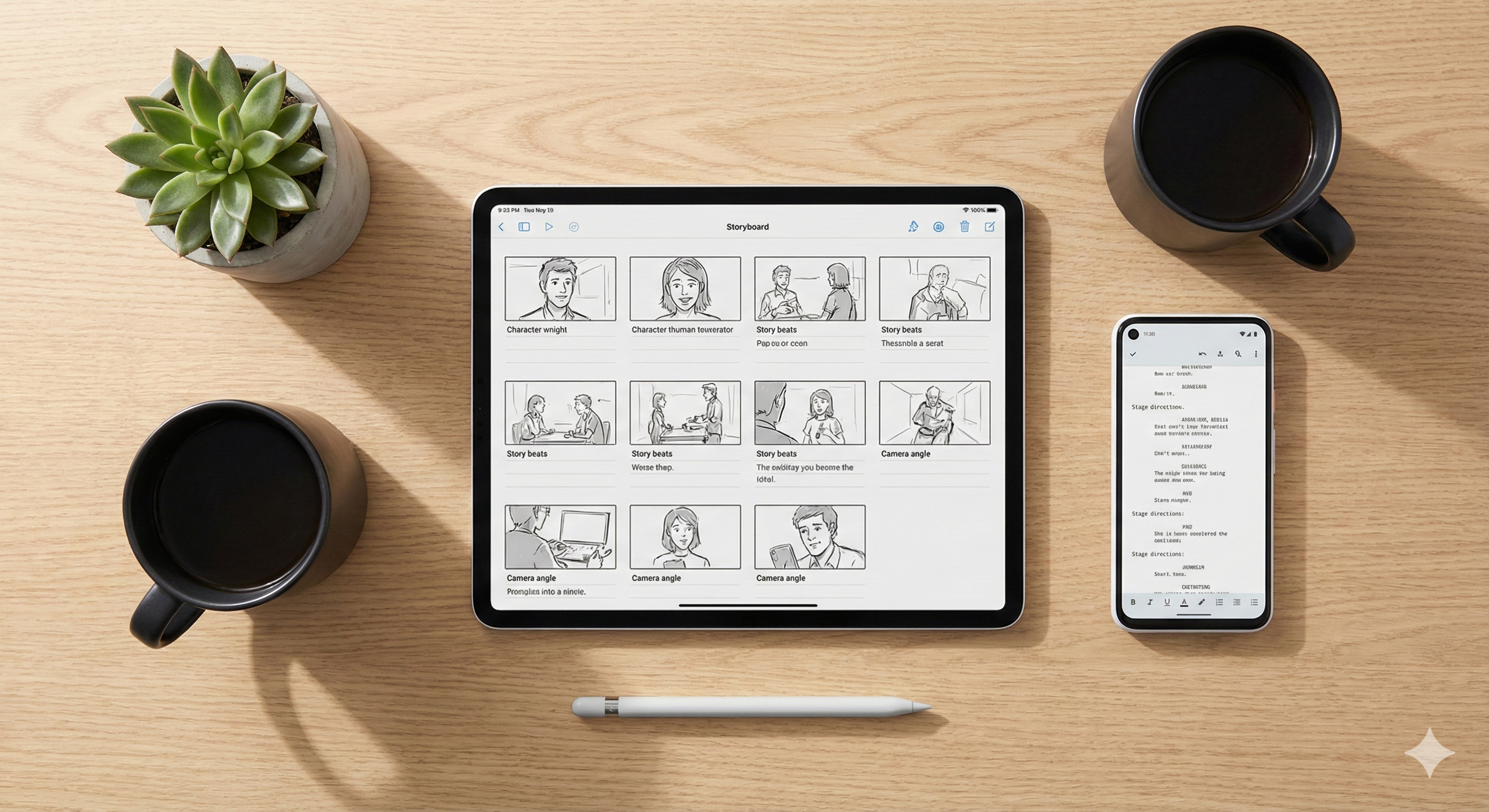
Writers and video creators often face a frustrating, expensive gap between a great written script and a finished video. You have the words on the screen, but visualizing how those words translate into camera angles, character movements, and visual transitions is where many projects completely stall.
In the fast-paced world of 2026 social media—where attention is the absolute primary currency—a lack of visual planning often leads to "talking head" fatigue, disjointed storytelling, and viewers scrolling past your content within three seconds.
Planning with a storyboard isn't just for Hollywood directors anymore; it is a practical necessity for the modern solopreneur looking to scale their creative output. By using the right AI tech stack to bridge the gap from script to visual plan, creators can cut their editing time in half and ensure their narrative remains cohesive across every single frame.
Here is the ultimate workflow to visualize your video before you ever hit record.
At a Glance: The 2026 Visual Planning Stack
| Phase | The Goal | The Recommended AI Tool |
|---|---|---|
| 1. The Script | Generating viral hooks & scene beats | Storylab.ai |
| 2. The Structure | Mapping the visual journey on a timeline | Boords |
| 3. The Cast | Ensuring strict character consistency | Katalist |
| 4. The Shortcut | Generating a rapid "Live Storyboard" | InVideo AI |
Step 1: The Narrative Foundation (Storylab.ai)
Every great storyboard starts with a highly structured script. A script tells you what is being said, but a storyboard tells you how it feels. When marketers and YouTubers skip the planning phase, they often find themselves "guessing" in the editing suite, which leads to bloated videos and inconsistent pacing.
Read our full, deep-dive Storylab.ai Review here
While general AI tools can help with initial drafts, writers often find that specialized tools like Storylab.ai are significantly more effective for generating the specific "hooks" needed for social video.
- The Strategy: Use Storylab to break your concept into "beats"—the smallest units of action in your story. Identify your opening hook, your main conflict, and your call to action. Once you have your beats clearly defined in text, you have the exact labels for your storyboard frames.
Step 2: Mapping the Visual Journey (Boords)
Once the script is polished, the next step is organization. You need a place to visualize the flow of the video before you start rendering expensive AI clips or setting up a real camera.
Read our full, deep-dive Boords Review here
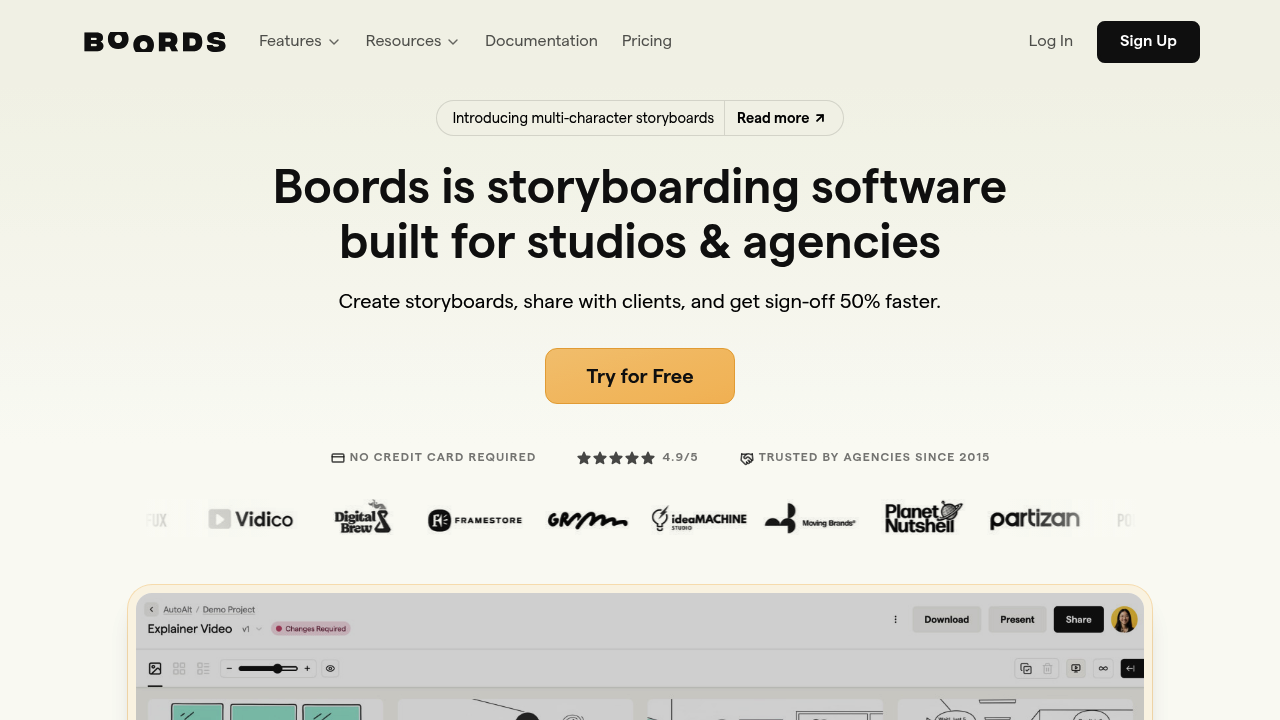
Boords functions as the structural backbone of your visual plan. It is a dedicated storyboarding software that allows creators to drag and drop script segments and pair them with image placeholders easily.
- Why it matters: Writers often find that seeing their script broken down into individual visual frames reveals exactly where the story needs more visual "punch." It turns an overwhelming wall of text into a highly manageable, frame-by-frame production plan.
Step 3: Solving Character Consistency (Katalist)
One of the biggest hurdles in AI-assisted storyboarding and video generation has always been character consistency. If your protagonist looks like a completely different person in every single frame of your storyboard, the story loses its grounding, and the audience disconnects.
Read our full, deep-dive Katalist Review here
This is where Katalist absolutely excels for fiction authors and brand storytellers.
- The Strategy: Katalist is built specifically for visual storytelling and storyboarding. By using its advanced character-engine features, you can ensure that the "cast" in your storyboard remains recognizable throughout the entire sequence.
- The Result: When your characters look consistent from frame 1 to frame 20, the visual narrative feels earned-through-experience rather than randomly generated by an AI.
Step 4: Rapid Execution (InVideo AI)
For creators on a tight deadline, manually building a storyboard frame-by-frame isn't always feasible. Sometimes, the jump from script to storyboard needs to lead directly to a rough cut.
Read our full, deep-dive InVideo AI Review here
InVideo AI serves as an excellent bridge for fast-paced social media content.
- The Strategy: You paste your polished Storylab script into InVideo. The AI automatically analyzes the text, selects highly relevant stock footage, adds a voiceover, and creates a visual timeline that acts as a "live" storyboard.
- The Result: While it may not replace a bespoke Katalist/Boords storyboard for a high-end short film, it is a brilliantly powerful tool for marketers who need to visualize and produce a TikTok or YouTube Short in minutes rather than hours.
The Boring Truth: Planning Saves "Credits"
Here is the "boring truth" about video creation in 2026: Rendering high-quality AI video costs money (AI credits), and filming real video costs time.
If you skip the storyboarding phase and just start generating or filming based on a loose script, you will inevitably realize a scene is missing, or that the pacing is terrible. You will have to re-shoot or re-generate the entire thing.
Taking 20 minutes to build a visual plan in Boords and Katalist prevents you from wasting hours in the editing suite. You move from "hoping it looks good" to "knowing it works."
Frequently Asked Questions (FAQ)
Do I need drawing skills to use Boords or Katalist? Absolutely not. Both platforms are designed for non-artists. You can use Katalist's AI generation to create the visual frames, or simply use stock images and text placeholders in Boords to map out the camera angles.
How many frames do I need for a 60-second TikTok/Reel? Social media requires fast pacing to retain attention. A good rule of thumb is planning a visual change (a new frame, a camera zoom, or a text pop-up) every 2 to 3 seconds. For a 60-second video, plan for roughly 20 to 30 distinct visual "beats."
The Takeaway: Plan More, Edit Less
The transition from script to storyboard is where a fleeting creative idea becomes a tangible, professional asset.
Your Next Steps for Your Next Video:
- 👉 Refine your script's hook using Storylab.ai.
- 👉 Map the visual flow of those scenes in Boords.
- 👉 Ensure your characters look identical in every frame using Katalist.
- 👉 In a rush? Turn that script instantly into a live rough cut with InVideo AI.
Transparency Note: The Story & Script AI Directory is reader-supported. We may earn a commission if you purchase through our links.
Listings related to From Script to Storyboard: Using AI to Plan Your Social Video Content in 2026

InVideo
Create & edit AI videos, AI Avatars, UGC product ads and much more!
Katalist AI
Katalist AI converts your scripts into visual storyboards and videos with AI-powered scenes, character consistency, and one-click story visualization.
StoryLab.ai
Generate story ideas and prompts instantly with StoryLab.ai — perfect for writers, marketers, and creators seeking inspiration and creative flow.
Boords
Master your visual narrative with Boords. Learn how this AI-powered storyboard tool turns scripts into professional production plans for creators and marketers.