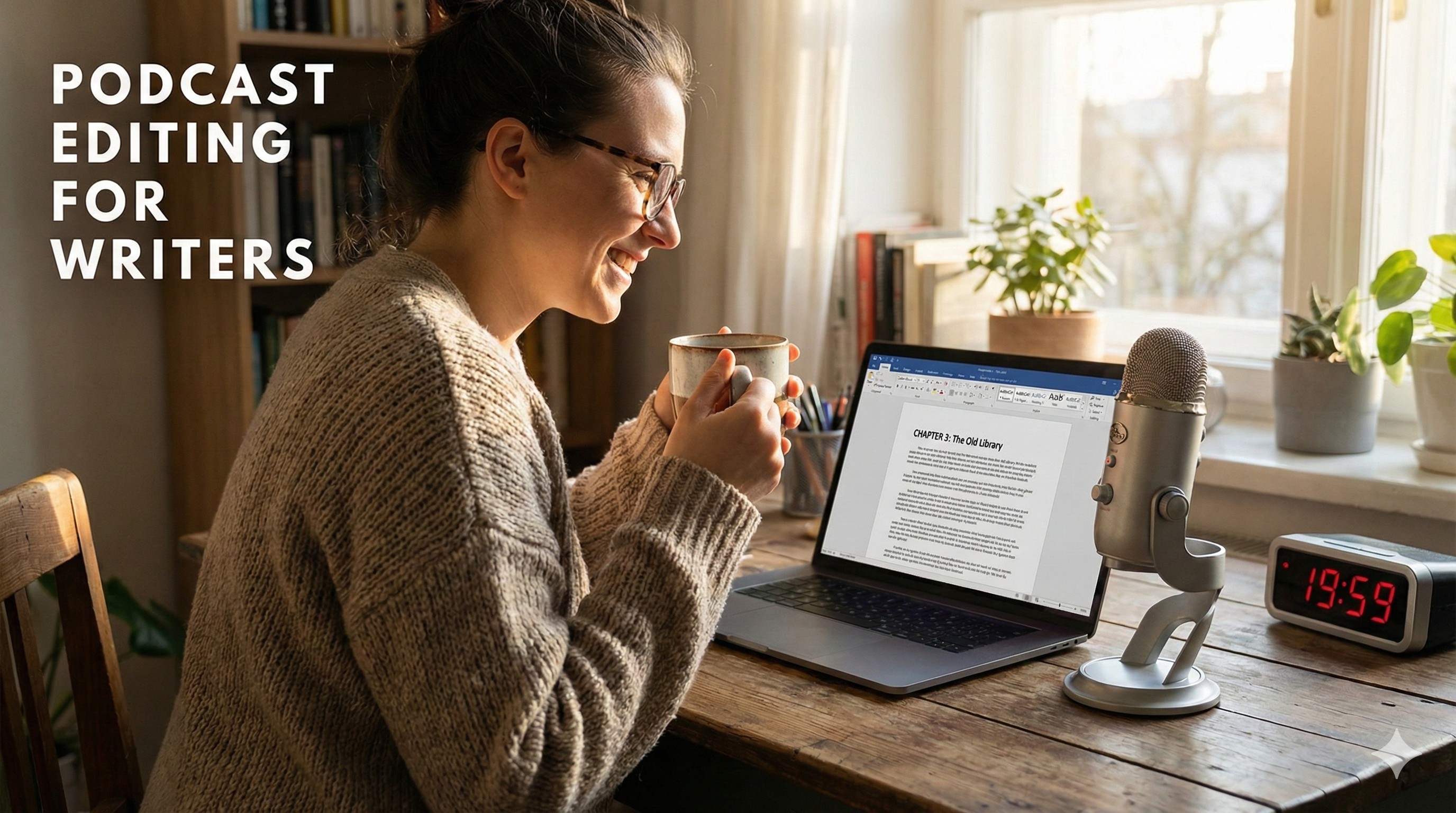
How to Edit Your First Podcast in 20 Minutes (Even If You Hate Tech)
You don't need to learn complex timelines to launch your show. Here is a simple, 4-step workflow to edit audio just like a Word document using AI.

Descript makes editing video and audio as easy as editing text. Record, transcribe, edit, and publish in one tool. Try for free, with powerful upgrades for creators & teams.
Traditional video editing is technical, intimidating, and notoriously slow. If you have ever used Adobe Premiere Pro or DaVinci Resolve to edit a 60-minute podcast, you know the pain: you spend hours scrubbing back and forth across a complex timeline just to find a single misspoken word or a long, awkward pause.
Descript was built to completely eliminate the timeline-scrubbing nightmare. It promises to let you edit video and audio exactly like you edit a Microsoft Word document.
But as the platform has evolved in 2026 to include a massive suite of AI tools, is it actually a replacement for professional editing software, or is it just a gimmick? Here is the honest, hype-free breakdown of what Descript can—and cannot—do for your content workflow.
Descript is an all-in-one audio and video editor that transcribes your media into text. If you delete a sentence in the text editor, the software automatically cuts that exact scene from the video. It combines transcription, screen recording, and advanced AI-powered cleanup tools into a single workflow designed for unprecedented speed.
The bottleneck for most content creators isn't recording the video; it's cutting out the mistakes.
When you film a talking-head YouTube video, you might say the same sentence three times to get the delivery right. In traditional editing software, finding the "bad" takes requires you to re-watch the entire raw footage. In Descript, you simply read the generated transcript. You highlight the two bad sentences, hit the "Backspace" key, and the video cuts seamlessly. This single feature reduces assembly editing time by an estimated 60-70% for spoken-word content.
Best for:
Not for:
Many professional editors use both. They use Descript for the "rough cut" (quickly deleting the bad takes and filler words via the transcript) because it is exponentially faster. Then, they export the cleaned-up timeline from Descript directly into Premiere Pro or Final Cut to do the advanced color grading and B-roll placement.
As of late 2025/2026, Descript updated its pricing model to rely heavily on "Media Minutes" and "AI Credits" to offset the high computing power of features like Studio Sound. (Always check the official site for current rates).
Descript has a massive, loyal following. Users on platforms like G2 frequently call it the biggest innovation in video editing in a decade.
However, looking at honest reviews on Reddit's r/podcasting reveals the platform's biggest flaw: The traditional timeline is clunky. While the text-editor is brilliant, if you try to manually drag and drop B-roll or adjust audio fades on the visual timeline at the bottom of the screen, the software often feels rigid and frustrating.
Does the "Overdub" voice cloning sound robotic? It depends on the length. For fixing a single misspoken word or a short phrase, it sounds completely natural. However, if you try to type an entire paragraph and have the AI read it, the lack of human emotion and breathing becomes obvious.
Is my raw footage safe in the cloud? Yes. Descript is SOC 2 compliant and uses AWS/Google infrastructure. However, because it syncs automatically, very large 4K video files can take a long time to upload before you can start editing.
Do I own the final exported video? Absolutely. You retain full commercial rights to anything you create and export using the software.
If your content is heavily driven by spoken words—podcasts, interviews, tutorials, or talking-head YouTube videos—Descript is a necessary business investment.
It is a legitimate productivity multiplier that will save you hours of tedious timeline scrubbing every single week. However, if you are editing a music video or a highly cinematic short film, stick to traditional software. For everyone else, download the free version, drop in a video, and delete a sentence. The "aha" moment happens immediately.
Start editing video like a text document with Descript here
Transparency Note: The Story & Script AI Directory is reader-supported. We may earn a commission if you allow us to guide you to a purchase.
You don't need to learn complex timelines to launch your show. Here is a simple, 4-step workflow to edit audio just like a Word document using AI.

Learn how to turn your story ideas into cinematic trailers. A step-by-step workflow using Sudowrite and Kling AI for authors and scriptwriters.
Learn the exact 2026 workflow to generate, edit, and master an AI audiobook for Audible (ACX) using ElevenLabs and Descript. Save thousands on narration.