From Script to Voiceover: How to Use AI for Audio Storytelling in 2026
Hate recording your own voice? Learn how to generate human-sounding AI narration for YouTube and ads without a microphone, step-by-step guide.

Pictory transforms long-form content into short, engaging videos using AI—ideal for creators, coaches, and small businesses wanting fast video production.
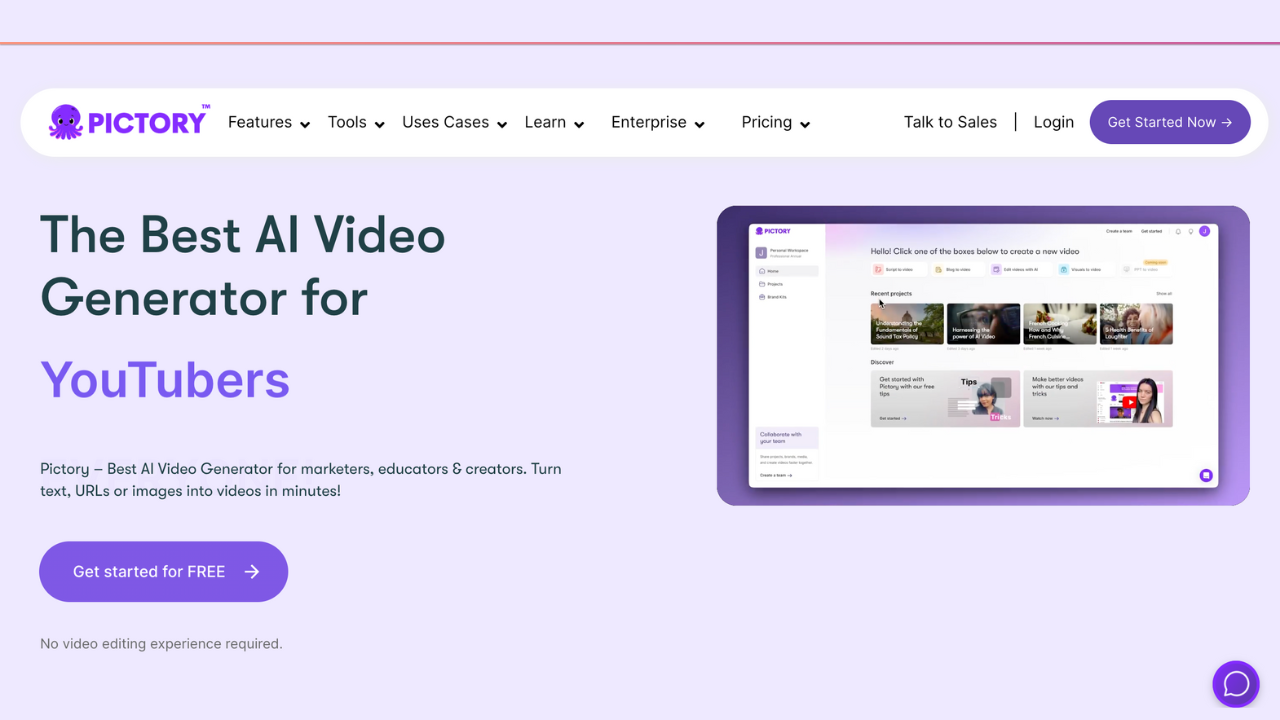
Every modern creator and business owner knows the golden rule of marketing: video is required. But the reality of producing video is often overwhelming.
If you write a 1,500-word blog post or record a 60-minute podcast, turning that content into engaging YouTube Shorts or TikToks usually requires expensive software, a stock footage subscription, and hours of tedious timeline editing.
Pictory was built to eliminate this bottleneck. It promises to turn your written text into professional, caption-ready videos automatically. But does it actually produce high-quality content, or does it just spit out generic slideshows? Here is the honest breakdown.
Pictory is an AI-powered video generator that transforms scripts, blog posts, and long-form recordings into polished, shareable videos in minutes. By automatically matching your text to relevant stock footage, generating accurate captions, and applying premium AI voiceovers, it removes the technical friction of traditional video editing.
The hardest part of video editing is not cutting the clips — it is finding the right B-roll to match what you are saying.
Pictory solves the problem of visual sourcing. Instead of manually searching through stock libraries, Pictory reads your script, understands the context, and automatically pulls a matching clip from its Getty Images and Storyblocks library. It places the clip on the timeline, adds the text as a caption, and syncs it to the voiceover. Hours of manual assembly become a three-minute automated process.
Best for:
Not for:
The blog-to-video pipeline. Drop your blog post URL into Pictory. The AI reads the article, extracts the core arguments, and builds a storyboard. You now have a video asset to embed at the top of your blog post — significantly increasing time on page, which is a positive SEO signal.
Automated social clips. Upload a long podcast interview. Pictory's AI analyses the transcript, finds the moments with the highest emotional engagement, and cuts them into vertical 9:16 clips with burnt-in TikTok-style captions.
Script-to-screen. Write a narrative script, choose a mood, and let the AI build the entire visual sequence.
Pictory AI Studio. If the stock library does not have the exact image you need, you can use the built-in AI image generator to prompt a custom visual and drop it directly onto the video timeline — without leaving the app.
ElevenLabs voice integration. Pictory natively integrates ElevenLabs voices, meaning your faceless videos can use the current industry standard for emotive AI narration rather than a robotic text-to-speech engine.
Text-based editing. If you see a sentence in the generated transcript you do not like, you simply hit Backspace. The video and audio cut automatically to match.
Pictory vs. InVideo AI — InVideo offers more robust templates and more granular control over design elements. Pictory is faster and stronger when it comes to summarising and repurposing long-form text or existing recordings. Read our full InVideo AI review here.
Pictory vs. Descript — Descript is an audio-first tool, brilliant for heavy podcast editing. Pictory is a visual-first tool, brilliant for turning a text script into a video with B-roll. Read our full Descript review here.
Pictory operates on a tiered subscription model based on video minutes exported per month. (Always check the official site for current pricing.)
Pictory has a large user base and an active Facebook community. The general consensus is that the auto-captioning and visual matching save significant production time. The honest caveat: the AI's visual selection is rarely perfect on the first pass — expect to spend five to ten minutes manually swapping out a few generic stock clips before exporting.
Can I use my own voice instead of the AI? Yes. Upload an audio file of your own voiceover and Pictory will automatically sync the stock visuals and captions to match your pacing.
Do I own the commercial rights to the videos? Yes. All stock footage through their Storyblocks and Getty integrations is fully licensed. You can monetise these videos on YouTube or use them in paid ads without copyright strikes.
Is it easy to use with zero editing experience? Yes. The entire interface is built around text. If you can use a word processor, you have the technical skills to use Pictory.
If your goal is to edit a cinematic short film, Pictory is not for you.
If you are a business owner, marketer, or YouTube creator who needs to stay visible across multiple platforms without spending 20 hours a week in an editing bay, Pictory is a strong productivity tool — particularly for repurposing existing written or recorded content into video.
Visit Pictory and start your free trial →
If you want more generative power, a fully automated script-to-video workflow, or the ability to build a faceless YouTube channel from a single text prompt, InVideo AI is our top recommendation.
→ Read our full InVideo AI review
Transparency note: This site is reader-supported. If you click our link and make a purchase, we may earn a commission at no extra cost to you. We only recommend tools we have genuinely reviewed.
Katalist AI converts your scripts into visual storyboards and videos with AI-powered scenes, character consistency, and one-click story visualization.
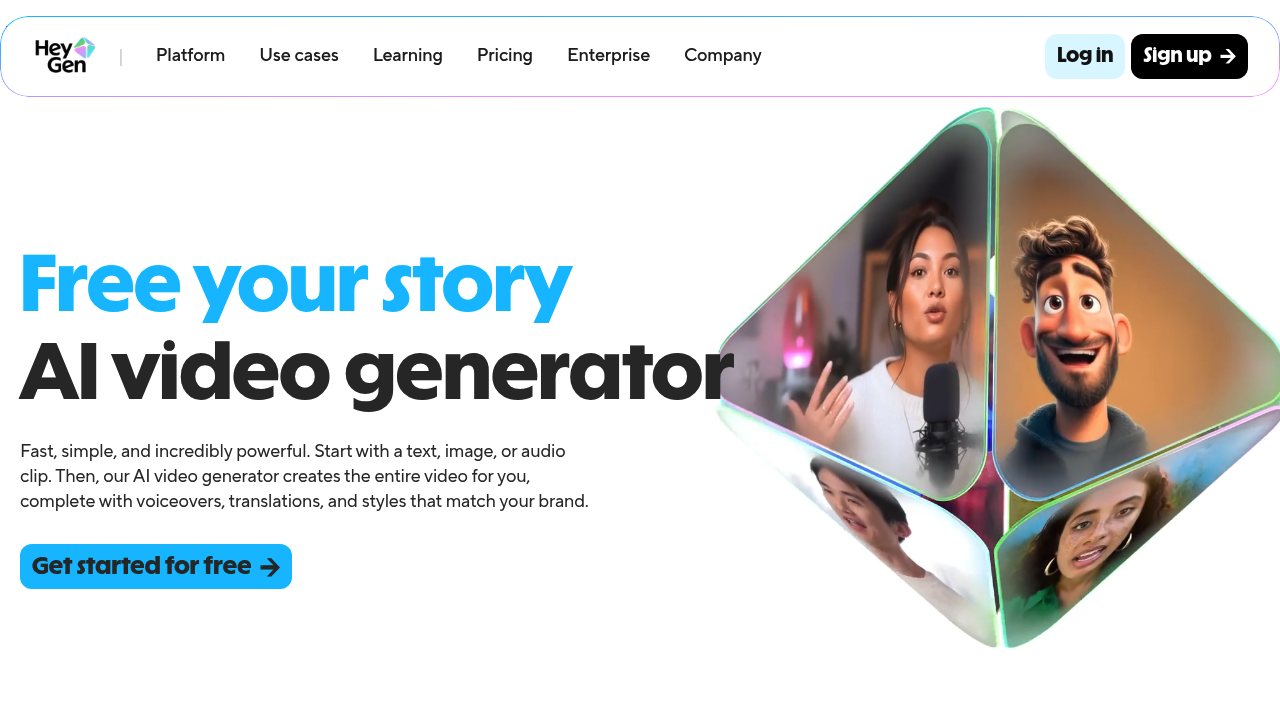
Turn your scripts into professional videos instantly. HeyGen removes the need for cameras by using realistic AI avatars. Perfect for writers and creators.

Create AI generated videos from text with the most advanced AI avatars and voiceovers in 140+ languages. Try our free AI video generator now!
Hate recording your own voice? Learn how to generate human-sounding AI narration for YouTube and ads without a microphone, step-by-step guide.

Turn one script into a full campaign. Learn how to repurpose your story for YouTube, TikTok, and blogs using AI — without burning out.

Writer's block is optional. Learn exactly how to use AI to write a short story in 2026, from a single prompt to a finished narrative with a twist ending.

Can't draw? No problem. Learn how to use AI to create professional shot lists and visual plans for your social videos in minutes. No sketching needed.
We compared Pictory and InVideo for faceless YouTube channels in 2026. Here's which AI video generator saves more time and drives better results.