Pictory vs. InVideo: Which AI Video Generator Reigns Supreme in 2026?
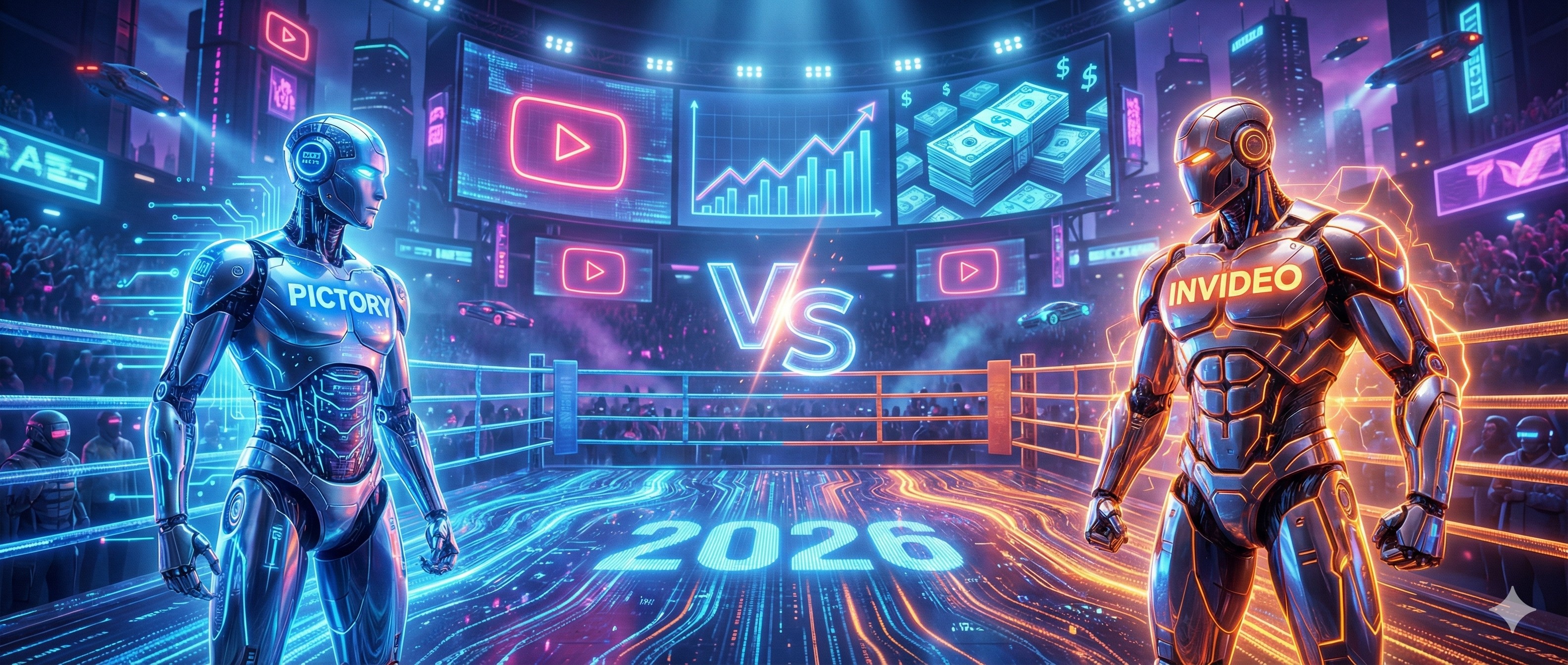
Pictory vs InVideo AI 2026: Which Video Generator Wins?
The "YouTube Cash Cow" era isn't over. It just evolved.
In 2024, you could slap some generic stock footage together, add a robotic voice, and get thousands of views. In 2026, the algorithm—and the audience—demands much more. They want a cohesive narrative, high-retention visual pacing, and hyper-realistic voiceovers.
If you are trying to build a faceless channel or scale your video marketing today, you have two heavyweight champions standing in your way: Pictory and InVideo AI.
Both promise to turn your text into a professional video in minutes. Both claim to be the absolute best in the industry. But they are built for two completely different types of creators. Choose the wrong one, and you’ll burn hours fighting the software instead of making money.
We tested both tools extensively to settle the debate once and for all. Here is the definitive Battle of the Bots.
At a Glance: The Cheat Sheet
| Feature | Pictory | InVideo AI |
|---|---|---|
| Primary Strength | Repurposing existing text/blogs | Generating videos from scratch |
| Visual Engine | Premium Stock Footage matching | Generative AI + Premium Stock |
| Workflow | Script-First (You provide the text) | Prompt-First (AI writes the script) |
| Editing Style | Timeline & Text-based | "Magic Box" Chat Commands |
| Pricing Safety | Predictable monthly limits | Burns credits quickly on edits |
Round 1: The Workflow (Script vs. Prompt) 🥊
Read our full, deep-dive Pictory Review here
Pictory: Pictory’s workflow is legendary for a reason: it is Script-First. You paste your pre-written script (or a URL to a blog post), and Pictory uses its AI to highlight keywords and automatically match them with premium stock footage from Storyblocks and Getty Images.
- The 2026 Edge: Pictory’s "Semantic Matching" has gotten scary good. It no longer just matches the word "Cat" with a picture of a cat. It understands context. If you write "The economy crashed," it shows a stock chart plummeting, not a literal car crash.
- Speed: Incredibly fast. You can go from a 1,000-word blog post to a finished, captioned video in under 10 minutes.
Read our full, deep-dive InVideo AI Review here
InVideo AI: InVideo works like a creative conversation. You don't even need a script. You simply type a prompt: "Create a 5-minute documentary about the history of coffee, with a dark, moody tone." InVideo generates the script, the voiceover, and the visuals all at once.
- The 2026 Edge: The "Magic Box" feature allows you to edit by talking to the AI. You can type, "Change the second scene to look more cinematic" or "Make the narrator sound more excited," and it executes the edit instantly.
🏆 Winner: Tie. For absolute control over your message, Pictory wins. For pure creative generation from scratch, InVideo wins.
Round 2: Visual Quality (Stock vs. Generative) 👁️
This is where the paths diverge sharply.
Pictory relies on Premium Stock Footage. * Pros: Real people, real places, corporate-safe. Perfect for B2B business videos, SaaS explainers, and educational courses.
- Cons: It can sometimes feel generic. We’ve all seen that same clip of a "Business man shaking hands in a bright office" a thousand times.
InVideo AI blends Generative Video with Stock.
- Pros: Highly unique. You can ask for a scene of "A futuristic cyberpunk coffee shop on Mars" that doesn't exist in any stock library. With the latest AI model integrations, the physics and lighting are incredibly cinematic.
- Cons: AI Hallucinations. Sometimes characters' hands still look weird, or text on background signs is gibberish. It requires more "rerolls" to get the perfect shot.
🏆 Winner: InVideo AI (For YouTube entertainment and storytelling).
Round 3: Voiceover & Audio Design 🎙️
A bad voiceover kills viewer retention immediately. Period.
Pictory: Integrates with ElevenLabs (the gold standard for AI voices). You get access to ultra-realistic voices directly inside the editor. However, syncing is automatic, and if you change the text on the timeline, you sometimes have to regenerate the audio block manually. It also requires you to find and add background music yourself.
InVideo AI: Has Voice Cloning built into its core. InVideo’s "Personal AI Twin" feature is a massive game-changer for solo creators. You record 30 seconds of your voice, and InVideo can narrate your entire channel in your voice.
- The Kicker: InVideo creates soundscapes automatically. If your scene is a dark forest, InVideo automatically layers bird chirps, wind, and suspenseful music in the background without you clicking a button.
🏆 Winner: InVideo AI (The automated sound design is superior for solo creators).
Round 4: The Boring Truth (Pricing & Credit Anxiety) 💰
Here is the elephant in the room that most reviewers ignore.
Pictory operates on a predictable subscription. You pay your monthly fee (starting around $25/mo), and you get a set number of video minutes. You know exactly what you pay for. If you spend three hours editing and tweaking a video timeline, it doesn't cost you extra money.
InVideo AI operates on "AI Minutes"—and this is dangerous. Generating a video costs minutes. But editing a video with the AI Magic Box also costs minutes. Changing a voiceover costs minutes.
- The Trap: High-quality generative video burns through credits fast. If you are a perfectionist who re-generates scenes 10 times to get the perfect shot, you will hit your monthly cap halfway through the month. InVideo is a premium tool that charges for its magic.
🏆 Winner: Pictory (For pure value, predictable costs, and stress-free editing).
Frequently Asked Questions (FAQ)
Can I monetize videos from both tools on YouTube? Yes. Both Pictory and InVideo provide commercial rights to the videos you generate on their paid plans, meaning you can join the YouTube Partner Program and run ads on your faceless channel.
Do they automatically add subtitles? Yes. Both tools are famous for their automatic, highly accurate, "Alex Hormozi-style" animated captions that keep viewers engaged on platforms like TikTok and YouTube Shorts.
Can I upload my own footage? Yes. If you filmed your own A-roll (e.g., a podcast interview), you can upload it to either tool to use their AI to cut out the silence and add B-roll over your talking head.
Final Verdict: Who Reigns Supreme in 2026?
The battle lines are drawn.
👉 Choose Pictory if: You already have written content. You are a blogger, course creator, or business with scripts ready to go. You value speed, predictability, and cannot risk AI hallucinations in your professional client work.
👉 Choose InVideo AI if: You are a YouTuber or Storyteller. You want to type a prompt and watch a movie appear. You need original, engaging visuals, automated sound design, and the ability to clone your voice for a Faceless channel.
The "Pro" Creator Move: Many top Faceless channels actually use both. They use InVideo AI to generate incredibly unique, cinematic clips for their "Hooks" (the first 3 seconds to stop the scroll), and then use Pictory to fill the bulk of the 10-minute video with high-quality, predictable stock footage to save money and time.
Which side are you on? The Efficiency Engine or the Creative Studio?
Transparency Note: The Story & Script AI Directory is reader-supported. We may earn a commission if you purchase through our links.
Listings related to Pictory vs. InVideo: Which AI Video Generator Reigns Supreme in 2026?
Pictory
Pictory transforms long-form content into short, engaging videos using AI—ideal for creators, coaches, and small businesses wanting fast video production.

InVideo
Create & edit AI videos, AI Avatars, UGC product ads and much more!