From Script to Screen: How to Storyboard Your Novel with AI in 2026
From Script to Screen: How to Storyboard Your Novel with AI in 2026
Every fiction writer shares the exact same dream: seeing their story adapted for the big screen or a streaming series.
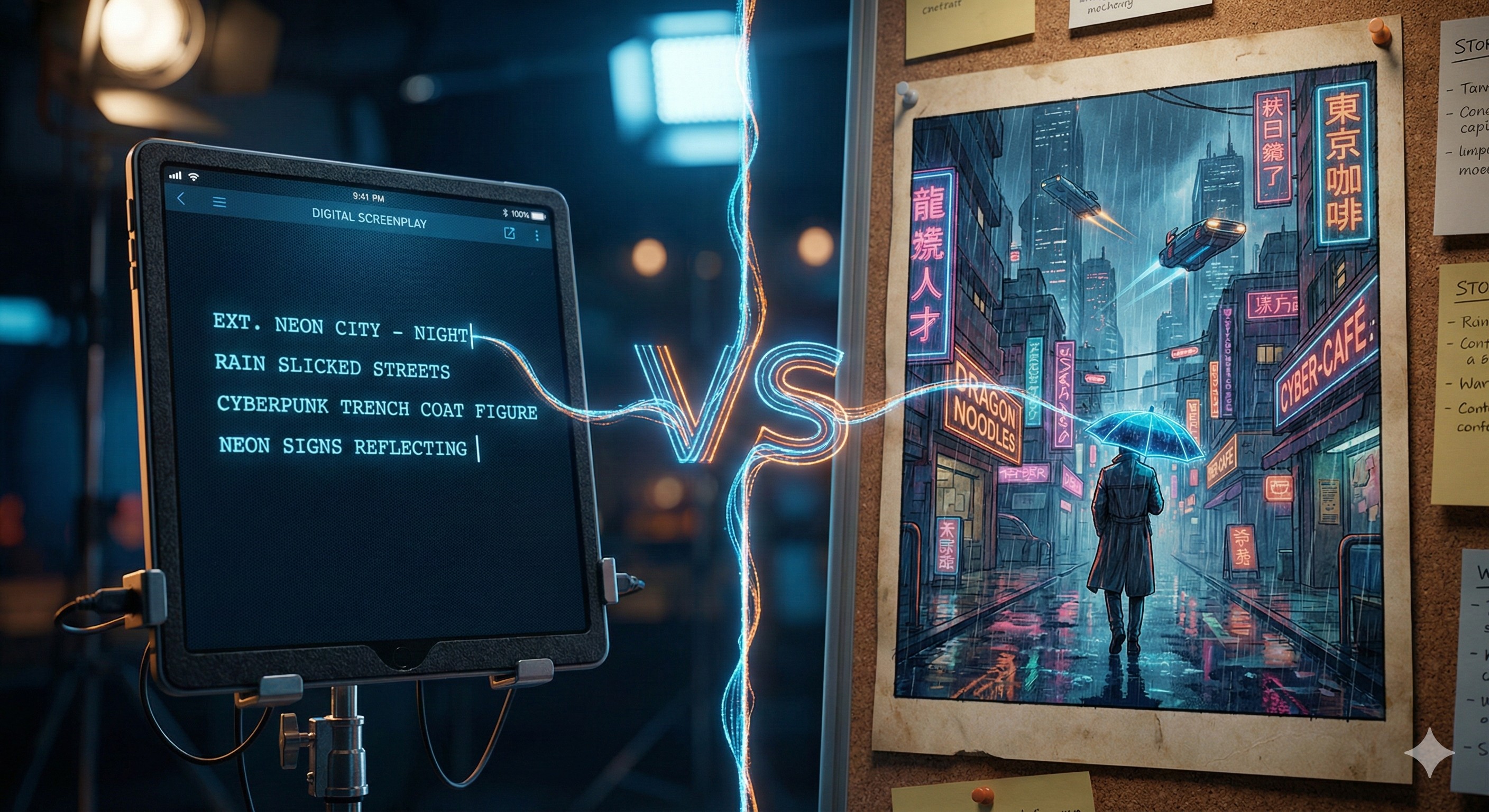
When you write, you can see the movie perfectly in your head—the dramatic lighting, the camera angles, the exact expressions on your characters' faces. But trying to explain that specific visual tone to a producer, an agent, or even your readers on social media is incredibly difficult using just words.
In the past, creating a professional "Pitch Deck" or a cinematic storyboard cost thousands of dollars in concept art commissions. It was a luxury reserved for established filmmakers.
In 2026, the gap between "Writer" and "Director" has disappeared. You can now build a studio-grade visual pitch deck yourself in a single afternoon. Here is the ultimate workflow for turning raw text into a cinematic storyboard using the modern AI stack.
At a Glance: The 2026 Novel-to-Screen Stack
| Production Phase | The Goal | The Recommended AI Tool |
|---|---|---|
| 1. The Script | Generating vivid visual prompts | Sudowrite |
| 2. The Storyboard | Generating consistent visual frames | Katalist AI |
Step 1: Write the Scene (The Script Engine)
You cannot storyboard a blank page. Before you generate a single image, you need a highly descriptive scene that an AI image generator can actually understand.
Read our full, deep-dive Sudowrite Review here
The Tool: Sudowrite While you can write in Word or Google Docs, Sudowrite excels here because of its dedicated narrative features.
- The Strategy: AI image generators need sensory details, not just plot. Highlight a simple noun in your draft (like "a cyberpunk alleyway") and use Sudowrite’s Describe feature. The AI will instantly generate multisensory descriptions (neon reflections in puddles, the smell of ozone, the hard shadows).
- Format Shifting: You can even use Sudowrite to instantly rewrite your standard prose chapter into a formal Screenplay format, which makes it infinitely easier to break down into visual camera shots.
Step 2: Visualize the Story (The Visual Engine)
This is the game-changer. Most general AI image generators (like Midjourney or DALL-E) have a fatal flaw for storytellers: Inconsistency. You generate a main character in one image, but in the next image, they look like a completely different person. That ruins a storyboard.
Read our full, deep-dive Katalist AI Review here
The Tool: Katalist AI Katalist AI is built specifically to solve the consistency problem for scripts and storyboards. It allows you to create a "Character" once, and then use that exact same actor in every single shot of your scene.
The Workflow:
- Import: Upload the screenplay scene you generated in Sudowrite.
- Cast: Katalist analyzes the text and automatically suggests characters. You can deeply customize their physical look (hair, age, clothing style).
- Generate: The AI automatically breaks your script into specific "shots" and generates a visually consistent panel for each moment.
- Direct: You are the director. If you don't like a generated camera angle, simply click a button to switch from a "Wide Establishing Shot" to an "Extreme Close Up" instantly.
The Boring Truth: You Still Need to Learn "Camera Language"
Here is the "boring truth" about AI storyboarding: AI doesn't know what makes a scene dramatic. You do.
If you just let the AI guess the camera angles, you will get a very flat, boring storyboard where everyone is just standing in the middle of the frame talking. To get the most out of tools like Katalist, you need to learn basic cinematic language.
In your prompts (or when selecting shot types), you must intentionally use terms like "Low angle shot, looking up at the villain to make him look powerful" or "Over-the-shoulder shot during the dialogue." The AI is your camera crew, but you still have to direct them.
Frequently Asked Questions (FAQ)
Why should a novelist care about storyboarding? Three reasons:
- Pitching: Sending a highly visual PDF storyboard alongside your query letter instantly separates you from 99% of other authors.
- Writing: Visualizing your complex action scenes or fantasy settings before you write the chapter helps you avoid glaring plot holes.
- Marketing: You can export these storyboard frames to create stunning Instagram Reels or TikToks to tease your upcoming book release.
Can I turn these storyboards into a Book Trailer? Yes! Once your frames are generated in Katalist, you can easily pull those images into a video editor, add motion effects, and use a tool like ElevenLabs or Murf.ai to add a cinematic voiceover, creating a Hollywood-level book trailer for zero budget.
The Takeaway: Stop Telling, Start Showing
You aren't just telling a story anymore—you have the power to show it to the world exactly as you envision it in your head.
By combining a strong narrative engine like Sudowrite with a consistency-focused visual platform like Katalist, you create an unstoppable creative loop. Stop waiting for a studio to buy your rights, and start building your own pitch deck today.
Ready to build your cinematic storyboard?
- 👉 Draft your vivid scene using Sudowrite.
- 👉 Generate a visually consistent storyboard with Katalist AI.
Transparency Note: The Story & Script AI Directory is reader-supported. We may earn a commission if you purchase through our links.
Listings related to From Script to Screen: How to Storyboard Your Novel with AI in 2026
Katalist AI
Katalist AI converts your scripts into visual storyboards and videos with AI-powered scenes, character consistency, and one-click story visualization.
Sudowrite
Boost your storytelling and scriptwriting with Sudowrite AI — brainstorm ideas, refine dialogue, and structure plots with ease.