

AI Character Generators: Build Compelling Characters Faster
Stop writing flat characters. We review the top AI Character Generators (2026). Create detailed backstories, psychological profiles, and visual avatars to flesh out your cast in seconds.
Katalist AI converts your scripts into visual storyboards and videos with AI-powered scenes, character consistency, and one-click story visualization.
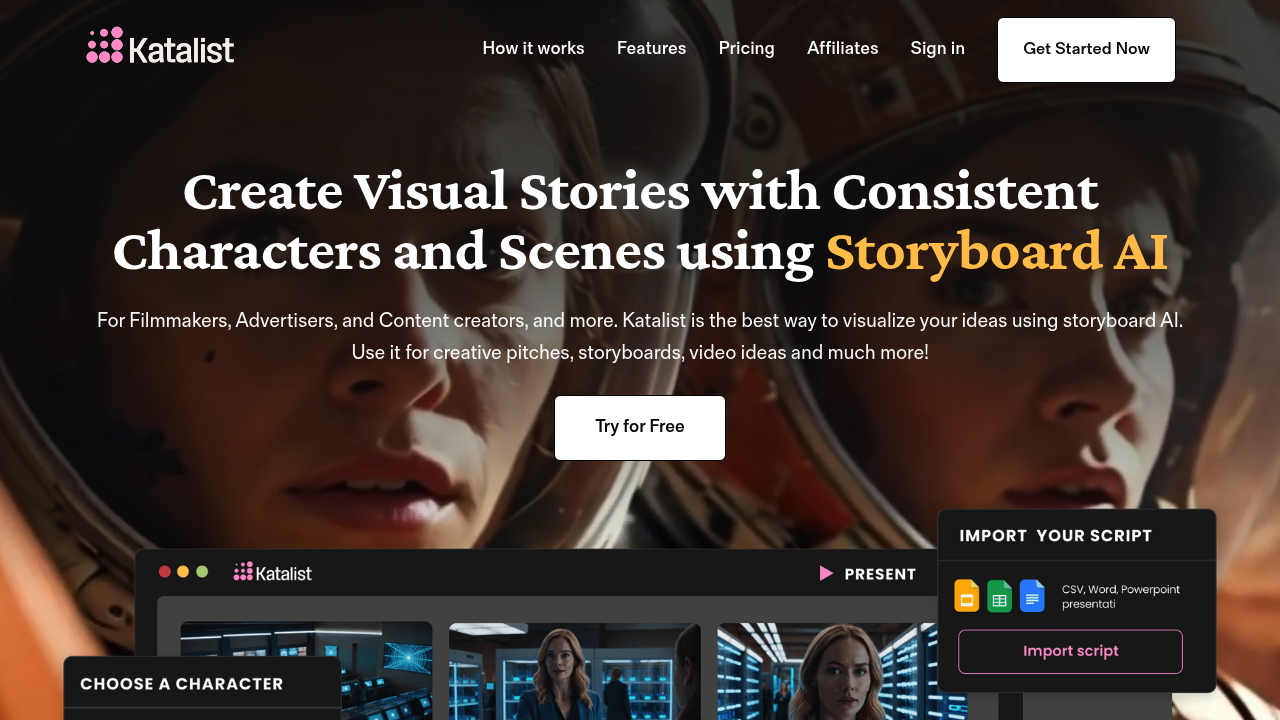
When you are producing a video, a short film, or a high-end marketing campaign, the hardest part is rarely writing the script. The true bottleneck is moving from the words on your page to actual visual scenes.
Historically, you had two options: hire a professional storyboard artist (which costs thousands of dollars) or spend weeks sketching terrible stick figures yourself.
Katalist AI is designed to eliminate this bottleneck entirely. If you have ever wanted to see your story in cinematic frames before you start filming or animating, here is the honest breakdown of whether Katalist AI is worth your time and money.
Katalist AI is a generative visual tool built for filmmakers, marketers, and storytellers. You upload your text script, and the AI automatically generates a complete, panel-by-panel storyboard with consistent characters, which you can then export as a presentation or a fully voiced animatic video.
The biggest problem with standard AI image generators (like Midjourney or DALL-E) is consistency. If you ask an AI to generate a "detective in a trench coat" for scene one, and then ask it for the same detective in scene two, it will give you a completely different-looking person.
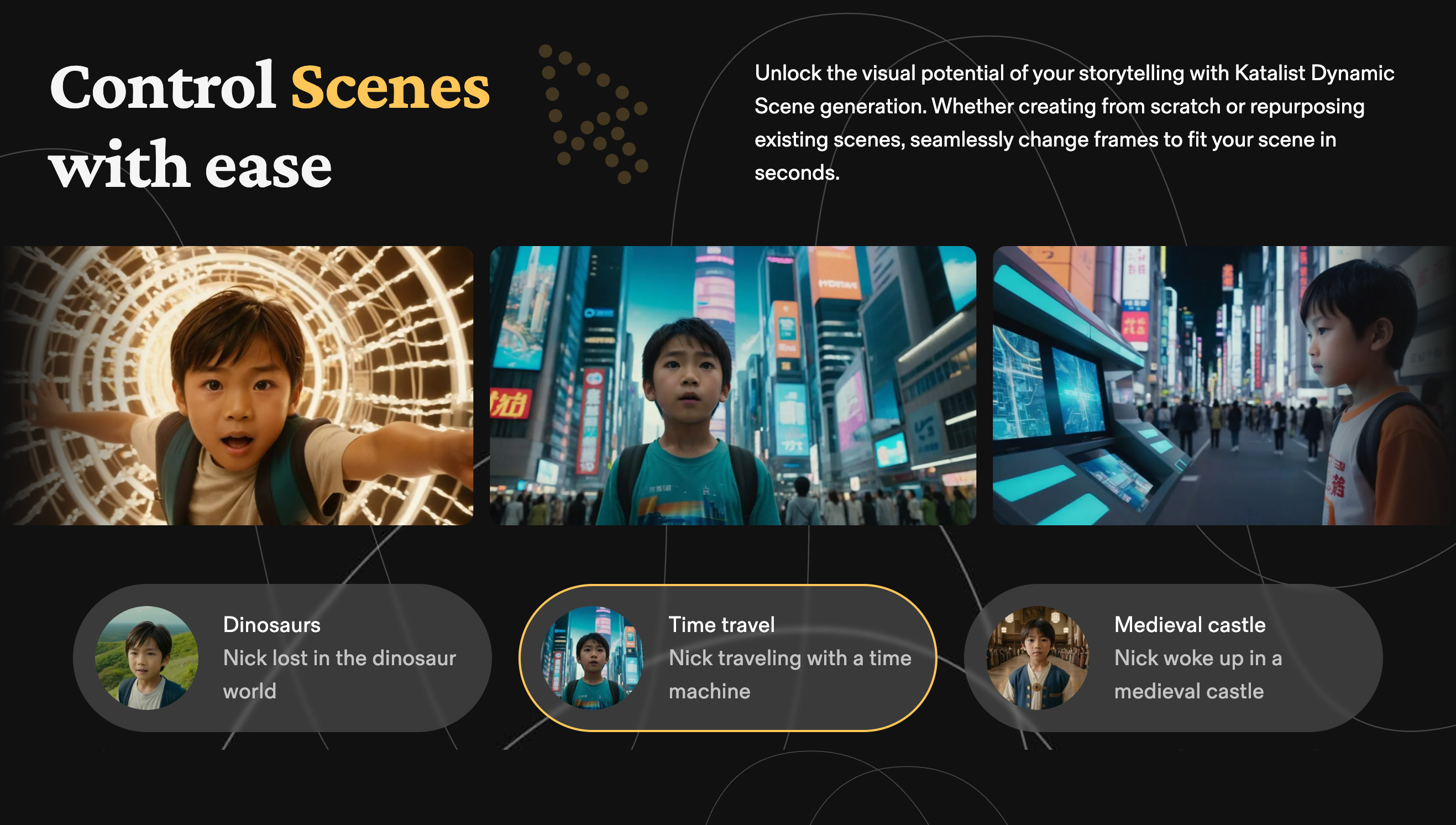
Katalist solves this structural nightmare. It uses specialized "Storyboard AI" that analyzes your script, identifies your cast of characters, and ensures their faces, clothing, and styles remain identical across dozens of different camera angles and scenes. It bridges the gap between your narrative and your visuals, allowing creators to skip weeks of manual pre-production work.
Best for:
Not for:
Here is how you can practically apply Katalist to speed up your production workflow:
It is easy to confuse Katalist with text-to-video tools like Pictory or InVideo Read our Pictory vs InVideo comparison here, but they serve entirely different purposes.
Tools like Pictory search a database of generic stock footage to match your text. They are built for post-production and faceless social media videos. Katalist, however, generates custom illustrations with consistent characters. It is built strictly for pre-production and deep storytelling. If your workflow is story-led (script → storyboard → production), Katalist is the superior tool.
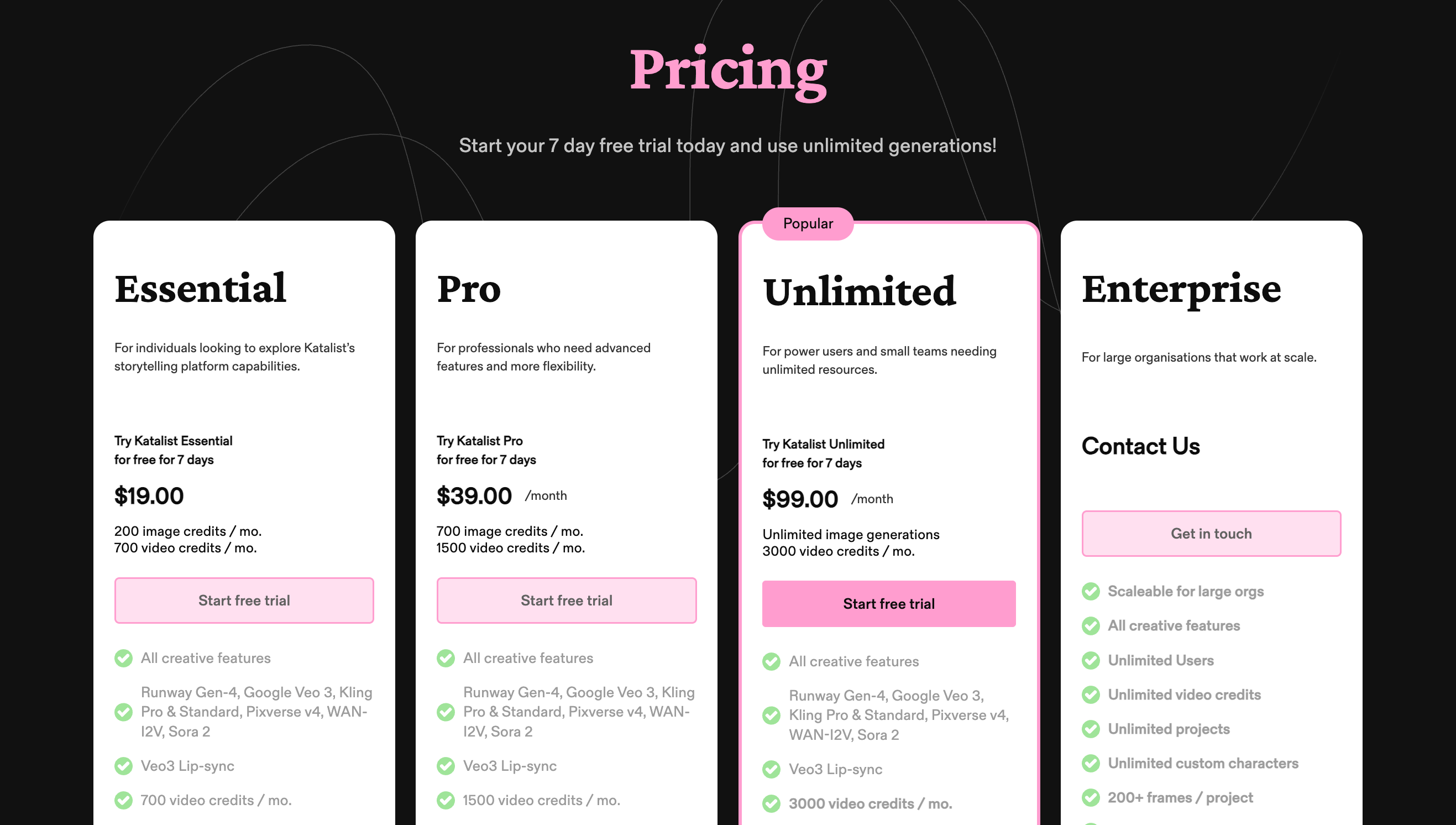
Katalist operates on a subscription model based on the volume of frames you need to generate. (Note: SaaS pricing changes frequently, so verify on the official site).
Within the indie film and agency communities, Katalist is gaining serious traction. Users on platforms like AppSumo have praised its low barrier to entry. Martin Gent, a Creative Director, noted: "I’m so impressed by how simple and addictive the tool is."
Customer support is handled via email, with response times typically within 24 hours. They are heavily focused on building a community and frequently update the tool based on creator feedback.
Can I upload my own script format? Yes. Katalist supports importing via CSV, standard Word documents, or PowerPoint. The AI is trained to read scene headings and dialogue separately.
Do I need prompt engineering skills? No. Unlike Midjourney where you have to type complex technical prompts, Katalist automatically generates the prompts based on your script. You simply click on elements in the UI to change them.
Are the visuals actually customizable? Absolutely. If the AI frames a shot as a wide-angle, you can manually instruct it to change to a close-up, swap the background, or alter the character's facial expression without redrawing the whole scene.
If your business involves scripts, scene design, or visual storytelling, Katalist AI is a highly strategic investment.
It is especially valuable for solo creators or small agencies who do not have the budget for a dedicated pre-production team. By solving the massive headache of AI character consistency, Katalist offers a streamlined, intuitive path from your brain to the screen.
Start your free trial of Katalist AI here
Transparency Note: The Story & Script AI Directory is reader-supported. We may earn a commission if you allow us to guide you to a purchase.
Pictory transforms long-form content into short, engaging videos using AI—ideal for creators, coaches, and small businesses wanting fast video production.
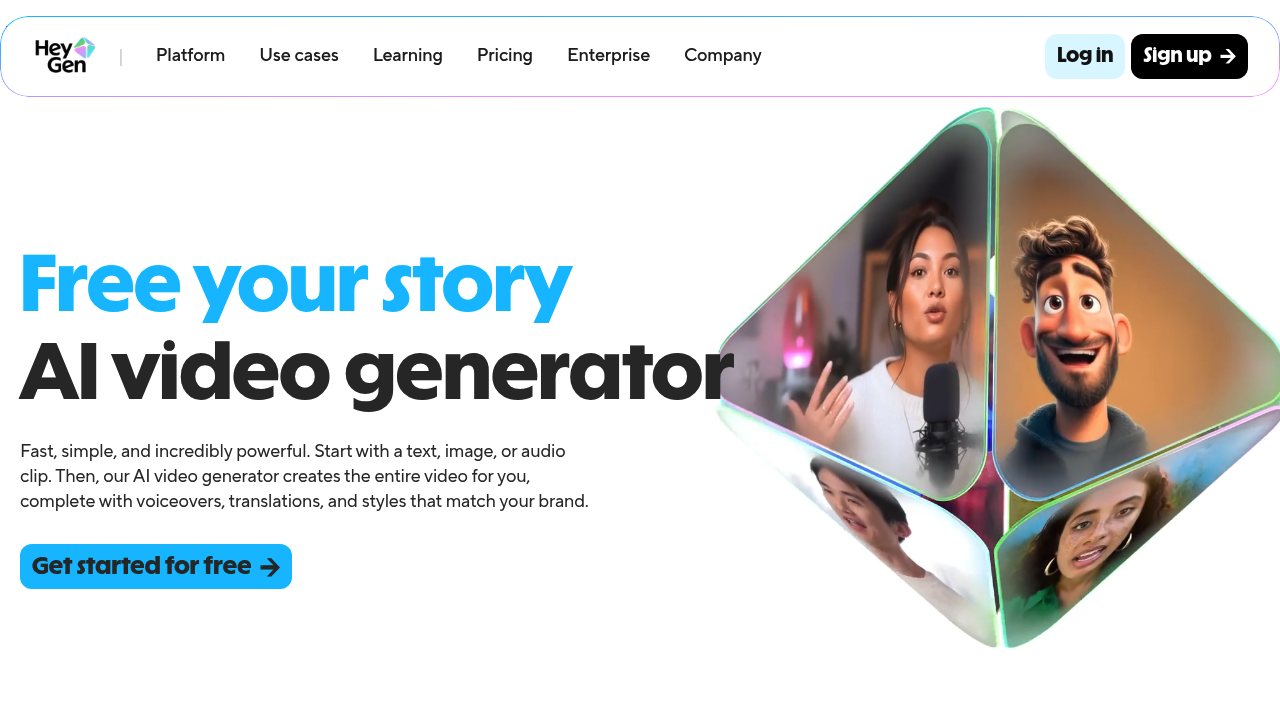
Turn your scripts into professional videos instantly. HeyGen removes the need for cameras by using realistic AI avatars. Perfect for writers and creators.

Create AI generated videos from text with the most advanced AI avatars and voiceovers in 140+ languages. Try our free AI video generator now!
Stop writing flat characters. We review the top AI Character Generators (2026). Create detailed backstories, psychological profiles, and visual avatars to flesh out your cast in seconds.

Can't draw? No problem. Transform your text into visuals with our Script to Storyboard AI guide (2026). Create professional shot lists and plan your social videos instantly without sketching.

Need viral scripts fast? We rank the Top AI Story Generators for Social Video (2026). From TikTok hooks to Instagram Reels, discover which tools write content that actually stops the scroll.
AI content is flooding the web. How do you stand out? We explain why Storytelling is the Secret Weapon (2026). Learn to use narrative to humanize your brand and turn generic AI text into high-converting sales copy.
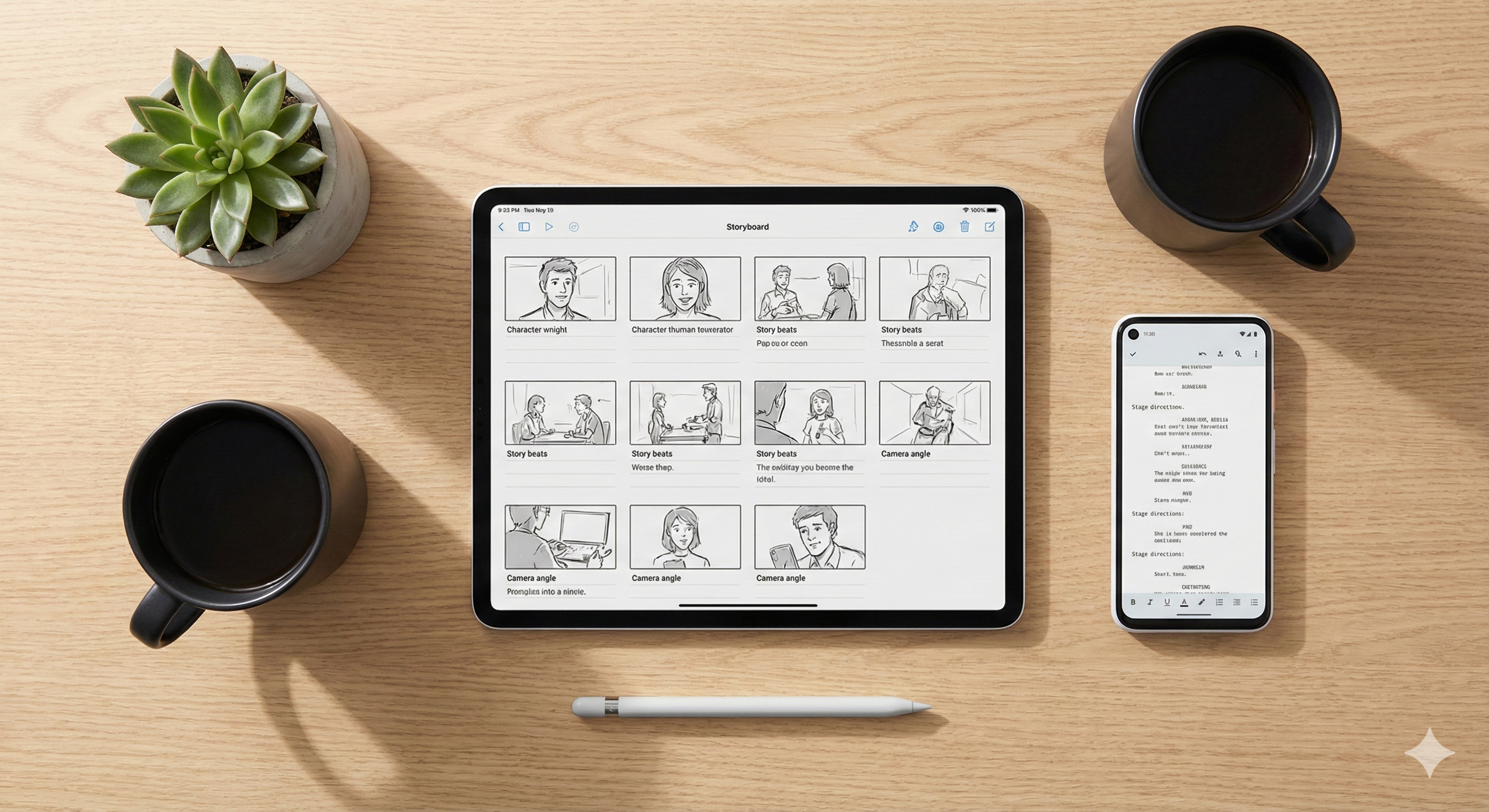
Turn your text into visuals instantly. We guide you from Script to Storyboard using AI. Learn how to generate professional shot lists and visual plans for your social videos in minutes.
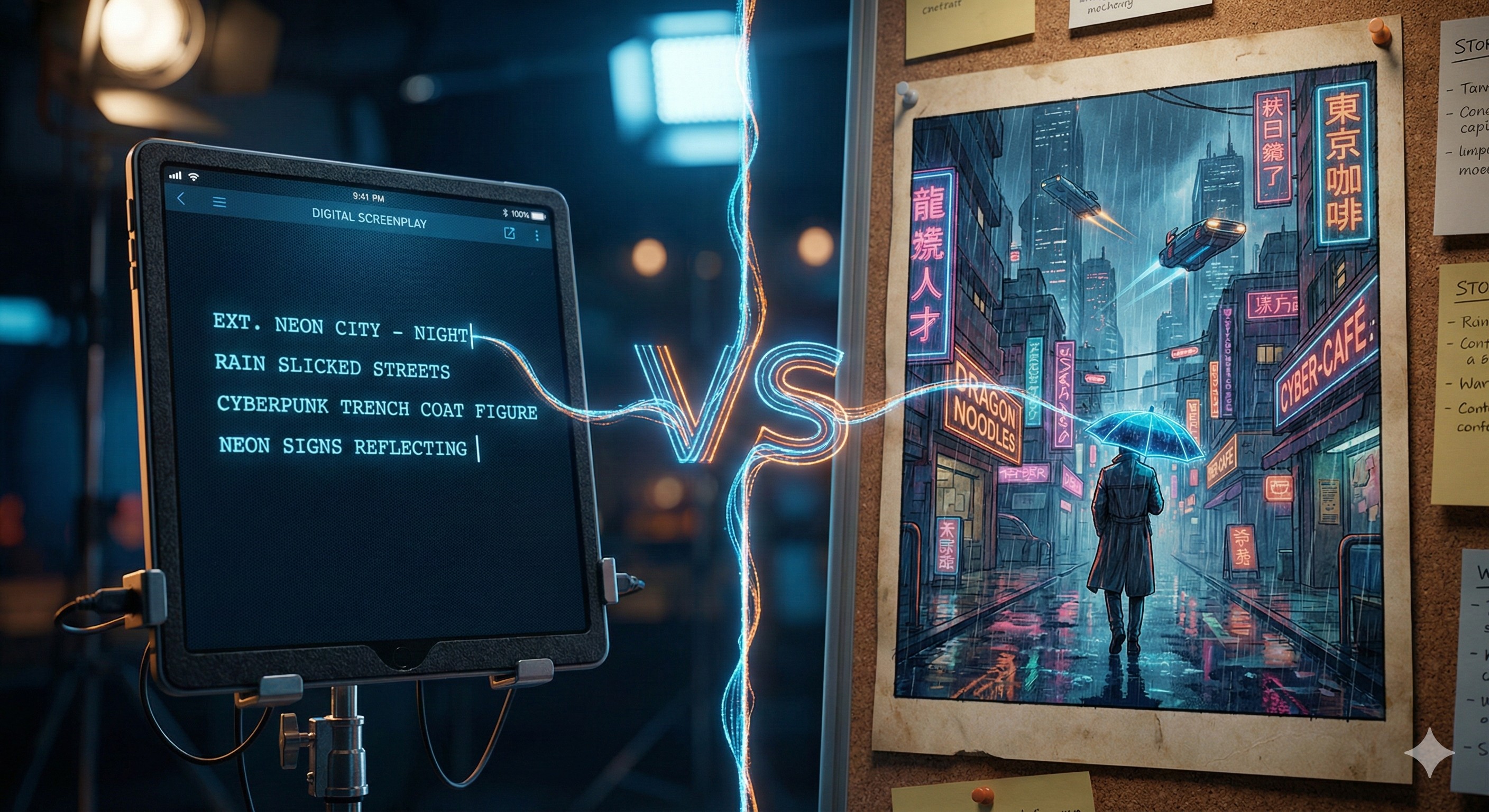
Stop struggling to visualize your story. Learn how to use Sudowrite and Katalist to turn your text into a professional, cinematic storyboard with consistent characters.

Discover the best AI tools for romance writers in 2026. Learn how to use Sudowrite, Plottr, and Katalist to draft steamy bestsellers faster without burnout.