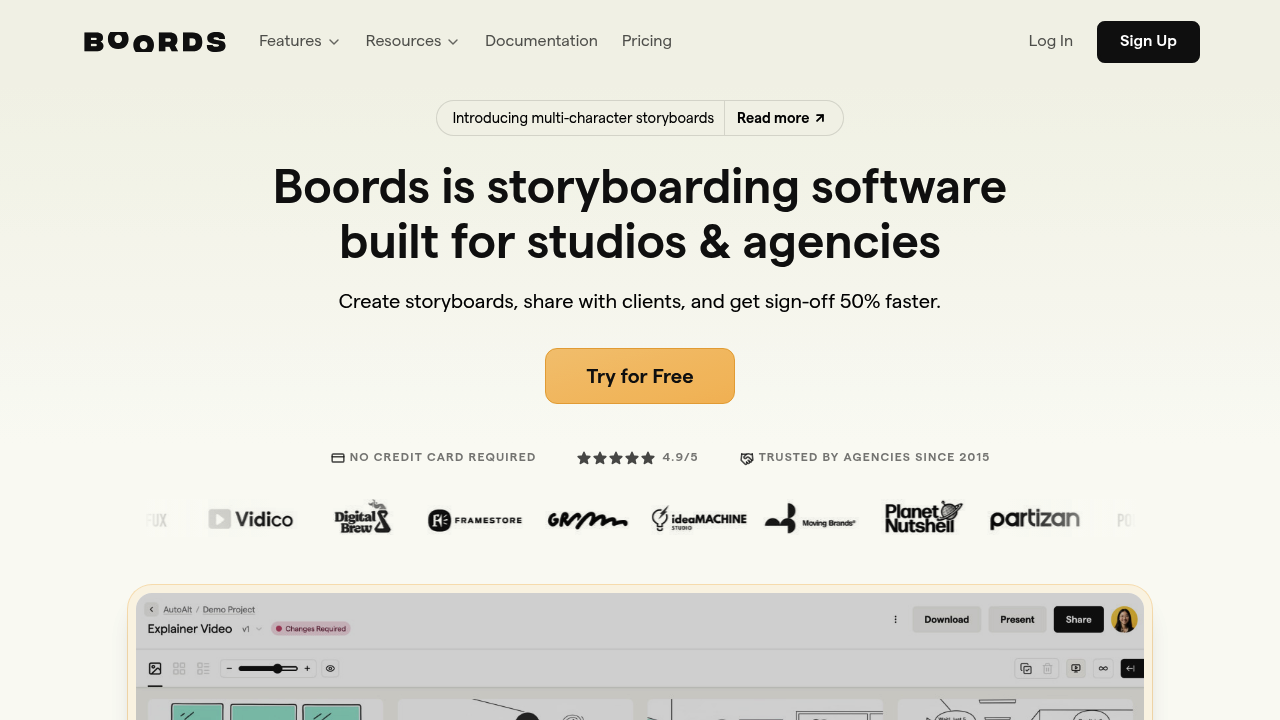
Boords Review 2026: The Industry Standard for AI Storyboarding
For many creators and video agencies, the transition from a finished text script to a visual plan is a chaotic, frustrating process. You usually end up wrestling with clunky PowerPoint slides, downloading random stock images from Google, and emailing massive PDF files back and forth with clients or team members.
Boords was built specifically to eliminate this messy pre-production phase. It is a specialized, AI-assisted platform designed to bridge the gap between creative writing and production-ready visual blueprints.
If you are a professional videographer, a marketer, or a high-volume YouTube creator trying to decide if a dedicated storyboarding tool is worth the monthly subscription, here is the honest, hype-free breakdown of Boords.
Quick Snapshot
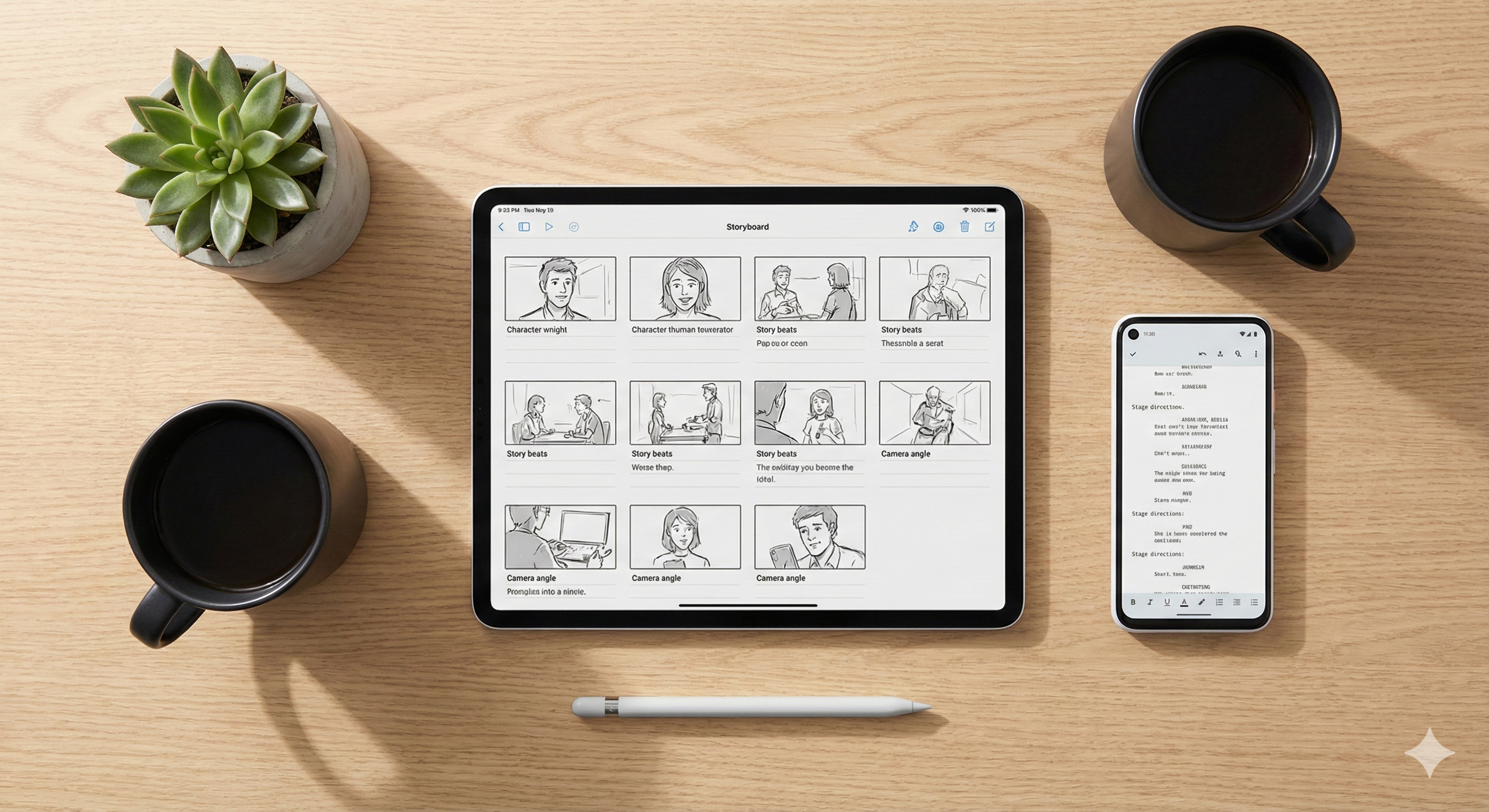
Boords is an online visual planning and storyboarding platform that transforms written scripts into professional, collaborative, client-ready storyboards in minutes. By combining AI image generation with a drag-and-drop interface and real-time commenting, it replaces manual sketching and scattered document files.
The Core Problem It Solves
The core friction in video production is alignment. Does the client or your editor actually understand what you mean by "camera pans across a moody room"?
Boords solves this by centralizing the visual workflow. Its unique selling proposition is the "Script-to-Storyboard" pipeline. You can import a text script, and the AI will automatically break it down into individual scenes, suggest visual descriptions, and generate matching illustrations. Furthermore, it keeps all version history and client feedback in one single shareable link, meaning you never have to search through email threads for approval notes again.
Who is Boords For?
Best For:
- Video Production Agencies: Teams that need to present highly polished, professional visual pitches to clients before securing a production budget.
- High-Volume YouTubers: Creators (especially in the "Faceless" or documentary niches) who need to plan complex transitions, B-roll, and camera angles before hitting the editing room.
- Animation Studios: Animators who need to build timed animatics and test the pacing of a script before committing to expensive, frame-by-frame rendering.
Not For:
- Hobbyist Novelists: If your final output is prose (like a book or a blog) and you have no intention of producing video content, Boords is the wrong software. Look at a tool like Read our full Plottr Review here instead.
- Post-Production Editors: Boords is strictly a pre-production planning tool. It will not edit your final video footage.
Practical Benefits: Real-World Use Cases
In practice, Boords eliminates the expensive "guessing games" that happen during a video shoot or an editing session:
- Catching Pacing Issues Early: Writers often find that reading a script takes 30 seconds, but watching it visually takes two minutes. By breaking the script into visual frames, you can identify pacing drag before it becomes an expensive mistake in the editing suite.
- Consistent Social Campaigns: Marketers can use the built-in AI Image Generator to create a consistent mood board and scene visuals, ensuring a campaign's aesthetic is locked in before hiring a camera crew.
- Frictionless Client Sign-Off: Instead of sending a PDF, you send a secure web link. The client can click on a specific frame and leave a comment like, "Make this product shot tighter." You update the frame, and the link updates live.
Unique Features for Storytellers
- AI Script-to-Storyboard: The system reads your uploaded text (Word, CSV, etc.) and instantly auto-populates a timeline of blank frames with the correct dialogue and action lines attached to each.
- Character & Cast Consistency: One of the hardest things in AI generation is keeping a character looking the same across different angles. Boords includes tools to maintain a recognizable look for your "cast" across the entire board.
- The Animatic Tool: With one click, Boords converts your static storyboard into an MP4 video (animatic) with temporary AI voiceovers and adjustable frame timing, allowing you to test the rhythm of your story.
- Camera Move Overlays: You can easily drag and drop cinematic directions—like Pan, Zoom, and Tilt indicators—directly onto the frames so your camera operator knows exactly what to do on set.
Pricing (The Boring Truth)
Because Boords is an industry-standard tool aimed at working professionals, it does not have a robust, permanent free tier for heavy users. Treat this as a business expense. (Note: SaaS pricing changes, so verify on the official site).
- Standard Plan (~$49/month): Ideal for solo creators and small agencies. Includes 1 user, unlimited storyboards, 1,000 AI image generations per month, and animatic exports.
- Workflow Plan (~$99/month): Built for larger teams. Unlocks unlimited AI images, team-only internal comments, password-protected client links, and custom subdomains (so the link looks like it comes from your agency, not Boords).
Support & Social Proof
Boords is highly regarded on platforms like G2 and within Reddit's r/VideoEditing community for its exceptionally clean UI.
Scott Rice, an Executive Producer, summarized the general sentiment well: "Before Boords, storyboarding was time-consuming and technical. Now I can focus exclusively on creative decisions." The only consistent criticism from solo creators is the price point. If you only make one video every three months, a $49 monthly subscription is steep. But if you are a working studio, it pays for itself in the first saved hour of formatting.
Frequently Asked Questions (FAQ)
Can I upload my own images or drawings?
Yes. You are not forced to use the AI generator. You can upload your own sketches, location scouting photos, or reference graphics from Dropbox or Google Drive directly into the frames.
Do my clients need a Boords account to leave feedback?
No. Boords has a "Guest Commenting" feature. You send them a secure link, and they can leave pinpointed feedback directly on the storyboard without needing to log in or buy a subscription.
Does it format scripts automatically?
While it breaks scripts down into visual panels brilliantly, it is not a traditional screenwriting word processor like Final Draft. It is best used after your text script is mostly finished.
Final Verdict
Boords is not just a software tool; it is a vital infrastructure investment for any creator, agency, or solopreneur who views video as their primary business medium.
It removes the administrative friction from the pre-production phase and ensures that your creative vision is never "lost in translation" between the script and the screen. If you are tired of messy Google Slides and want to elevate your production value, Boords is currently the gold standard.
Start your free trial and streamline your storyboarding with Boords here
Transparency Note: The Story & Script AI Directory is reader-supported. We may earn a commission if you allow us to guide you to a purchase.