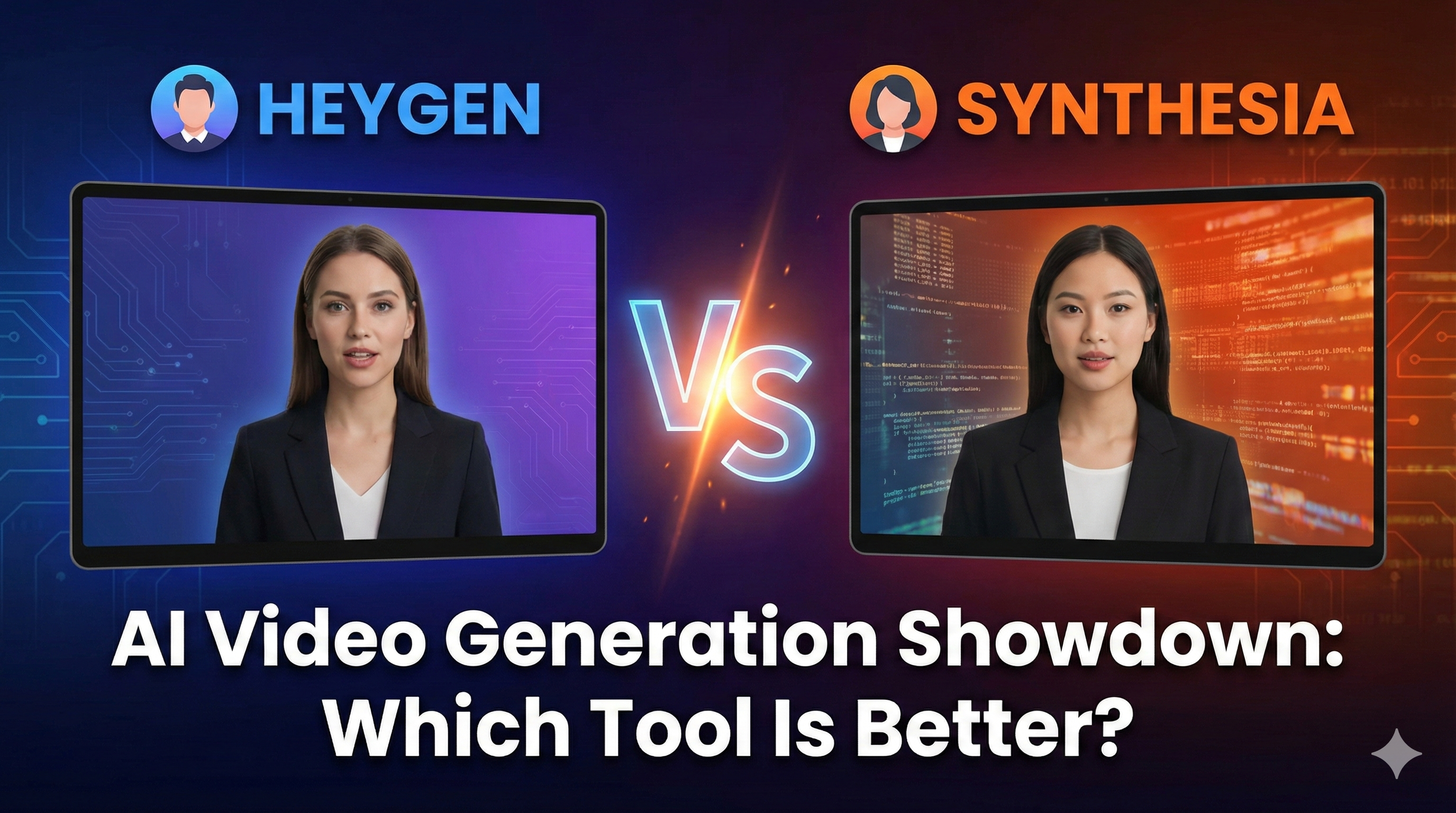
HeyGen vs. Synthesia
Stop guessing which AI avatar stays out of the 'uncanny valley.' We compared HeyGen and Synthesia’s 2026 updates on realism, pricing, and workflow. Here is the honest verdict for creators who can't afford to look robotic.

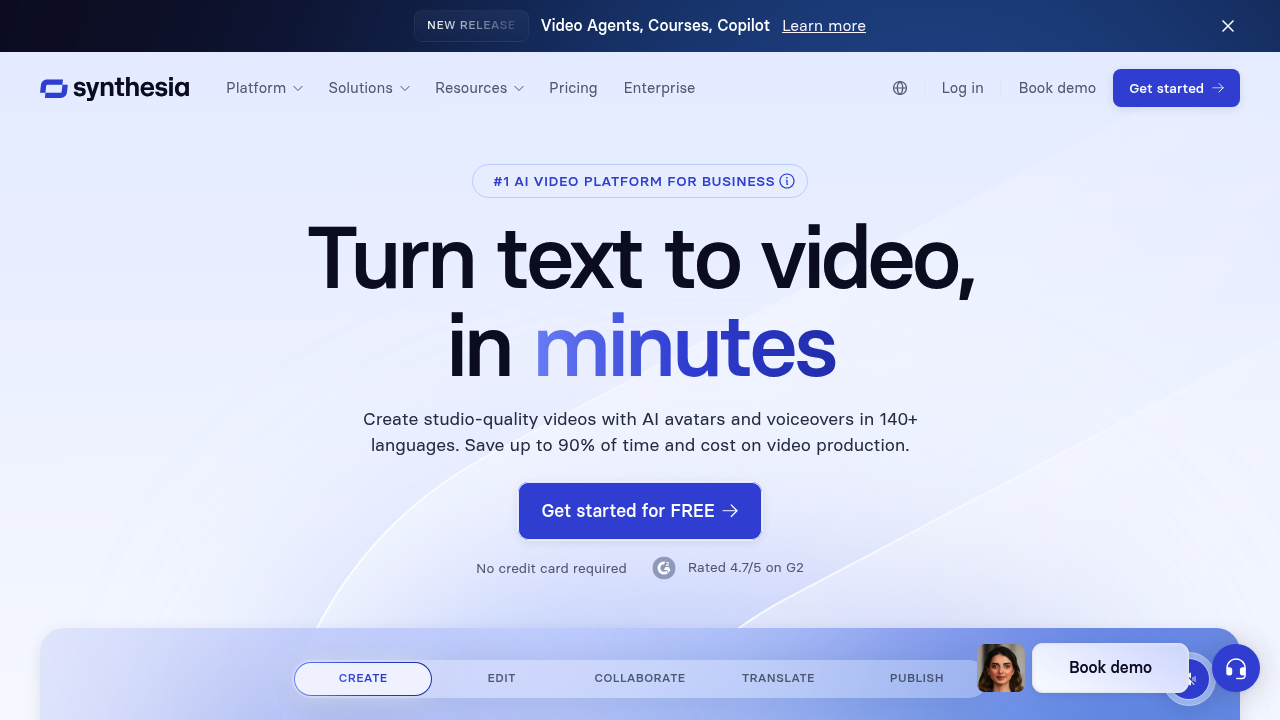
Create AI generated videos from text with the most advanced AI avatars and voiceovers in 140+ languages. Try our free AI video generator now!
If you want to scale your video content, you face a frustrating reality: video production is a massive bottleneck. The leap from writing a good script to actually publishing a video involves renting gear, setting up lights, memorizing lines, and dealing with hours of awkward retakes.
For the past few years, Synthesia has been the most recognized name in the AI video generation space, promising to turn plain text into high-quality videos using realistic digital actors.
But as the market floods with new AI video tools in 2026, is Synthesia still the best choice for storytellers, or has it been overshadowed by flashier competitors? Here is the honest, hype-free breakdown of where Synthesia shines and where it falls flat.
Synthesia is a premium AI video generation platform that turns text scripts into professional videos using highly realistic human avatars. It effectively removes the need for cameras, microphones, and actors, allowing creators and businesses to produce consistent, high-fidelity video presentations in over 130 languages directly from their web browser.
The core friction in video creation isn't just the initial shoot; it is the updates.
If you record a 20-minute educational course or a product tutorial, and the software you are teaching changes three months later, you traditionally have to set up your entire studio again just to re-record one sentence.
Synthesia solves the problem of video iteration. It treats video creation like editing a slide deck. If a fact changes in your script, you simply open the project, type the new sentence, and click "Generate." The AI re-renders the avatar speaking the new line seamlessly. It turns video from a static, expensive asset into a dynamic, easily editable document.
Best for:
Not for:
Here is how you actually use Synthesia to scale your storytelling:
The most frequent debate in the AI video world is Synthesia vs. HeyGen. Read our deep-dive HeyGen vs Synthesia comparison here.
In short: HeyGen currently holds the edge in "micro-expressions" and casual, creator-friendly features (like instant smartphone avatars). Synthesia, however, holds the edge in enterprise reliability, strict data security, and the sheer volume of highly professional, diverse avatars suitable for corporate storytelling.
Because AI video rendering requires massive server power, Synthesia is a premium business investment. (Always check the official site for current rates).
Synthesia is widely regarded as having the most robust customer education in the industry. They offer "Synthesia Academy," a massive library of tutorials that doesn't just show you how to use the tool, but why (e.g., design tips for video layouts).
Reviews on platforms like G2 reflect its corporate dominance: "The lip-syncing technology is incredibly stable. My clients actually thought I hired a professional presenter until I told them." The main criticism on Reddit from solo creators is simply the cost-per-minute on the lower-tier plans.
Can I use my own voice with the avatars? Yes. You can upload an audio file of your own voice (or a professional voice actor), and the Synthesia avatar will automatically lip-sync to that audio track.
Does it look 100% real? It looks about 95% real. On a mobile phone screen, it is often completely indistinguishable from a human. On a large 4K monitor, a keen eye might notice it is AI. However, the quality is high enough that it rarely distracts from the core message.
Do I own the copyright to the videos? Yes. You own the commercial rights to the videos you create, provided you do not violate their strict moderation policies (e.g., using avatars for defamatory stories).
Synthesia is the "heavy hitter" of AI video generation for a reason. It is reliable, polished, and safe.
If you are a solo YouTuber looking for the absolute cheapest way to make viral TikToks, look elsewhere. But if you are a storyteller, educator, or business looking to produce professional video content at scale—without buying a camera or building a studio—Synthesia remains the gold standard. It allows you to focus purely on the script, letting the AI handle the performance.
Start generating professional videos with Synthesia here
Transparency Note: The Story & Script AI Directory is reader-supported. We may earn a commission if you allow us to guide you to a purchase.
Pictory transforms long-form content into short, engaging videos using AI—ideal for creators, coaches, and small businesses wanting fast video production.
Katalist AI converts your scripts into visual storyboards and videos with AI-powered scenes, character consistency, and one-click story visualization.
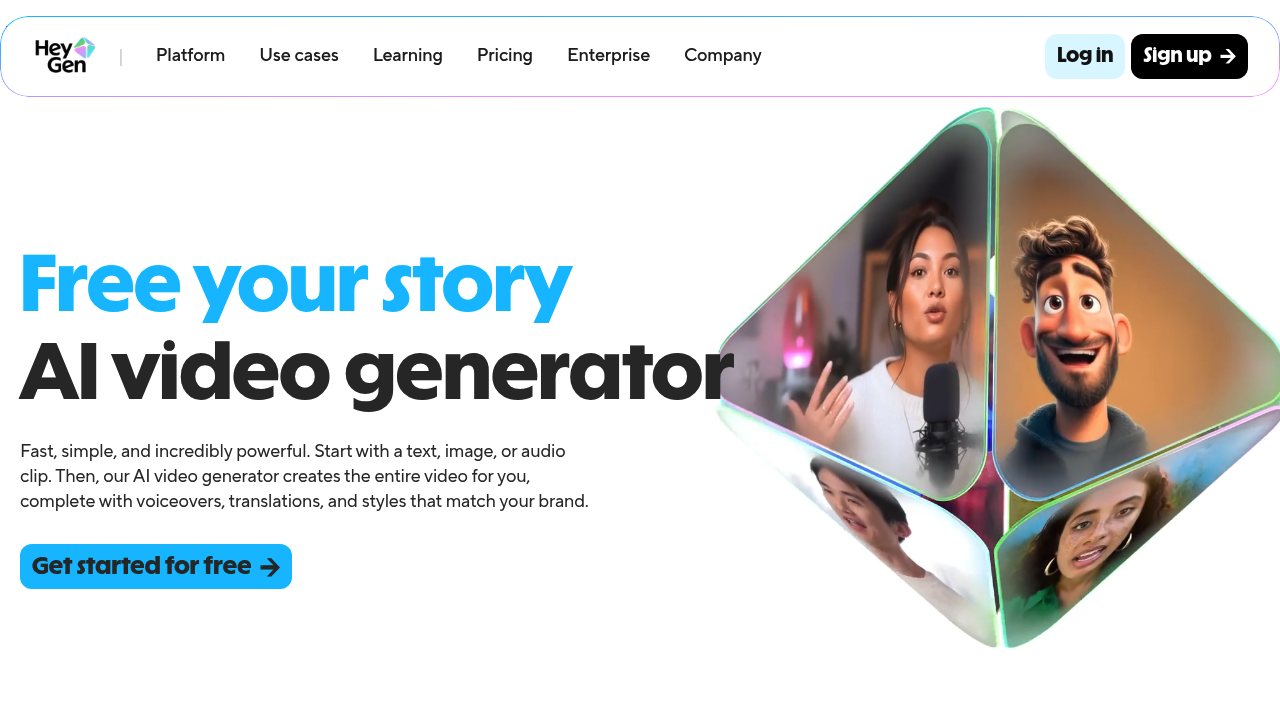
Turn your scripts into professional videos instantly. HeyGen removes the need for cameras by using realistic AI avatars. Perfect for writers and creators.
Stop guessing which AI avatar stays out of the 'uncanny valley.' We compared HeyGen and Synthesia’s 2026 updates on realism, pricing, and workflow. Here is the honest verdict for creators who can't afford to look robotic.
Stop struggling with video editing. We compare InVideo, KlingAI, HeyGen, and Synthesia to find the best AI video tool for book marketing.