
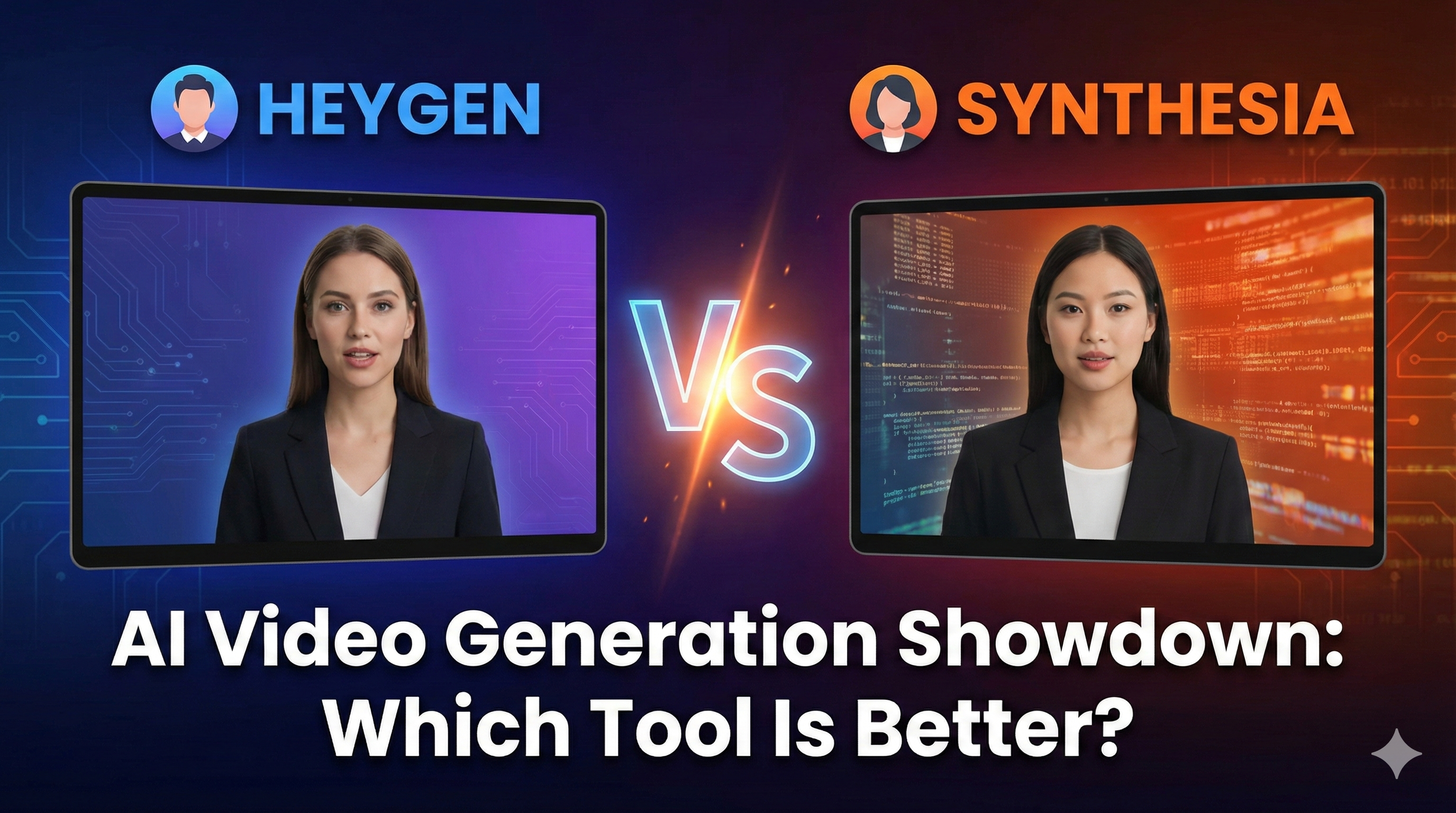
HeyGen vs. Synthesia
Stop guessing which AI avatar stays out of the 'uncanny valley.' We compared HeyGen and Synthesia’s 2026 updates on realism, pricing, and workflow. Here is the honest verdict for creators who can't afford to look robotic.
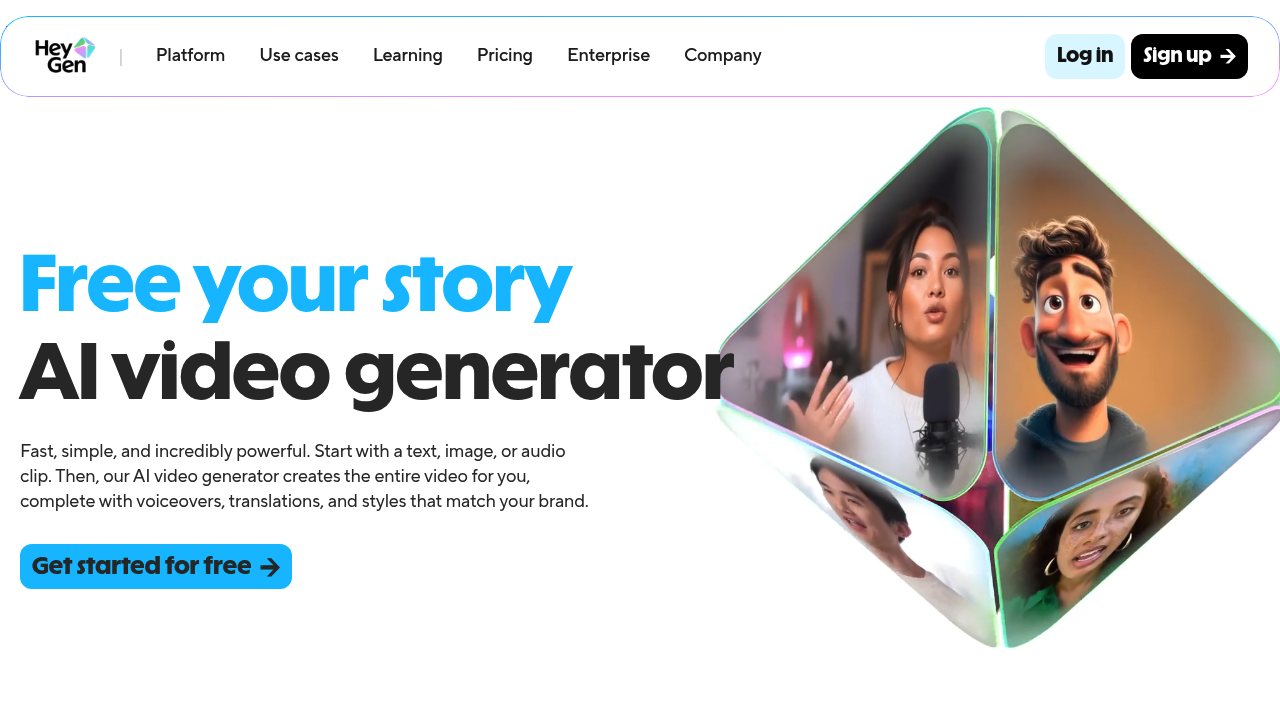
Turn your scripts into professional videos instantly. HeyGen removes the need for cameras by using realistic AI avatars. Perfect for writers and creators.
If you want to build a massive audience on YouTube or TikTok in 2026, you face a harsh reality: algorithms favor channels that post frequently, and audiences favor channels with a human face. But what if you hate being on camera, or simply do not have the 20 hours a week required to set up lighting, memorize scripts, and edit out your mistakes?
For a long time, the alternative was "faceless" videos using stock footage, but they often lack a personal connection.
HeyGen completely changes this dynamic. It allows you to generate hyper-realistic, talking human avatars directly from your text script. With the release of their highly anticipated Avatar IV engine, HeyGen has shifted from being a "cool tech demo" to a mandatory production engine for thousands of creators. Here is the honest, hype-free breakdown of what HeyGen actually does, and where it still falls short.
HeyGen is a professional video generation platform that uses photorealistic AI avatars to turn text scripts into high-quality video content. It allows solo creators and marketing teams to produce "on-camera" content without ever needing a physical studio, a camera crew, or a human presenter.
The core problem HeyGen solves is the "Uncanny Valley" effect—that creepy feeling you get when an AI human looks almost real, but something is slightly off.
Older AI avatars stared blankly into the camera without blinking, and their shoulders never moved. HeyGen’s Avatar IV engine has essentially solved the "robotic" look by incorporating natural micro-expressions. The avatars now have a natural blink-cadence, subtle head tilts, and fluid shoulder movements. In a fast-paced social media feed, it is now nearly impossible for the average viewer to tell that the presenter is generated by AI.
Best for:
Not for:
Here is how you actually use HeyGen to scale your storytelling:
The most common question in this space is: HeyGen or Synthesia? * Read our deep-dive HeyGen vs Synthesia comparison here.
HeyGen operates on a tiered model based on generation credits. (Always check the official site for the latest offers).
The Boring Truth: The consensus on Reddit and Trustpilot highlights a strict credit system. If you misspell a word in your script, hit generate, and the avatar pronounces it wrong, you have to fix the typo and generate it again—which burns another credit. You must proofread your scripts ruthlessly before clicking export.
Can I monetize HeyGen videos on YouTube? Yes. YouTube allows AI-generated content (including avatars) as long as the underlying script provides original value and does not violate spam policies.
Do I own the commercial rights? Yes. If you are on a paid plan, you own the commercial rights to the videos you generate and can use them in paid social media ads.
Does my custom Digital Twin look realistic? Incredibly realistic. As long as your initial 2-minute training video is recorded with good lighting and a high-quality camera, the resulting avatar is virtually indistinguishable from the real you on a smartphone screen.
In 2026, HeyGen is no longer a luxury tech demo—it is a full-scale production engine.
If your business model relies on video volume, buying a HeyGen subscription is vastly cheaper than hiring a freelance presenter and renting studio space. It won't win an Oscar for dramatic acting, but it will win on ROI, consistency, and efficiency. If you suffer from camera anxiety but need a human face for your brand, HeyGen is the ultimate solution.
Try HeyGen Avatar IV for free and build your first video here
Transparency Note: The Story & Script AI Directory is reader-supported. We may earn a commission if you allow us to guide you to a purchase.
Pictory transforms long-form content into short, engaging videos using AI—ideal for creators, coaches, and small businesses wanting fast video production.
Katalist AI converts your scripts into visual storyboards and videos with AI-powered scenes, character consistency, and one-click story visualization.

Create AI generated videos from text with the most advanced AI avatars and voiceovers in 140+ languages. Try our free AI video generator now!
Stop guessing which AI avatar stays out of the 'uncanny valley.' We compared HeyGen and Synthesia’s 2026 updates on realism, pricing, and workflow. Here is the honest verdict for creators who can't afford to look robotic.
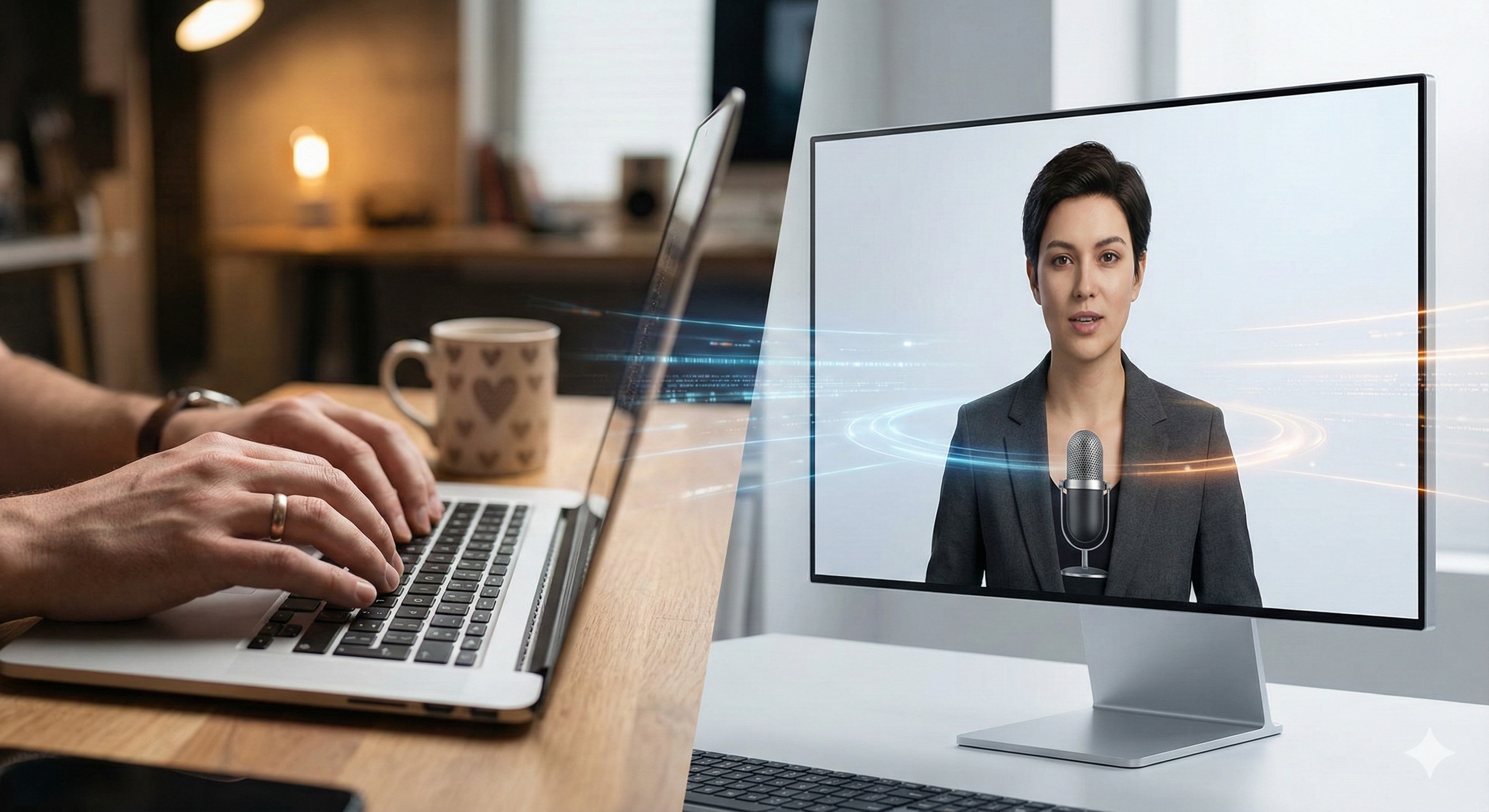
Scale your personal brand using HeyGen and ElevenLabs. This guide shows you the exact workflow to create professional AI videos without a camera or studio.
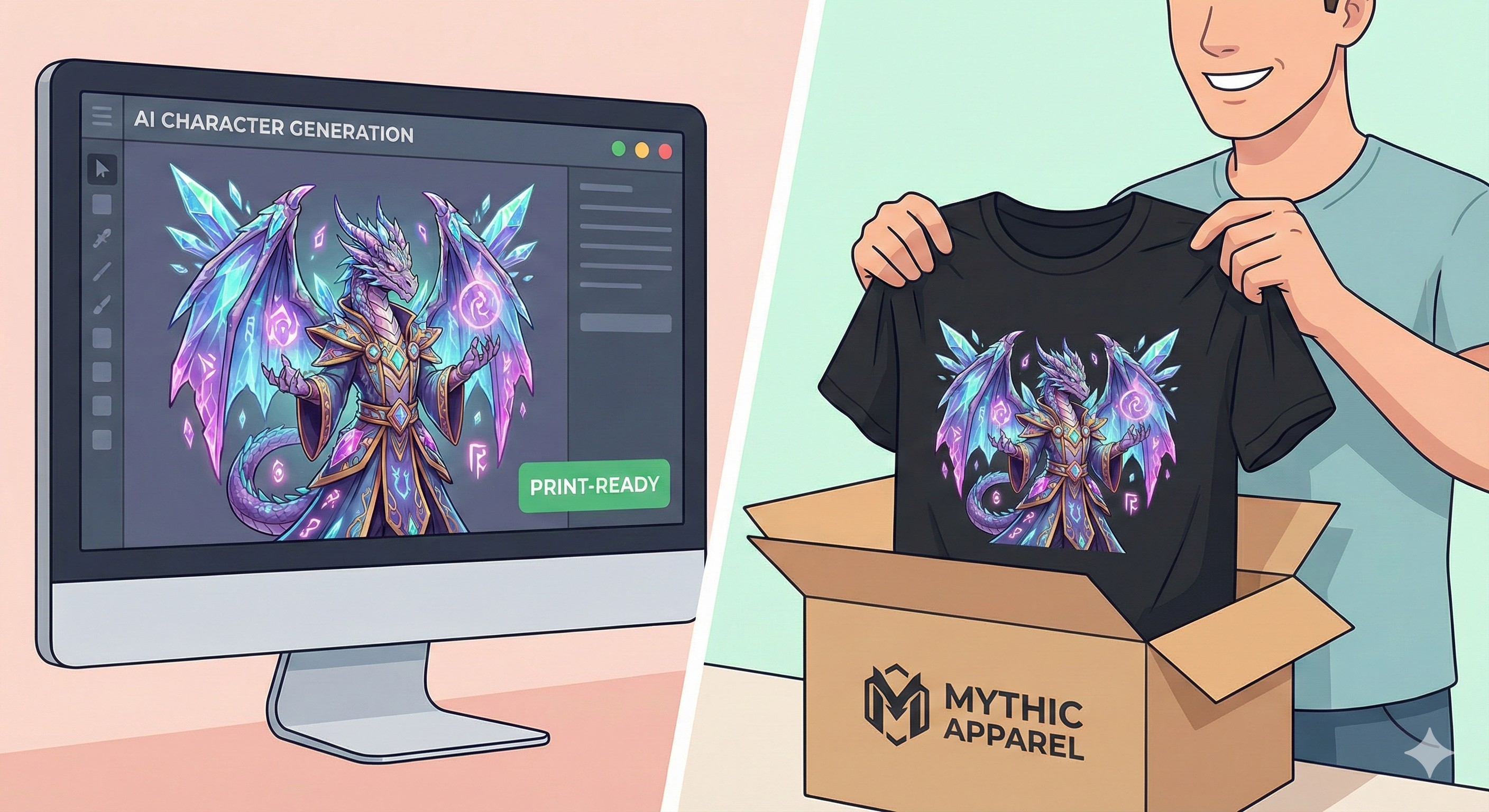
Don't let your AI art gather dust. A guide for authors and world-builders on how to sell physical merch using Shopify and Print-on-Demand.

Stop struggling with video editing. We compare InVideo, KlingAI, HeyGen, and Synthesia to find the best AI video tool for book marketing.