HeyGen vs. Synthesia
Stop guessing which AI avatar stays out of the 'uncanny valley.' We compared HeyGen and Synthesia’s 2026 updates on realism, pricing, and workflow. Here is the honest verdict for creators who can't afford to look robotic.

Create professional videos and images with Kling AI's state-of-the-art generative AI platform. Our tools support video generation, image creation, and advanced editing capabilities for content creators.
If you create videos for a living, you already know the frustration of relying on stock footage. You write a brilliant, highly specific script about "a cybernetic bear walking through a neon-lit Tokyo alleyway," but when you open your stock library, the best clip you can find is a regular bear walking through a zoo.
To bridge that gap, creators have been waiting for generative AI video tools to mature. We all saw the viral demos of OpenAI’s Sora, but access has remained heavily restricted and tied to expensive ChatGPT subscriptions.
Enter Kling AI. Developed by Kuaishou Technology, it has quietly become the industry standard for public, cinematic text-to-video generation. But is it actually reliable enough to use in a professional production workflow, or is it just a toy for making weird 5-second clips? Here is the honest, hype-free breakdown.
Kling AI is a generative video platform that turns text prompts or static images into highly realistic, cinematic video clips. Unlike traditional video editors that assemble existing footage, Kling creates new video pixels from scratch. It acts as a virtual camera crew, allowing creators to generate custom, high-fidelity B-roll and narrative scenes that do not exist anywhere else.
Most early AI video generators suffered from the same fatal flaws: videos were limited to 3 or 4 seconds, the physics looked like a blurry nightmare, and characters morphed into unrecognizable monsters if they turned their heads.
Kling AI solves the problem of motion consistency and duration. It utilizes an advanced physics engine that understands how light, gravity, and fluid dynamics actually work. More importantly, it allows creators to generate continuous clips that last up to 2 or 3 minutes—a massive leap compared to the industry standard of 4 seconds. It brings high-end VFX capabilities to a web browser.
Best for:
Not for:
Here is how you actually use Kling AI to elevate your production value:
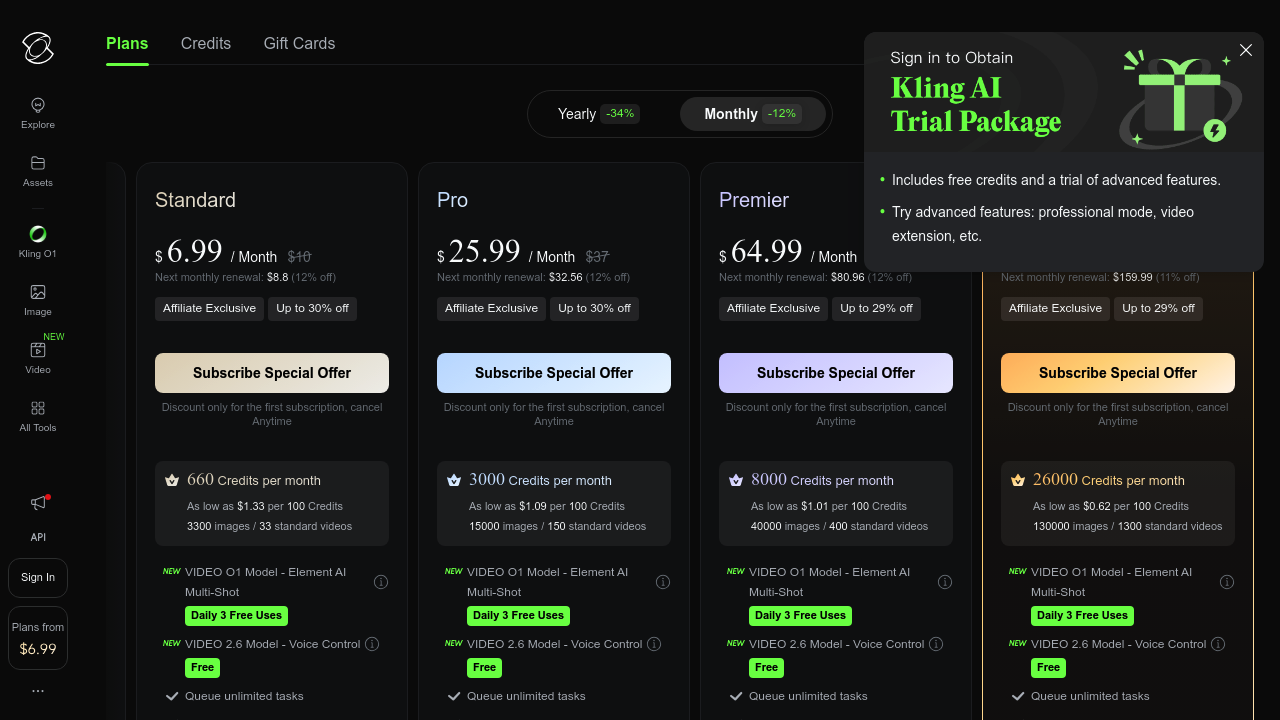
Kling operates on a credit-based system. The "boring truth" about AI video is that you rarely get the perfect shot on the first try. You might need to generate a clip three times to get the exact motion you want, which burns through credits quickly. (Always check the official site for current pricing).
The sentiment across AI filmmaking communities (like Reddit's r/aivideo) is incredibly strong. Creators frequently praise Kling for avoiding the "morphing" artifacts common in earlier generation models.
However, the biggest complaint is the rendering speed on the free tier. If you do not pay for a subscription, you will be placed in a low-priority queue, meaning a 5-second video could take an hour to generate. If your time is valuable, the Standard plan is a mandatory upgrade.
Can I use the videos for commercial projects? Yes. If you generate the videos on any of the paid subscription tiers, you hold the commercial rights to monetize them on YouTube, use them in client ads, or put them in your short film.
Do I need a powerful computer to run Kling? No. All the heavy lifting is done on Kling’s cloud servers. You simply type the prompt in your web browser, meaning you can generate 4K cinematic video from a basic laptop.
Does it generate sound as well? Kling does have an experimental AI sound effects feature that attempts to match audio to the video (e.g., adding the sound of rain if it generates a storm), but for professional results, you should still add your own sound effects in post-production.
If your content strategy relies heavily on visual storytelling, Kling AI is currently one of the most impressive tools available to the public.
It is not a magic button—learning how to prompt the camera requires practice, and you have to manage your credit balance carefully. But if you need cinematic visuals that look like they cost $5,000 to shoot, but actually cost you $0.50 in AI credits, this is a mandatory tool in your stack.
Start generating cinematic videos with Kling AI right here
Transparency Note: The Story & Script AI Directory is reader-supported. We may earn a commission if you allow us to guide you to a purchase.
Turn your scripts into professional videos instantly. HeyGen removes the need for cameras by using realistic AI avatars. Perfect for writers and creators.

Create & edit AI videos, AI Avatars, UGC product ads and much more!
Pictory transforms long-form content into short, engaging videos using AI—ideal for creators, coaches, and small businesses wanting fast video production.
Katalist AI converts your scripts into visual storyboards and videos with AI-powered scenes, character consistency, and one-click story visualization.
Turn your scripts into professional videos instantly. HeyGen removes the need for cameras by using realistic AI avatars. Perfect for writers and creators.
Stop guessing which AI avatar stays out of the 'uncanny valley.' We compared HeyGen and Synthesia’s 2026 updates on realism, pricing, and workflow. Here is the honest verdict for creators who can't afford to look robotic.
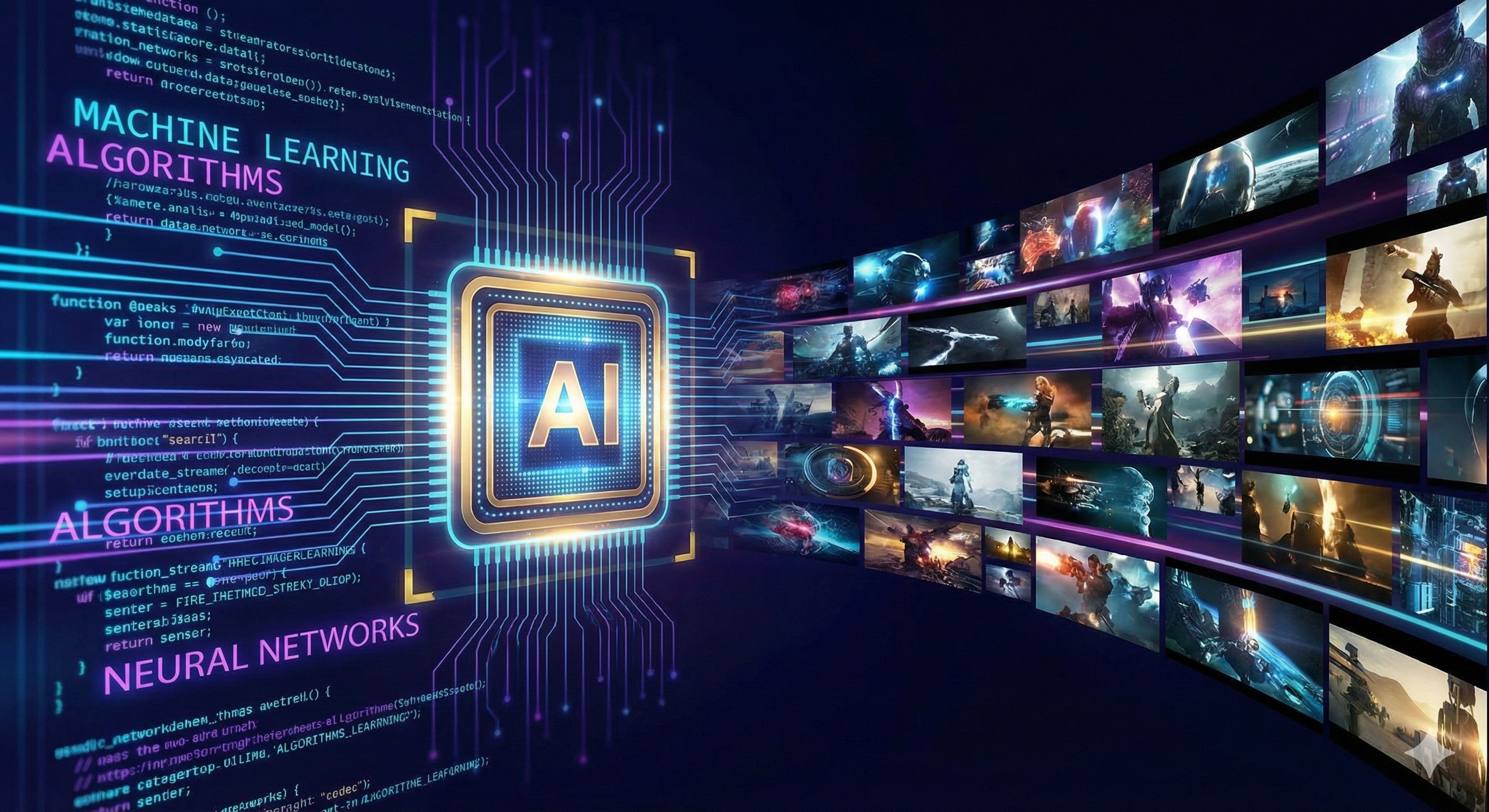
Learn how to turn your story ideas into cinematic trailers. A step-by-step workflow using Sudowrite and Kling AI for authors and scriptwriters.
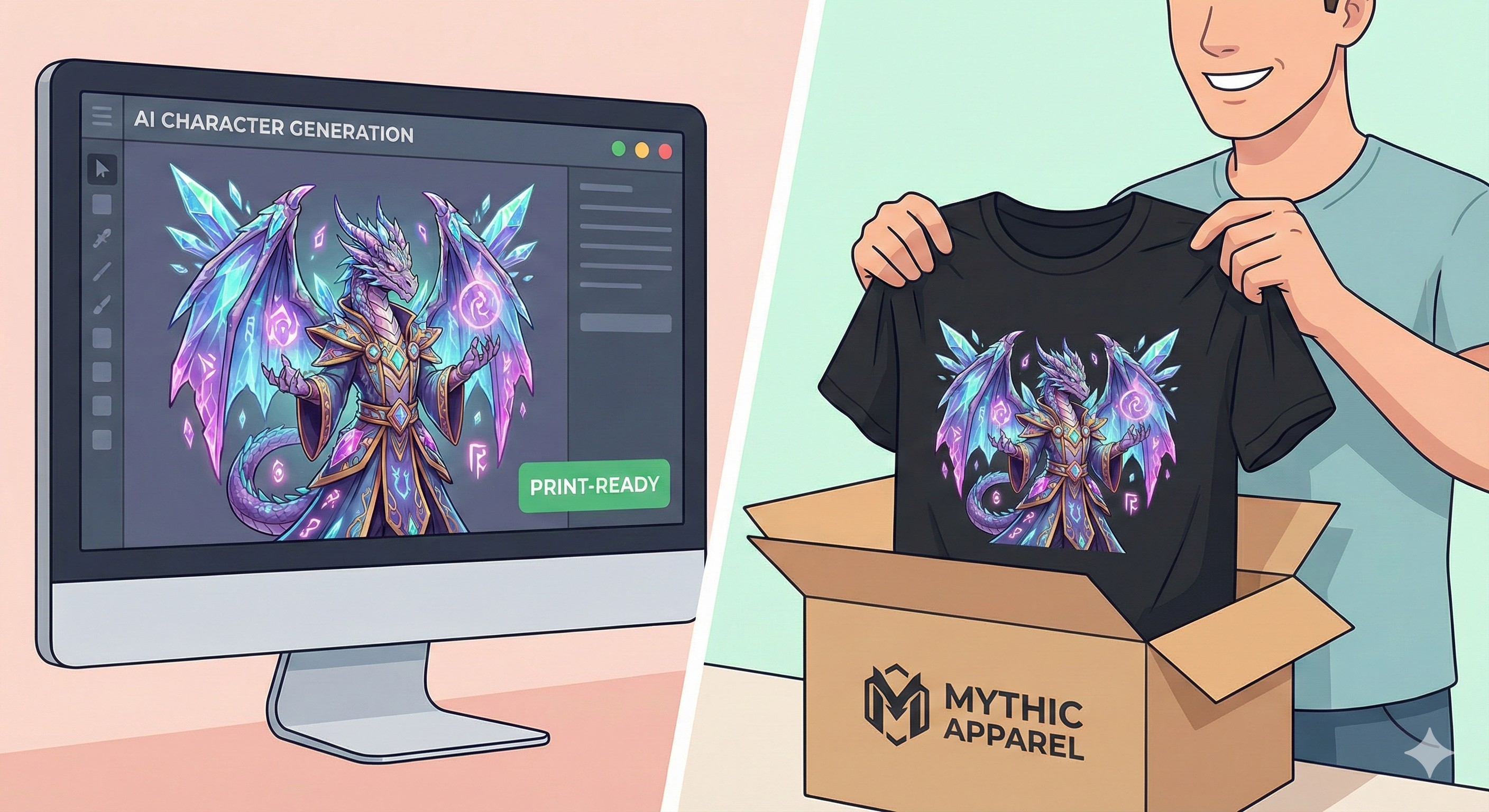
Don't let your AI art gather dust. A guide for authors and world-builders on how to sell physical merch using Shopify and Print-on-Demand.
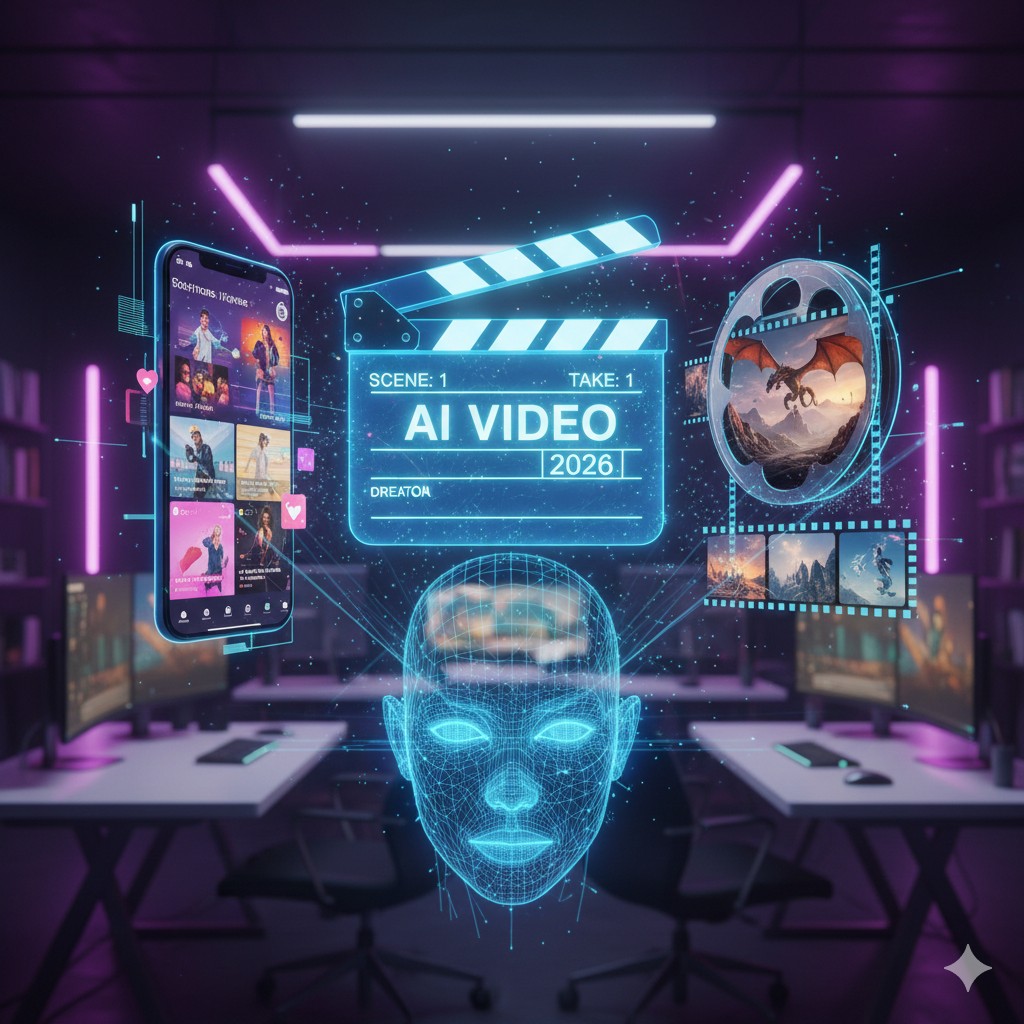
Stop struggling with video editing. We compare InVideo, KlingAI, HeyGen, and Synthesia to find the best AI video tool for book marketing.
Choosing between Kling AI and InVideo AI? Discover which 2026 AI video generator is best for YouTube automation, short films, and marketing.