Murf AI Review 2026: The Best "Studio" Voice Generator?
If you create videos, tutorials, or faceless content, there is one bottleneck almost everyone hits eventually: voiceovers.
Not everyone has the budget to hire professional voice actors. Not everyone has a soundproof, echo-free recording studio in their house. And frankly, not everyone has a voice built for radio.
Murf.ai solves this problem beautifully. But in 2026, the AI voice market is incredibly crowded. So, is Murf actually the right tool for your specific workflow, or are you better off with a pure generation engine? Here is the honest, hype-free breakdown of where Murf.ai dominates.
Quick Snapshot
Murf is a studio-grade AI voice generator built specifically for creators, educators, and corporate teams. It goes beyond simply converting text to speech by providing a full, timeline-based audio editor. With over 200 voices in multiple languages and deep customization tools, it is the easiest way to produce synced, presentation-ready voiceovers at scale.
The Core Problem It Solves
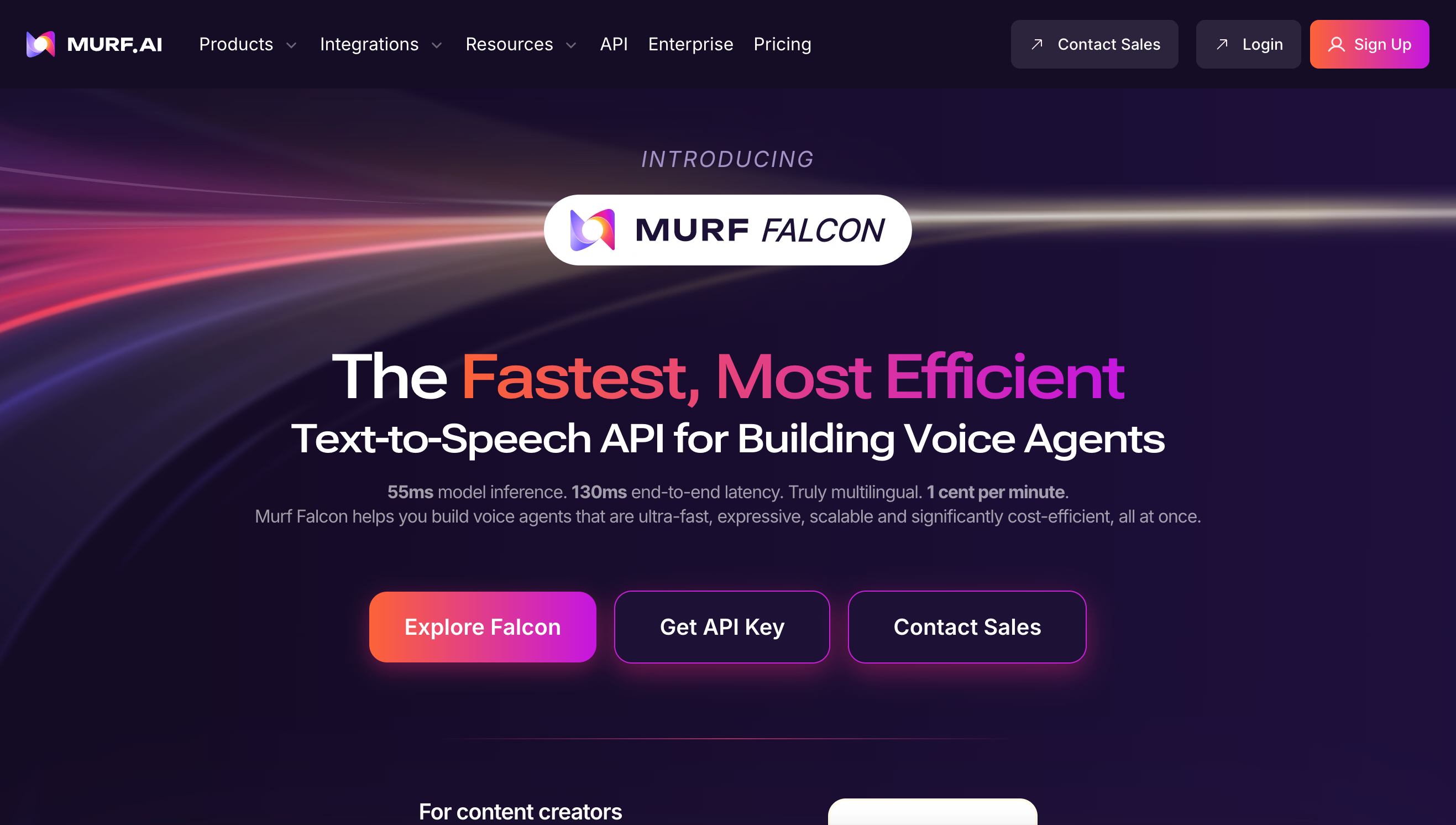
Most basic text-to-speech tools have a massive workflow problem. You paste your script, click generate, and the software spits out a single, long MP3 file. If you are trying to match that audio to a 20-slide presentation or a video, you now have to open a complex video editor (like Premiere Pro) to manually chop up the audio and sync it to your visuals.
Murf solves the "syncing nightmare." It is not just a voice generator; it is a built-in audio studio. You can upload your video or your presentation slides directly into the Murf dashboard. You then assign different text blocks to specific timestamps, allowing you to visually match the AI voiceover to the exact moment an image appears on screen. No third-party video editor required.
Who is Murf For?
Best for:
- Educators & Course Creators: Teachers who need to narrate long e-learning modules and want the audio to sync perfectly with their slide decks.
- Agencies & Small Businesses: Marketing teams producing high-volume product explainers, SaaS demos, and social media ads that need a consistent, professional "corporate" voice.
- Faceless YouTubers: Creators producing documentary or "Top 10" style videos who need a simple timeline to layer background music under the narration.
Not for:
- Ultra-Cinematic Filmmakers: If you are writing a highly dramatic fiction script that requires a voice actor to cry, scream, or whisper with deep emotional nuance, AI is not quite there yet.
- Users Needing Instant Raw Audio: If you don't need a timeline editor and just want the absolute highest-tier emotional voice cloning, you are better suited for Read our full ElevenLabs Review here.
Practical Benefits: Real-World Workflows
Here is how you actually use Murf to speed up your content creation:
- The Canva/Google Slides Workflow: Murf has deep integrations with popular design tools. You can build your presentation in Canva, open the Murf add-on, and generate the voiceover directly onto your slides without ever downloading a file.
- Multi-Voice Scenes: If you are creating a podcast intro or a conversational ad, you can easily assign a "British Male" voice to paragraph one, and an "American Female" voice to paragraph two on the same timeline, creating a realistic back-and-forth dialogue.
- Fixing Audio Glitches (Voice Changer): You can record a "scratch track" of your own voice with terrible audio quality just to get the pacing right. You upload it to Murf, and the AI swaps your voice for a studio-quality professional narrator while maintaining your exact timing.
Unique Features for Creators
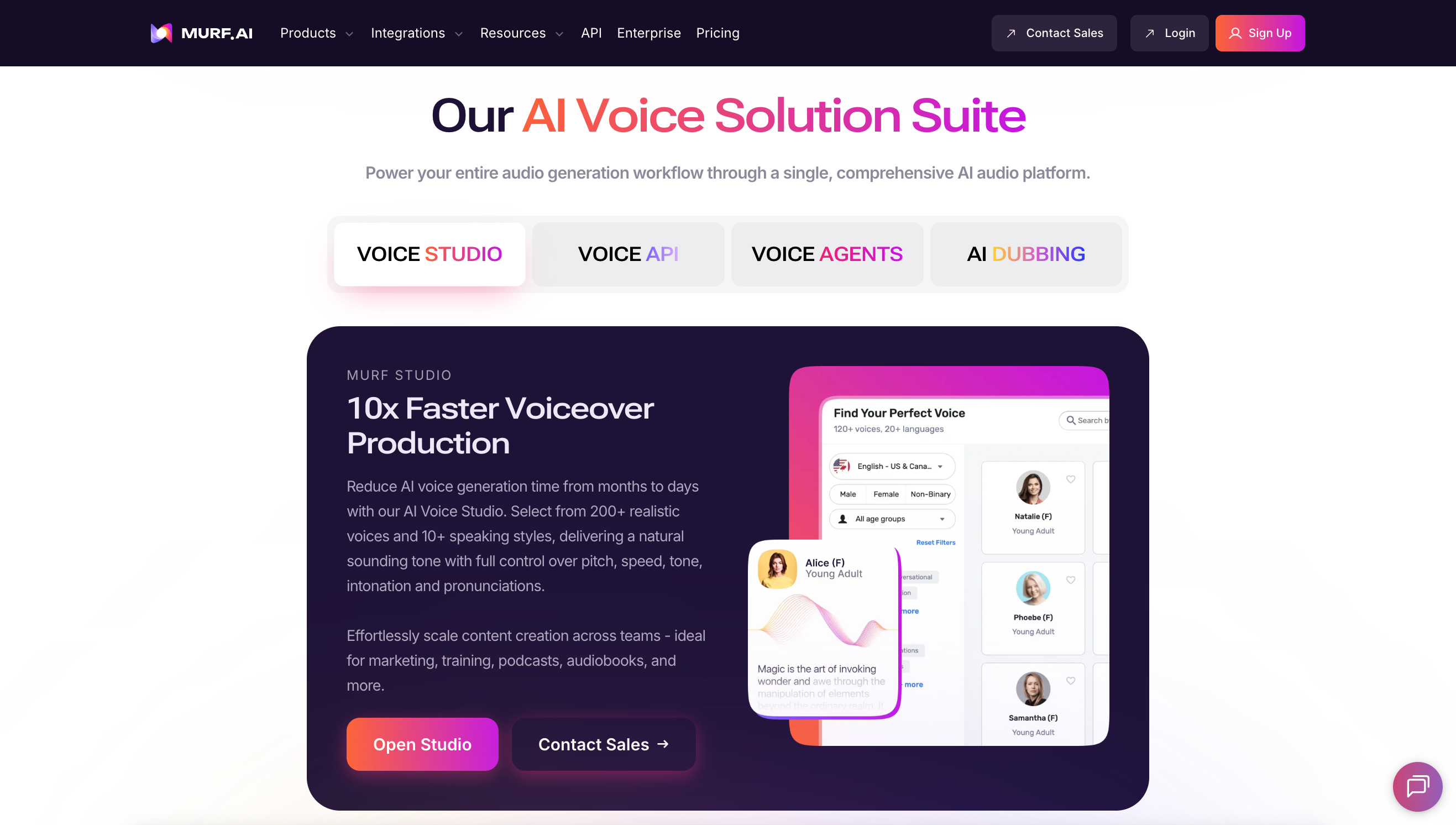
- Granular Voice Controls: You are not stuck with the default AI tone. You can highlight a single word in your script and manually increase the pitch, slow down the speed, or add a deliberate pause, giving you director-level control over the delivery.
- Pronunciation Library: If your brand has a uniquely spelled name, AI will often mispronounce it. Murf allows you to save custom phonetic spellings in your workspace so the AI gets it right every single time.
- Built-in Royalty-Free Music: The studio includes a library of background tracks. You can mix your voiceover and background music in one place and export the final, mixed audio file.
Murf AI vs. ElevenLabs
This is the most common debate in the creator economy today.
- Read our deep-dive ElevenLabs Review here.
- The Verdict: ElevenLabs wins on pure, raw emotional realism. If you are doing an audiobook with complex characters, ElevenLabs is the gold standard. However, Murf wins on workflow. Because ElevenLabs lacks a robust timeline editor and presentation integrations, Murf is the vastly superior choice for corporate presentations, marketing ads, and e-learning courses where syncing visuals to audio is the primary goal.
Pricing (The Boring Truth)
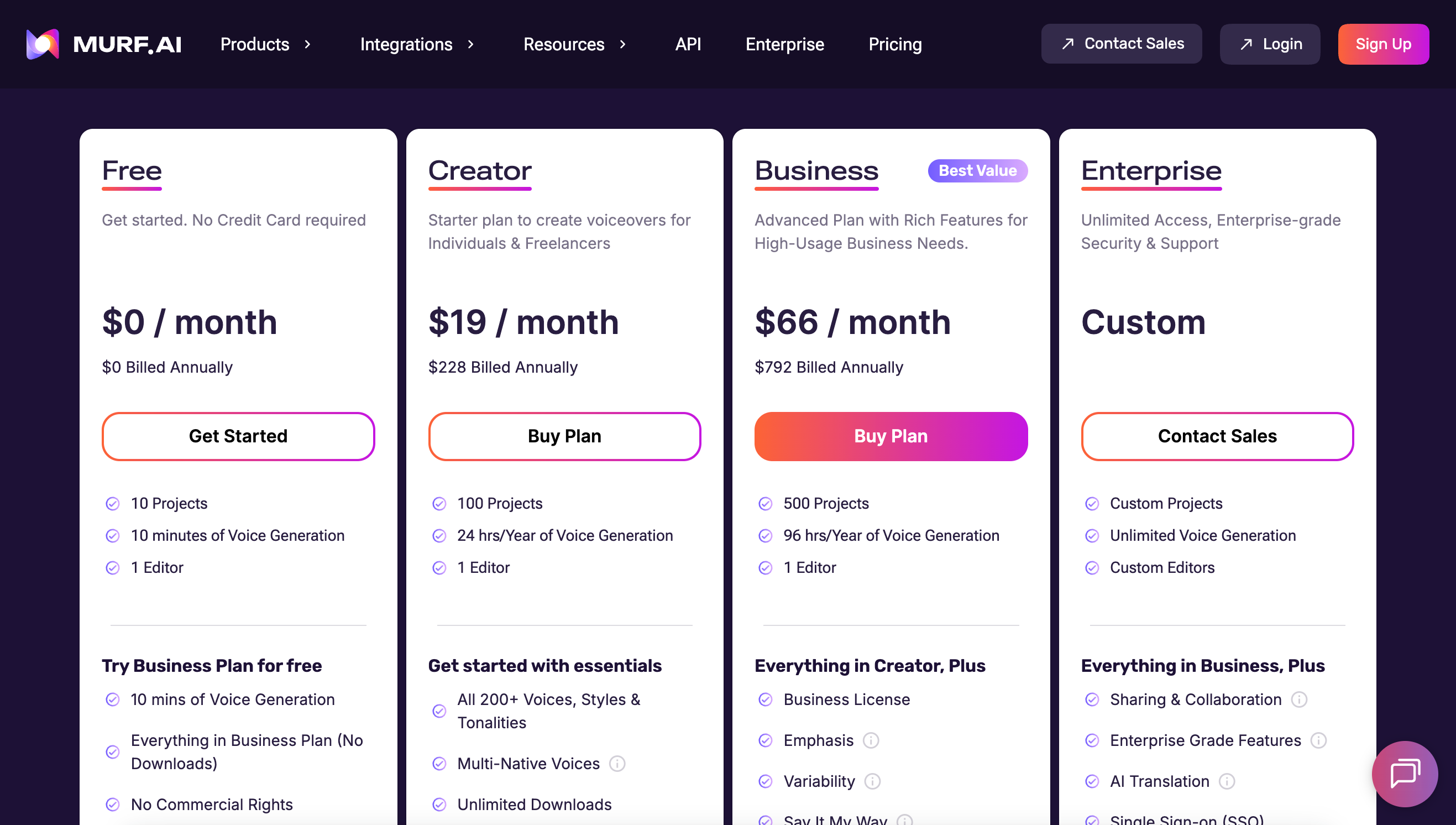
Murf offers a straightforward, tiered pricing model that is highly competitive for the business sector. (Always check the official website for updated pricing).
- Free Plan: Allows you to test the voices and the studio interface, but limits exports. It is strictly a trial run.
- Creator Plan (~$23/month): The sweet spot for solo YouTubers and podcasters. It gives you plenty of generation hours, full commercial rights, and access to the majority of the high-quality voices.
- Business/Enterprise Plans: Built for agencies. Unlocks collaborative team workspaces, unlimited generation, and advanced voice cloning features.
Support & Social Proof
Murf boasts a massive user base in the B2B and educational sectors. On review sites like G2, creators consistently point to the ease of use and the fast workflow as the primary reasons they stick with the platform.
The "boring truth" from the community is that while Murf's voices are excellent for "explainer" and "documentary" styles, some of the voices can still sound slightly robotic if you force them into high-emotion scripts. Stick to their strengths—professional, warm, and authoritative reads—and your audience will never know it's AI.
Frequently Asked Questions (FAQ)
Can I clone my own voice?
Yes, if you are on the appropriate premium plan. You upload a clean audio sample, and the AI will create a custom digital replica of your voice to use on future scripts.
Can Murf generate multilingual voiceovers?
Yes. It supports over 20 languages and various regional accents (e.g., Australian vs. British English), making it perfect for localizing ad campaigns for different countries.
Can I use the audio for YouTube monetization?
Absolutely. If you are on a paid plan, you have full commercial rights to the audio. YouTube allows AI voiceovers as long as the content itself is original and valuable.
Verdict: Is It Worth the Investment?
If your content strategy relies on heavy, cinematic storytelling with crying characters, you might want to look elsewhere.
But if you are producing YouTube videos, corporate explainers, e-learning modules, or social media ads—and you do not want to fight with a complex video timeline just to sync your audio—Murf.ai is arguably the most efficient tool on the market. It is a complete, reliable audio studio in your browser that pays for itself by eliminating the need for expensive freelance voice actors.
Explore Murf.ai and start your free trial here
Transparency Note: The Story & Script AI Directory is reader-supported. We may earn a commission if you allow us to guide you to a purchase.