InVideo AI Review 2026: The Ultimate "Faceless" YouTube Generator?
For many storytellers, marketers, and solopreneurs, the barrier to entry isn't writing the story; it is the technical nightmare of video production.
If you want to create a high-quality, five-minute mini-documentary about the history of coffee, finding the perfect stock clip of "a stormy ocean representing global trade" can take twenty minutes alone. Stitching the clips together, adding background music, and syncing a voiceover in software like Premiere Pro can take hours, if not days.
InVideo has pivoted heavily into generative AI to solve this exact bottleneck. It acts as a complete video co-pilot, effectively replacing the need for a separate scriptwriter, voice actor, and video editor. But is it actually good enough to build a profitable YouTube channel, or does it just spit out generic slideshows? Here is the honest, hype-free breakdown.
Quick Snapshot
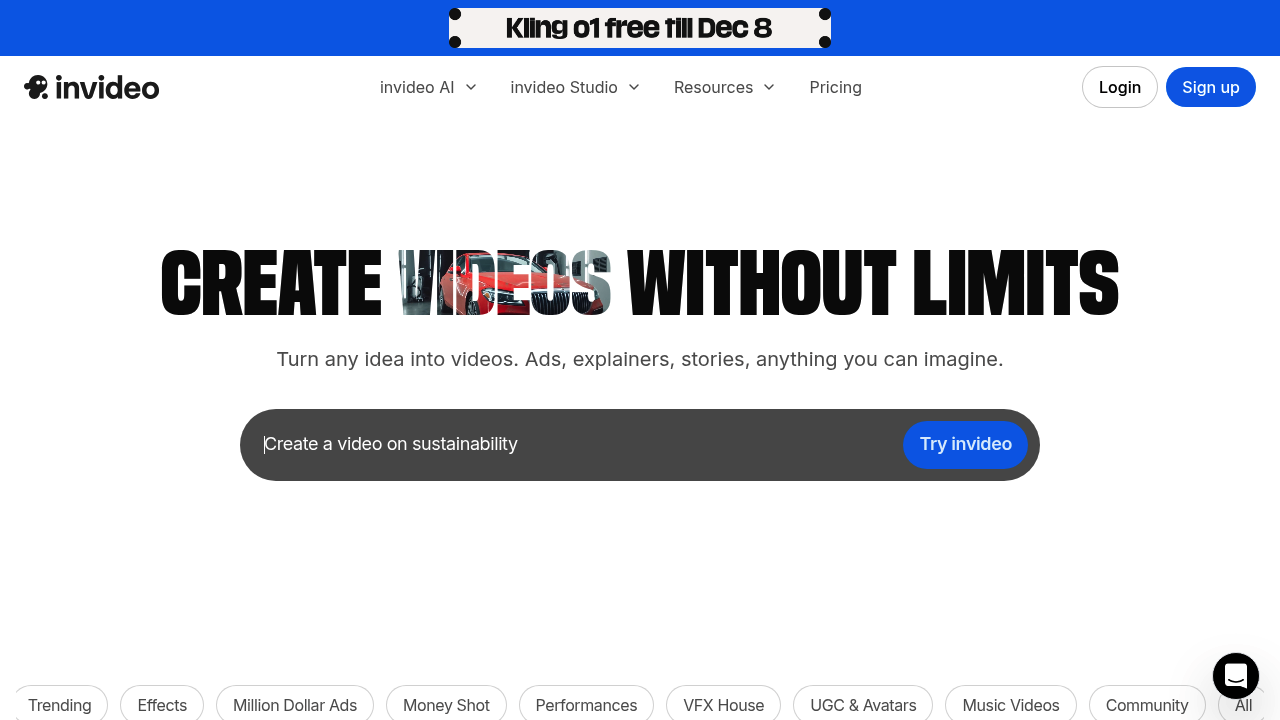
InVideo AI is a cloud-based video creation platform that generates publish-ready videos from a simple text prompt. You enter a topic or paste a script, and the AI automatically writes the narrative, pulls premium stock footage (from iStock and Storyblocks), applies an emotive human voiceover, and syncs the subtitles in minutes.
The Core Problem It Solves
The biggest hurdle for new creators is "Blank Timeline Anxiety." Opening professional editing software is intimidating.
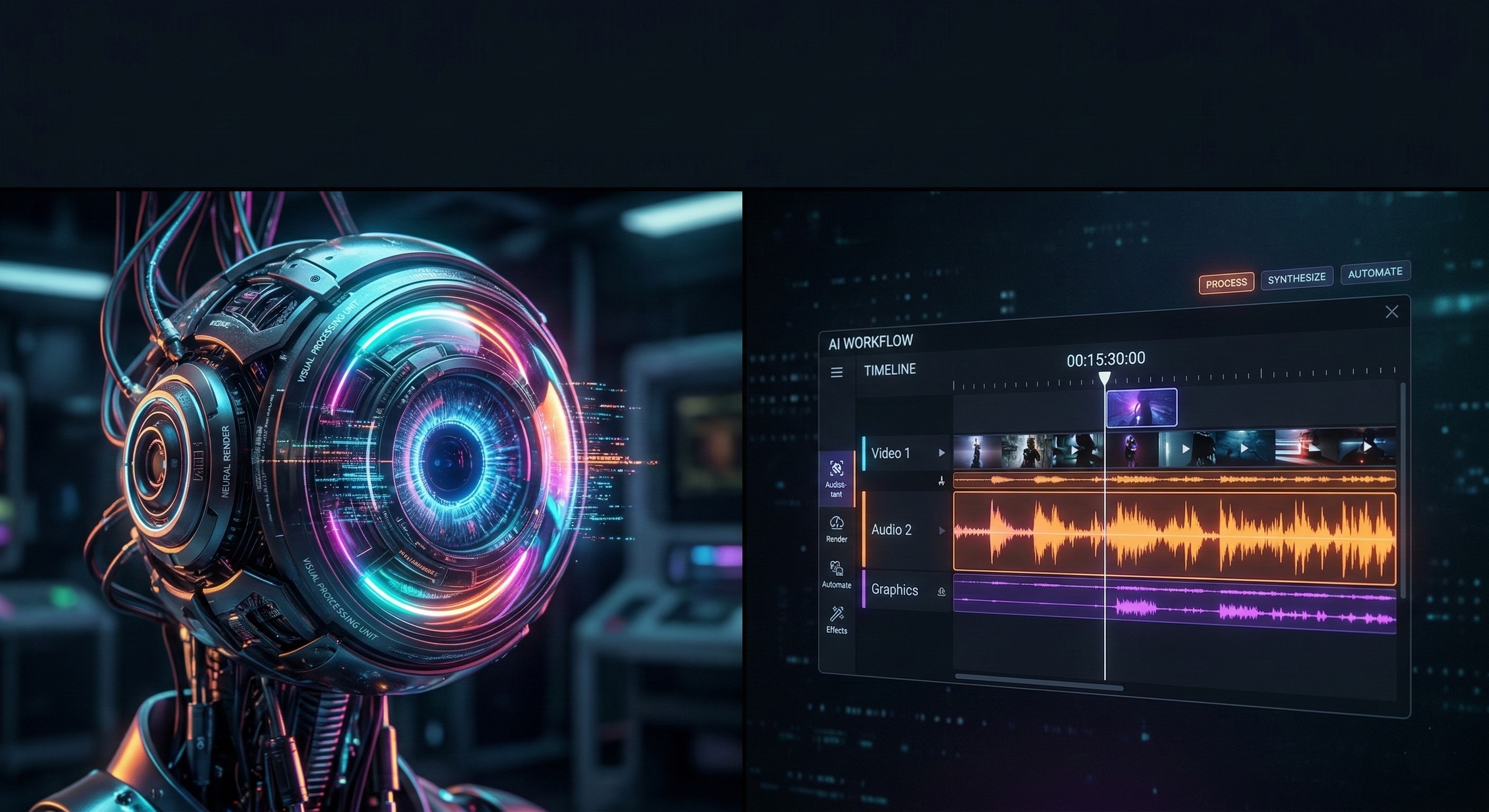
InVideo solves this by giving you a first draft instantly. You do not start with an empty timeline; you start with a fully populated video. If you do not like a specific clip, you don't have to search for a new one manually. You use the "Edit by Command" feature. You simply type into a chat box: "Replace the second scene with a cinematic shot of a rainy street," and the AI executes the edit for you. For writers who are comfortable with words but intimidated by video timelines, this is a massive relief.
Who is InVideo For?
Best for:
- "Faceless" YouTube & TikTok Creators: Anyone building channels focused on history, true crime, stoicism, or financial facts without ever showing their face on camera.
- Bloggers & Writers: Authors who have an archive of written articles and want to quickly repurpose them into visual essays for social media.
- High-Volume Marketers: Creators who need to publish 3 to 5 videos a week and simply cannot afford to spend 10 hours manually editing each one.
Not for:
- Cinematic Filmmakers: If you need precise, frame-by-frame control, complex audio mixing, or custom color grading for your own raw camera footage, stick to DaVinci Resolve or Premiere Pro.
- Vloggers: If you are documenting your daily life and need 100% original footage, a stock-heavy AI generator is the wrong workflow entirely.
Practical Benefits: Real-World Use Cases
How does a storyteller actually use this to scale their business?
- The "Script-to-Video" Workflow: You write a 1,000-word story using a tool like Read our full Jasper AI Review here. You paste that script into InVideo. The AI analyzes the text, finds relevant premium stock footage to match every single sentence, applies a professional voiceover, and syncs the captions. You go from text document to an MP4 video in under 15 minutes.
- Testing Content Angles: Before investing heavily in a high-production video, you can use InVideo to whip up a quick "prototype" to see if the topic actually resonates with your audience on TikTok or Shorts.
- Global Reach: InVideo allows you to translate your generated video into multiple languages instantly. The AI changes the voiceover to fluent Spanish or German, allowing you to recycle one successful story for entirely new international markets.
Unique Features for Creators
- Edit by Command (Magic Box): As mentioned, the ability to edit the video by typing instructions is InVideo's "killer feature." If a scene's pacing is too slow, you just type "Shorten the intro by 5 seconds and make the music more dramatic," and the AI handles the complex cuts.
- Massive Premium Stock Library: Because InVideo has deep enterprise integrations with iStock and Shutterstock, you get access to cinematic, high-budget B-roll. This prevents your videos from looking like cheap, generic internet spam.
- Emotive Voice Customization: You can instruct the AI to sound like a "professional American female news anchor" or a "raspy British male documentary narrator," instantly setting the correct emotional mood for your narrative.
InVideo vs. The Competition
The most common debate in the creator economy is InVideo vs. Pictory.
- Read our full Pictory Review here.
- The Verdict: Pictory is the superior tool if you want to upload a long 60-minute Zoom webinar and have the AI chop it up into short highlight clips. However, InVideo is vastly superior if you are generating brand-new videos from scratch based on a text prompt or a script. InVideo’s AI understanding of what stock footage to pick is generally more accurate.
Pricing (The Boring Truth & Watermarks)
InVideo operates on a subscription model based on AI generation minutes and iStock licensing. (Always verify current pricing on the official site).
- Free Plan: Allows you to test the AI generation and learn the interface. However, the exports have large watermarks, making them unusable for professional publishing.
- Plus Plan (~$20/month): Removes watermarks and gives you access to a set amount of premium stock media and AI generation minutes. This is the sweet spot for solo creators making a few videos a week.
- Max Plan (~$48/month): Increases the limits drastically. Necessary if you are churning out daily content across multiple Faceless channels.
Support & Social Proof
InVideo is famous in the SaaS industry for its customer support. They offer 24/7 Live Chat directly inside the video editor. Because the tool runs in the browser, support agents can often "look" at your timeline to see exactly why an edit failed or why a video isn't rendering, usually resolving issues in under 5 minutes.
The Boring Truth: The most common complaint on Reddit (r/NewTubers) is the "Literal Stock" problem. If your script uses a metaphor—like "He was drowning in debt"—the AI might occasionally pull a literal video clip of a man drowning in a swimming pool. You still need to spend 5 minutes manually reviewing the timeline to replace any awkward clips before exporting.
Frequently Asked Questions (FAQ)
Can I use my own voiceover?
Yes. You can record your voice directly in the app or upload a pre-recorded audio file. The AI will build the video around your pacing and sync the stock footage to your voice.
Is the content copyright-free for YouTube?
Yes. If you are on a paid plan, the stock footage provided comes with a commercial license for use on platforms like YouTube, Facebook, and TikTok. You will not get copyright strikes.
Does it work on mobile?
Yes. InVideo has a surprisingly capable mobile app specifically designed for generating Shorts and TikToks on the go, though the desktop browser version gives you much more control for long-form YouTube documentaries.
Final Verdict
InVideo AI is the closest thing to having a full video production agency in your web browser.
It will not replace a Hollywood film crew, but for writers, marketers, and YouTubers who need to get their stories visualized quickly, professionally, and without learning complex editing software, it is an absolute powerhouse. If you have scripts gathering dust because you "don't know how to edit," InVideo is the tool to unclog your creative pipeline today.
Try InVideo for free and build your first video here
Transparency Note: The Story & Script AI Directory is reader-supported. We may earn a commission if you allow us to guide you to a purchase.